Chapter 4 Web Admin interface
LinkStation User Manual 154
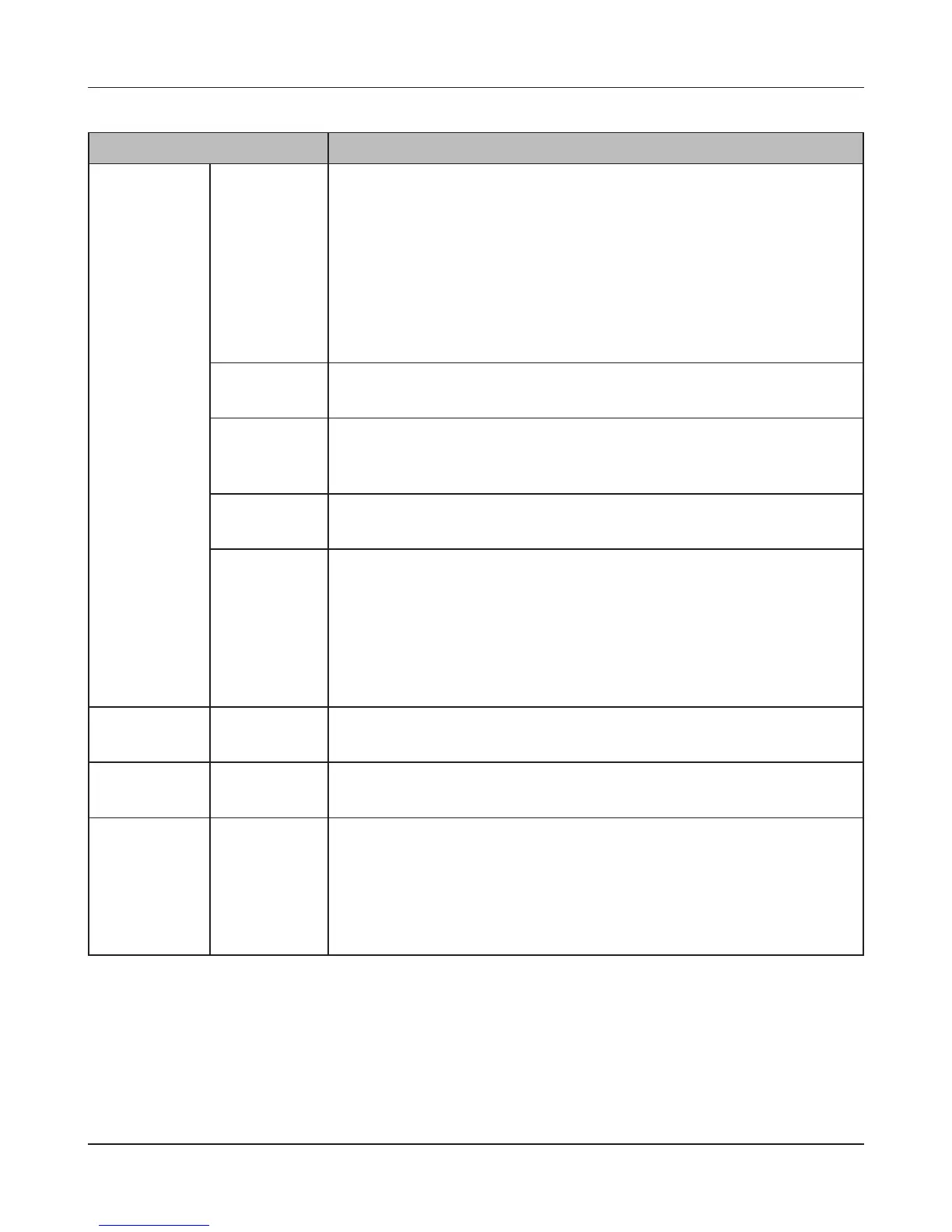
Name Descriptions
Local Users
>
New User
To display, click
[Create a user].
Password Enter the user’s password. This should be the same password that the
user uses to log in to his computer.
• Passwords may contain up to 20 bytes(UTF-8).
• Do not use multi-byte characters. Alphanumeric character and the
following characters may be use.
- _ @ ! # $ % & ‘ ( ) * + , . / ; < > = ? [ ] ^ { } | ~
• Do not use a symbol except _(underscore) as the rst character.
• You can enter up to 8 bytes (UTF-8) if you are using MAC OS. Otherwise,
you will not able to access shared folders on your LinkStation.
Conrm
Password
Enter the password again for conrmation.
Primary Group When the user belongs to the multiple groups, select which group is the
main for that user. If the space usage is limited by the Quota feature for
the group, the limitation of the usage of the group selected is applied.
User Quota To use a quota to restrict the space which is available for a user, click
[Enable].
Hard Limit(GB) Set space to be available to use (in GB).
• Quotas only restrict the available hard drive space. This feature does
not provide quotas per user; it should be managed by individual users.
To verify the owner, open the new window and click [Owner] tab by
selecting [Security] tab on Properties screen for each le or folder and
click [Advanced Settings]. (The steps to check the owner may vary
according to your OS. The example above is for Windows XP).
Domain Users
Domain Users The list of Domain Users is displayed when it joins [NT Domain] or [Active
Directory].
Domain
Groups
Domain
Groups
The list of Domain Groups is displayed when it joins [NT Domain] or [Active
Directory].
External Users
External Users Navigate to [Network] - [Workgroup/Domain] - [For Workgroup
Authentication] and select [Delegate Authority to External SMB Server]
and [Automatic User Registration]. Users will be registered automatically
and listed.
To delete automatically registered users, select each user and click [Delete
External Users].











 To Next Page