7
8175
ENGLISH
QUICKSTART
To access the CALIBRATION MENU simutaneously press for 5 seconds.
● The ‘Enter‘ key can be locked to avoid accidental or unauthorised
access - section 3.3.
● Reference can additionally be made to the menu guide - section 4.2.
● It is important to exit the menu calibration after entering the desired
distance units and re-enter the menu to configure the volume units.
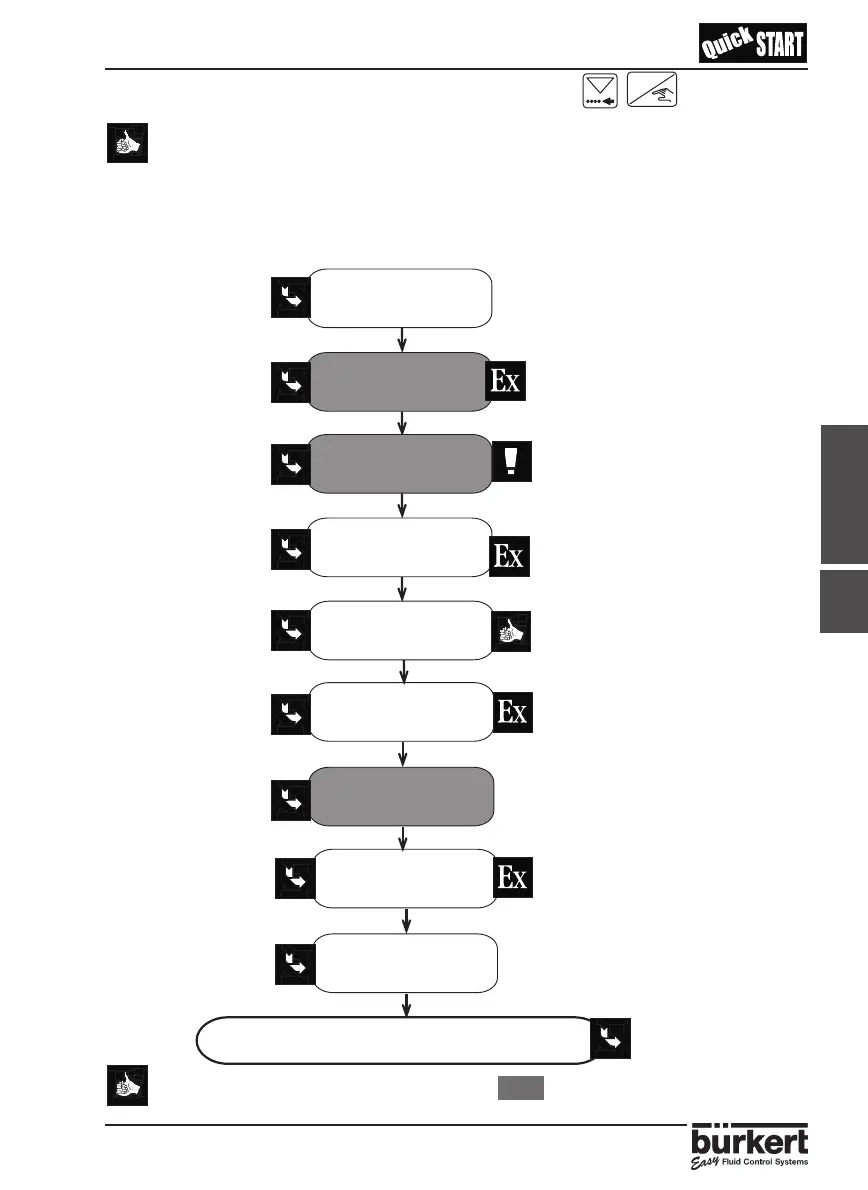
2.2.3 PROGRAMMING - VOLUME
The actions which are highlighted in grey must be fully completed for
accurate measurement.
ENTER
Choose the
desired language
Select the desired
distance units
Quit this menu
and re-enter
Select the desired
volume units
Select the desired
filter
Enter the
Sound velocity
Perform a Teach-In
procedure
Enter the current
output range
Configure relays
1 & 2 ( if available )
See section 4.4.1
See section 4.4.2
See section 4.4.2
See section 4.4.3
See section 4.4.4
See section 4.4.6
See section 4.4.7
See section 4.4.8
Measurement or Simulation (optional)
See the next page.
Select distance and the units
required with 1 decimal points.
It is imporant to quit this
calibration menu and re-enter
after entering the distance
units to ensure correct
measurement.
Select volume and the units
required with 2 decimal points.
Choose filters 0-2 if no echo
filtering of obstructing obstacles
is required and filters 3-9 if echo
filtering is required.
331.4 m/s within the air with a
deviation of 0.59m/s/°C.
4mA -> 1.2m
3
20mA -> 10.6m3
2.2.3



 To Next Page