37
8175
ENGLISH
CALIBRATION MENU
ENTER
0......9
0......9
ENTER
Input of tank
dimensions
Manual input of
distances and
associated
volumes
Volume Teach-In
procedure
VER.CYL
CUBE
SPHERE
MANUAL
SPECIAL
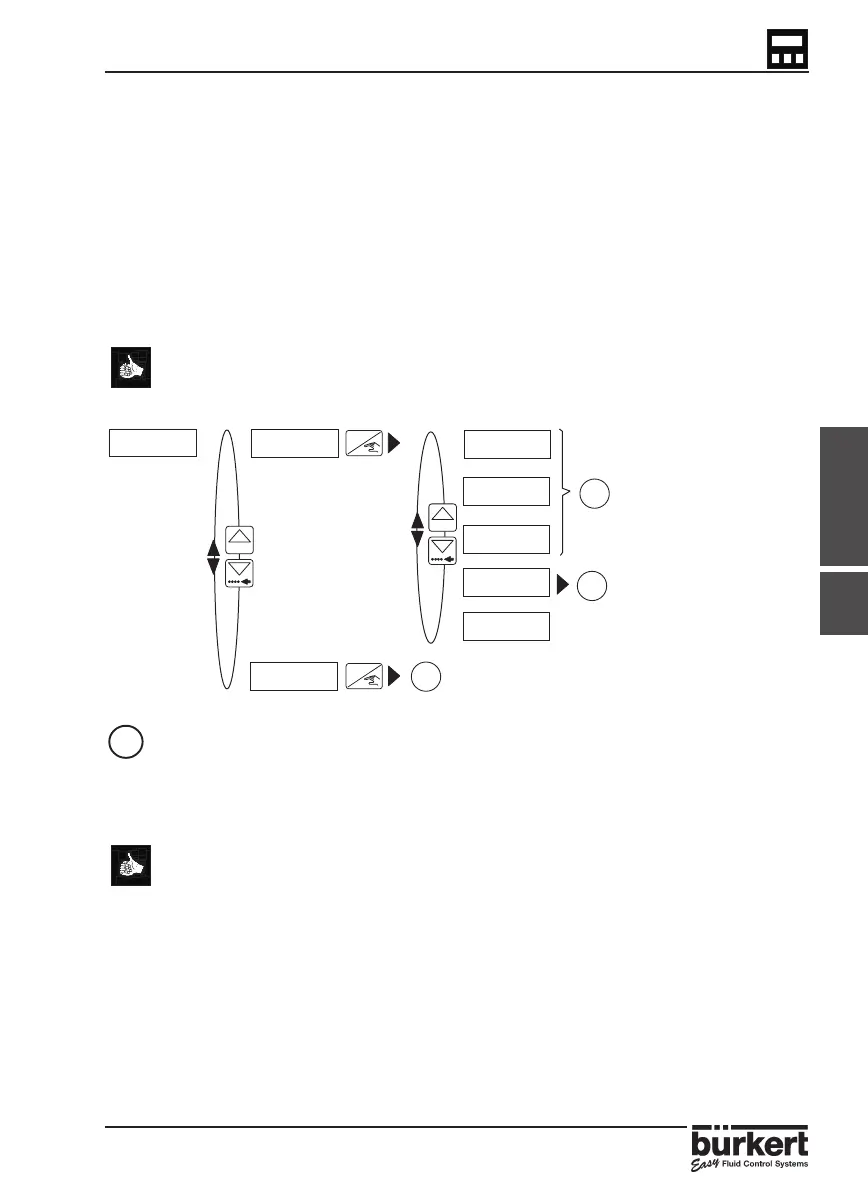
4.4.6.2 TEACH-IN FOR VOLUME
This function allows the relationship between the transmitter display and real
measurement to be defined by volume. This can be completed by entering:
● The dimensions of the tank or vessel (for regular shaped tanks
and vessels only) - () or
● The input of up to 12 distances and associated volumes (for
irregular tanks or vessels) - () or
● The input of up to 12 known volumes with distance measurement
by the transmitter - ()
Please pay attention to the units selected and the measured values entered
within this option as the transmitter only uses meters and feet to calculate the
volume.
- INPUT OF TANK DIMENSIONS
This function identifies the relationship by entering the dimensions of the tank/vessel
and the present volume.
● Within this function it is possible to select 1 of 5 options depending on
the application and shape of the tank/vessel.
● Select one of the pre-determined shapes - ‘VER CYL‘, ‘CUBE‘ or ‘SPHERE‘ and
enter the dimensions required.
● If ‘ MANUAL‘ is selected the transmitter automatically advances to the next
option to allow the user to manually input the distance measurements
with associated volumes.
● The option ‘SPECIAL‘ allows the user to select the previous volume
Teach-In procedure completed.
This procedure allows the transmitter to compute the volume of the liquid contained in
the tank/vessel according to the measured level of the fluid.
4.4.6
TEACH-IN TEACH N
TEACH Y



 To Next Page