39
MC-III™ Panel Mount Flow Analyzer Section 4
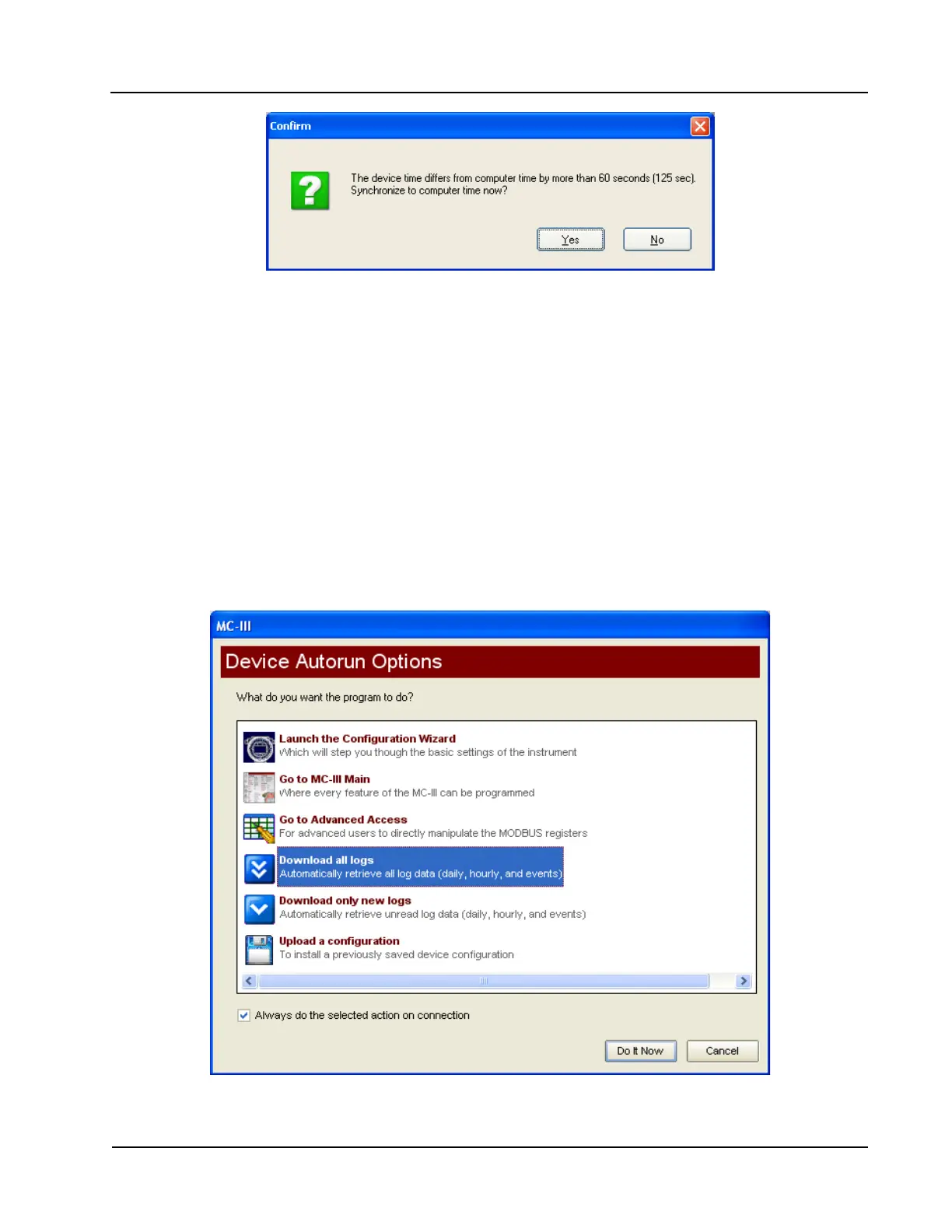
Figure 4.3—Prompt for authorizing time and date synchronization
The time difference setting used to generate a synchronize prompt is user-congurable. For more information,
see General Options, page A-1.
Automating Functions on Software Startup
When the software connects with the instrument, the Device Autorun Options screen appears (Figure 4.4).
From this screen, users can congure the instrument, download logs, or upload previously saved conguration
settings.
A checkbox at the bottom of the Device Autorun Options screen allows the user to bypass the Device Autorun
Options screen and perform a selected function each time the software connects to the instrument.
Example: To download all logs on connection, select Download all logs from the Device Autorun Options
screen and check the “Always do...” checkbox. Each time the software computer connects to the instrument,
the software will bypass the Device Autorun Options screen, open the Flow Archive screen, and download all
logs. See Section 5 for more information on ow logs.
Figure 4.4—Device Autorun Options screen













 To Next Page