40
Section 4 MC-III™ Panel Mount Flow Analyzer
Changing Autorun Settings
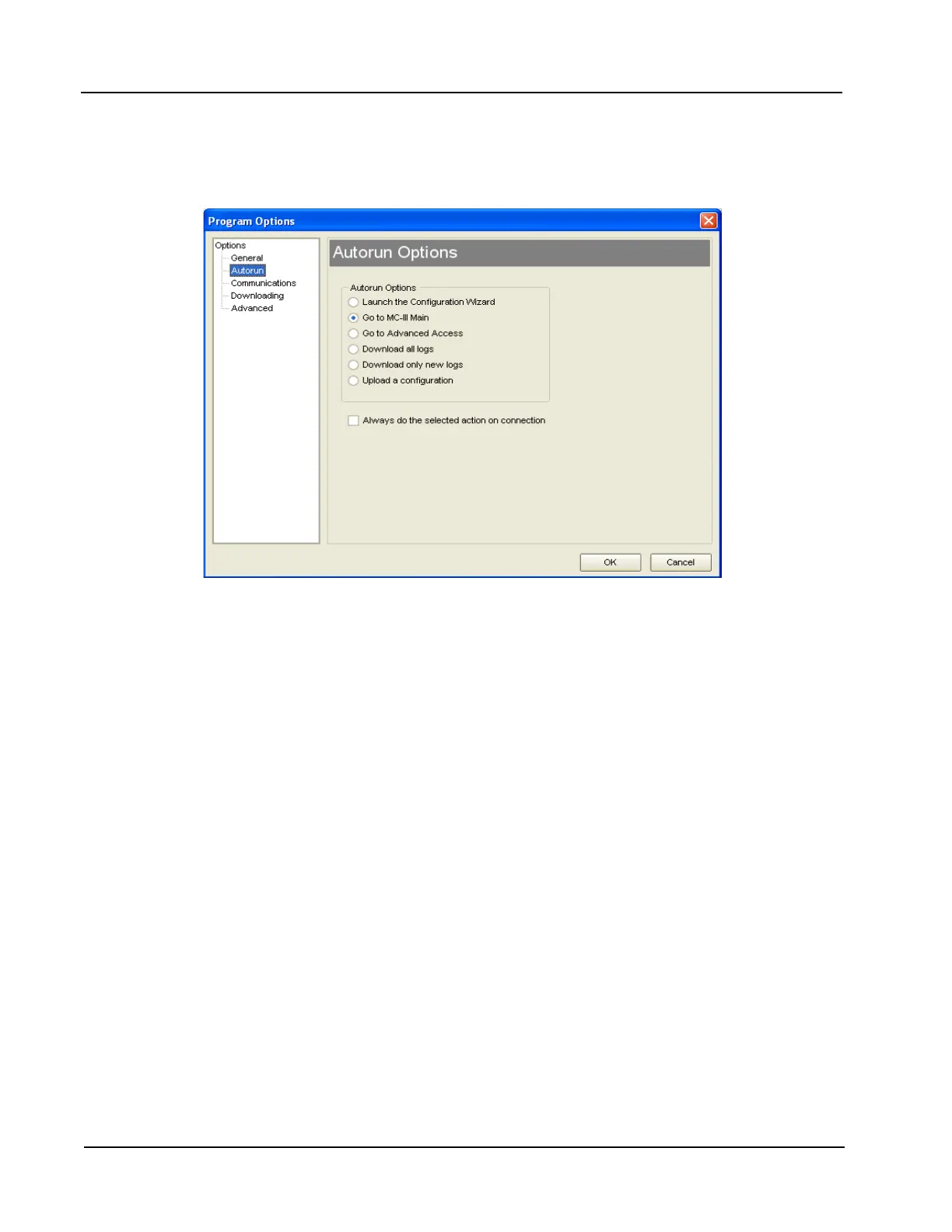
To change an autorun setting —that is, to initiate an autorun action, to terminate an autorun action, or to
change to a different autorun action—without exiting to the Welcome screen, choose Options/Program
Options from the menu bar and select Autorun from the dropdown list (Figure 4.5).
Figure 4.5—Options/Program Options screen for changing autorun settings
Express Connect Option
By default, the MC-III interface software automatically attempts to connect to the instrument when a user
clicks on the desktop application icon. For more information on disabling the “express connect” feature and
changing communications options, see Appendix A.
Canceling Express Connect
To temporarily cancel the “express connect” function without exiting the software program, click in the LCD
area of the device on the Welcome screen or choose File>Cancel Express Connect from the menu bar (Figure
4.6, page 41). The software will stop all attempts to connect to the device. The “express connect” function
will be restored when the user exits the program and attempts to re-open the software.













 To Next Page