73
MC-III™ Panel Mount Flow Analyzer Section 5
Section 5—Flow Logs and Event Logs
The MC-III™ Panel Mount’s ow archive expands the user’s ability to track ow volume over time by
allowing the user to view ow data in tabular and trend formats, to save or print log data in reports, and
to export log data into a spreadsheet. Additionally, an event archive allows users to identify changes to
conguration parameters and other settings for troubleshooting operational issues.
A user can download logs from the Flow Archive and Event Archive screens as needed, or congure the
software to automatically download the logs upon connection with the instrument. See Automating Functions
on Software Startup, page 39, for more information.
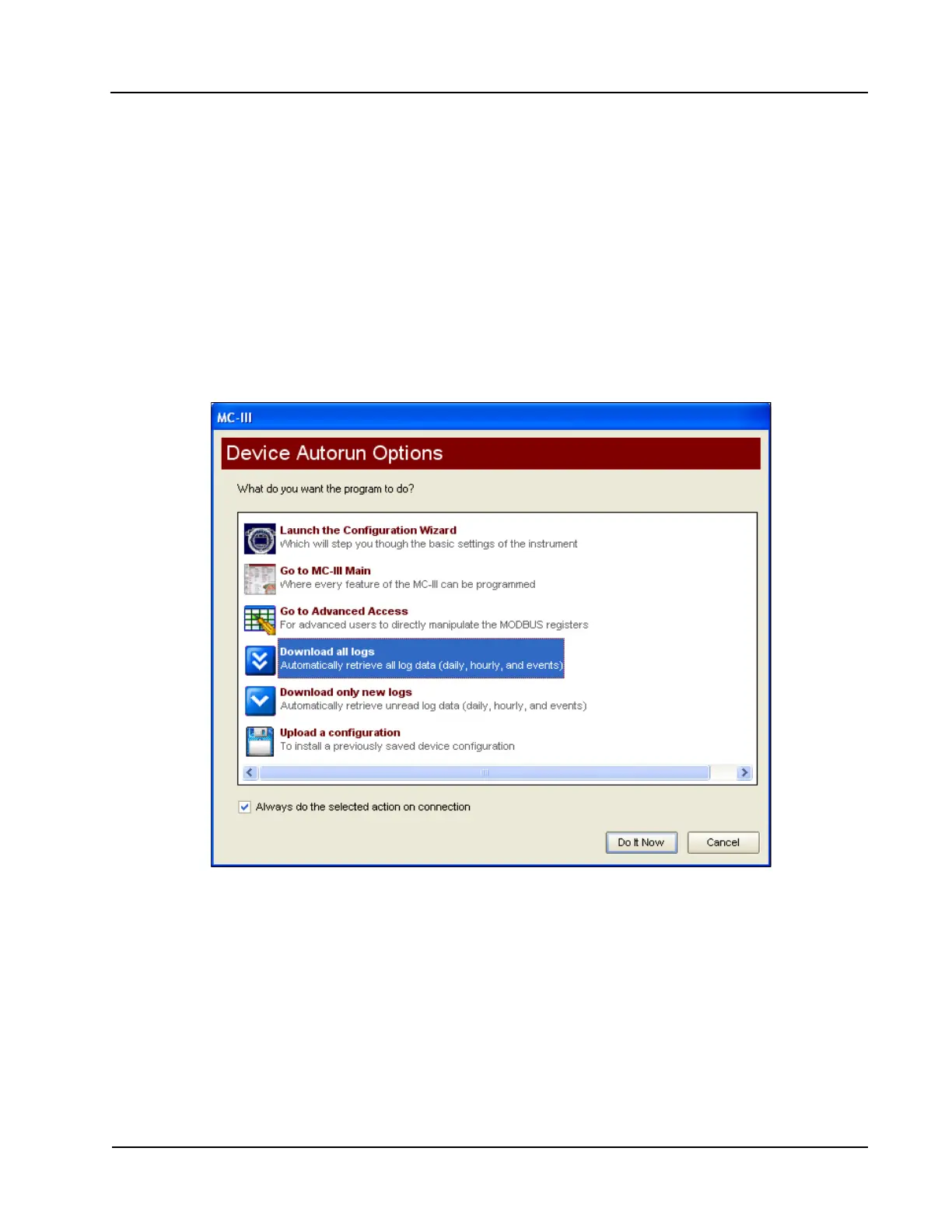
When the “download all logs” or “download only new logs” option is selected from the Device Autorun
Options menu and the “Always do...” checkbox is checked, the software will download both ow logs and
event logs each time the software connects to the MC-III Panel Mount (Figure 5.1).
Figure 5.1—Device Autorun Options screen allows automated log downloads with every connection













 To Next Page