63
MC-III™ Panel Mount Flow Analyzer Section 4
4-20 mA Output
Caution: Before performing any 4-20 mA calibration, ensure that all peripheral equipment connect-
ed to the 4-20 mA current loop is either disconnected or disabled. Calibrating and test-
ing the 4-20 mA output feature on the MC-III Panel Mount with the peripheral equipment
in operation may cause false alarms or erroneous operation of the peripheral device or
associated equipment.
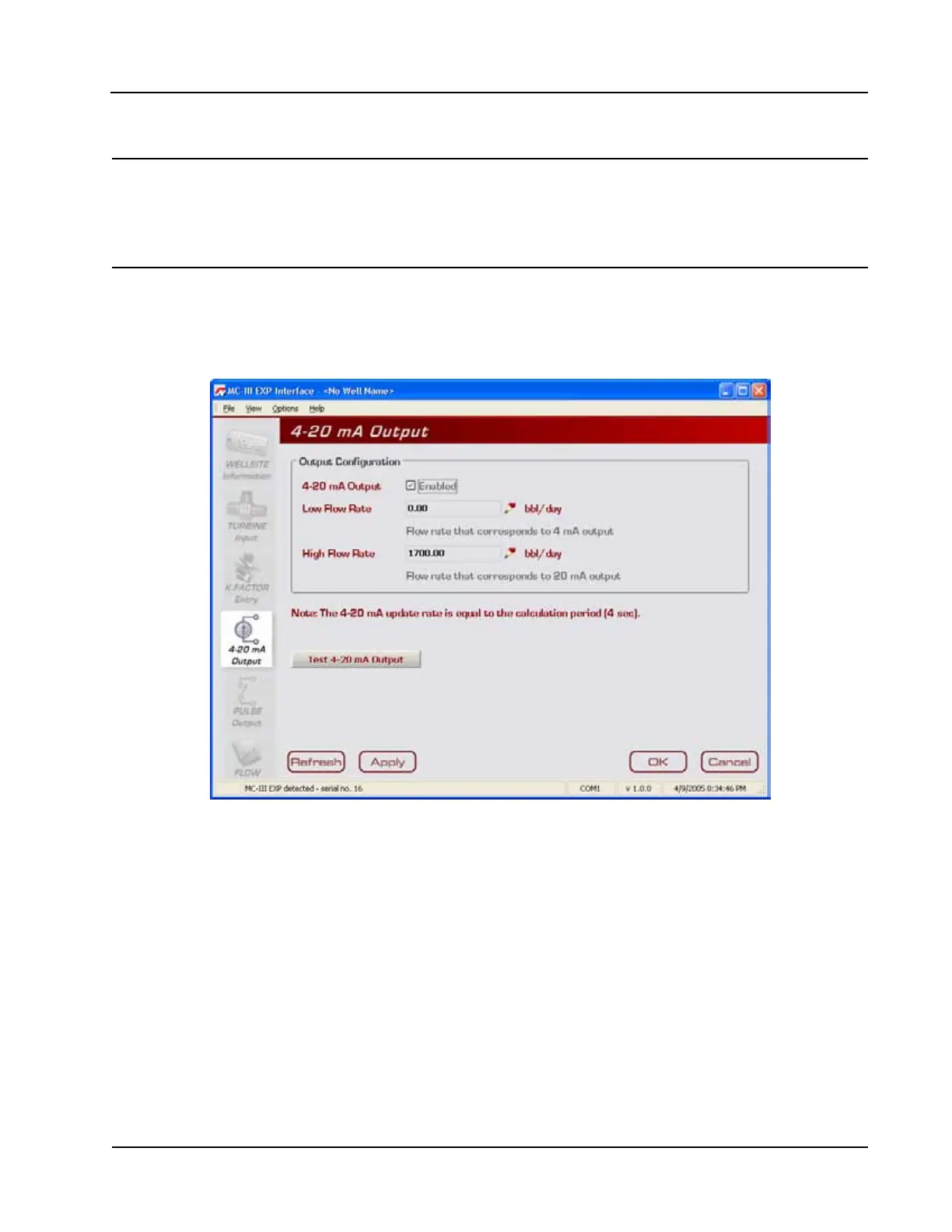
The 4-20 mA Output screen (Figure 4.27) allows users to congure the MC-III Panel Mount to provide a
4-20 mA output representing ow rate. Zero and full-scale values can be congured to represent any ow rate
range within the range of the ow meter. A test mode function is also included, allowing a user to calibrate
and/or verify the output received by an end device.
Figure 4.27—4-20 mA Output screen
The low (or zero) setting is the ow rate value that will produce a 4-mA output. The high (or full-scale)
setting is the ow rate value that will produce a 20-mA output. Typically, the high value is greater than the
low value; this scenario is dened as “direct mode” in Figure 4.28, page 64.
Alternatively, users may congure the 4-mA and 20-mA outputs to have an inverse relationship, such that the
high value is less than the low value. This scenario is dened as “indirect mode” in Figure 4.28, page 64.













 To Next Page