70
Section 4 MC-III™ Panel Mount Flow Analyzer
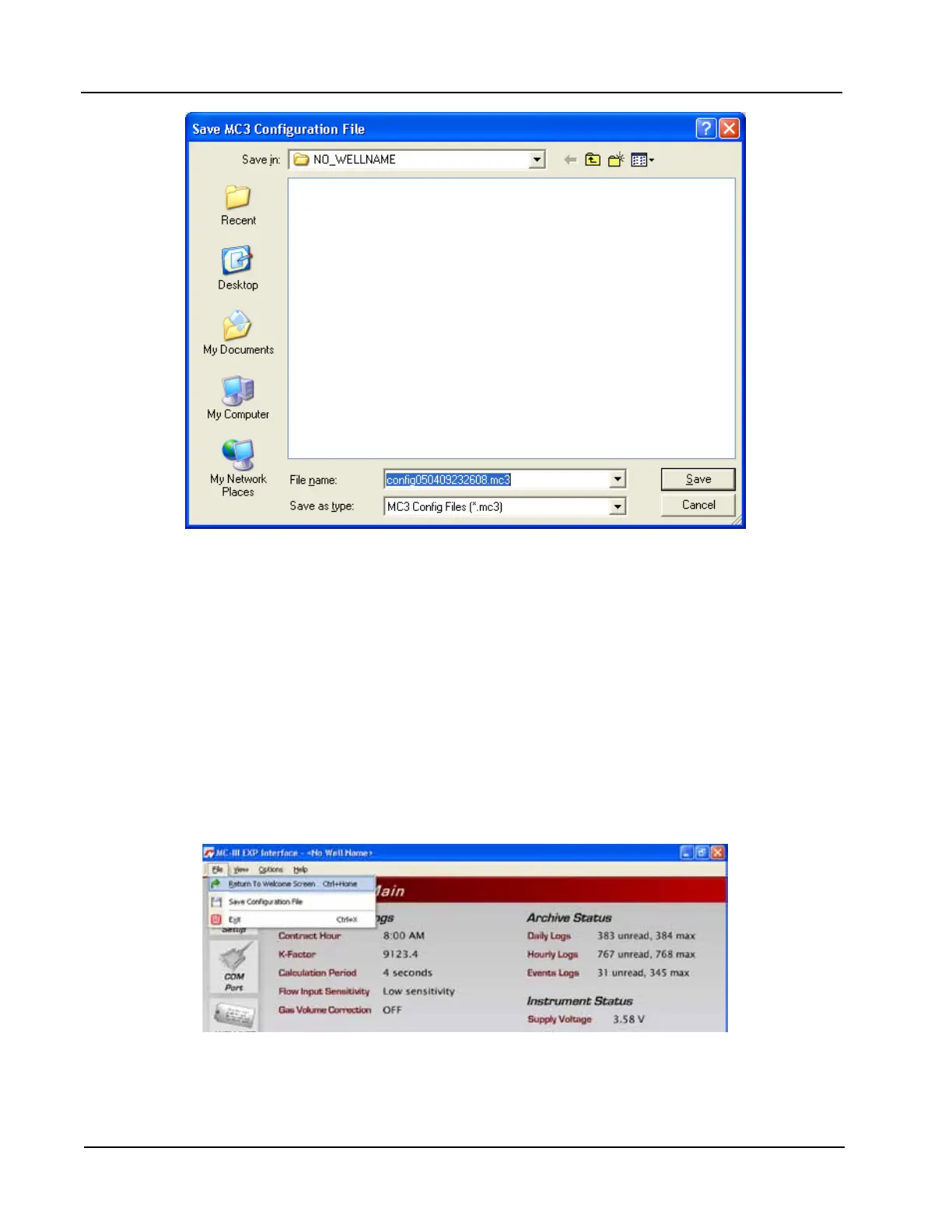
Figure 4.35—Default directory for conguration les
Uploading a Conguration File
To upload a conguration le, perform the following steps:
1. From the Main screen, select File>Return to Welcome Screen (Figure 4.36).
2. Click on the LCD to connect to the MC-III Panel Mount.
3. Click “Upload a conguration” (Figure 4.37, page 71) and click “Do It Now.” A “Load MC3 Congu-
ration File” window will appear (Figure 4.38, page 71), displaying the contents of the conguration
folder.
4. Click on the appropriate well name folder, select the conguration le of your choice, and click “Open.”
A “Progress” window will appear momentarily, followed by an “Information” window conrming the
upload.
Figure 4.36—File dropdown menu allows user to return to the Welcome screen













 To Next Page