44
Section 4 MC-III™ Panel Mount Flow Analyzer
Conguring the MC-III Panel Mount
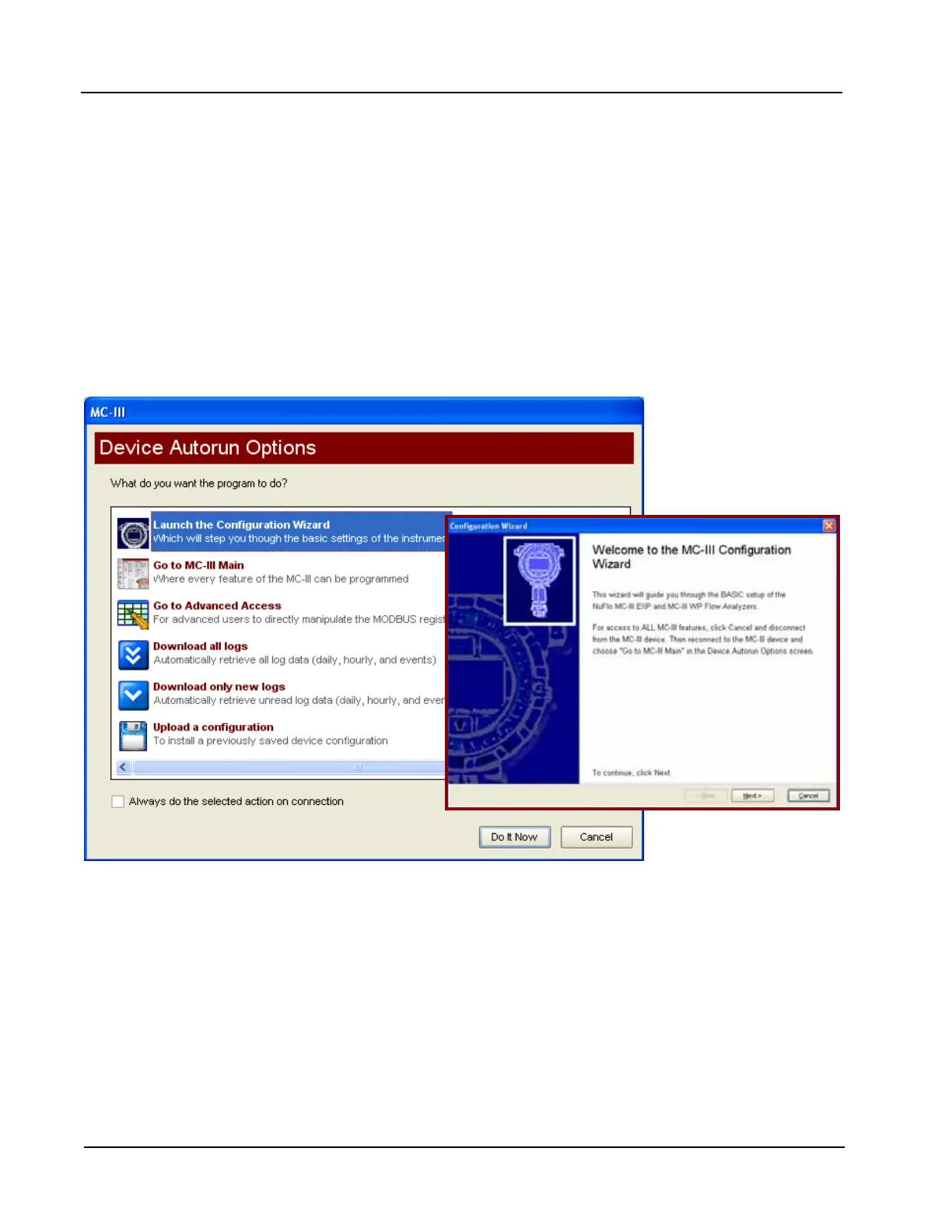
The MC-III Panel Mount offers three methods for conguring parameters:
• The “Conguration Wizard” (Figure 4.11) condenses the conguration process into nine easy-to-follow
steps (compensated gas measurement and multipoint linearization are not supported in the wizard).
• The MC-III Main screen (Figure 4.12, page 45) gives users complete access to all conguration param-
eters.
• The Advanced screen (Figure 4.13, page 45) provides access to Modbus
®
registers that can be modied
to change conguration parameters (recommended only for system congurators and host programmers).
If the desired conguration settings have been saved previously, the conguration le can also be uploaded,
eliminating the need to re-input conguration data. See Saving and Uploading Conguration Files, page
69, for details.
Figure 4.11—Conguration Wizard (for novice users)













 To Next Page