83
MC-III™ Panel Mount Flow Analyzer Section 5
Downloading Event Logs
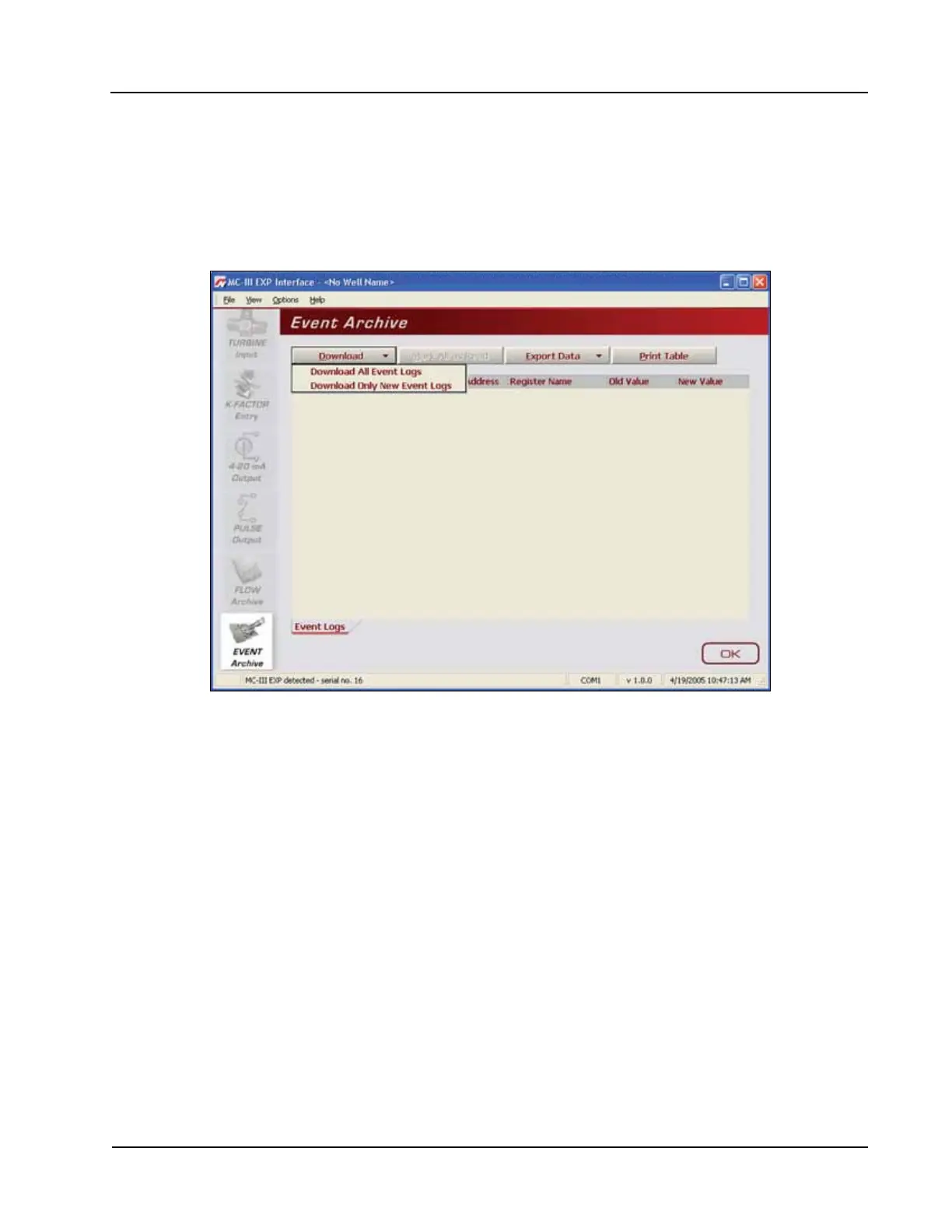
To download event logs, click the “Download” button on the Flow Archive screen, and select either
Download All Event Logs or Download Only New Event Logs, (Figure 5.15). (Download Only New Event
Logs will display only ow logs that have been created since the last download was performed.) Tabular
views of the archive record (Figure 5.16, page 84) include a time stamp showing the exact time each
log was recorded, as well as the name of the register changed, and the old and new values assigned to that
register.
Figure 5.15—Menu for downloading event logs from Event Archive screen













 To Next Page