43
MC-III™ Panel Mount Flow Analyzer Section 4
Setting Log Download Preferences
The MC-III Panel Mount automatically saves daily ow logs on the contract hour, and hourly ow logs
around the clock. The instrument also automatically creates an event record each time a user change is made.
After downloading these logs from the instrument, the instrument saves the data in a le. By default, the logs
are saved as .csv les.
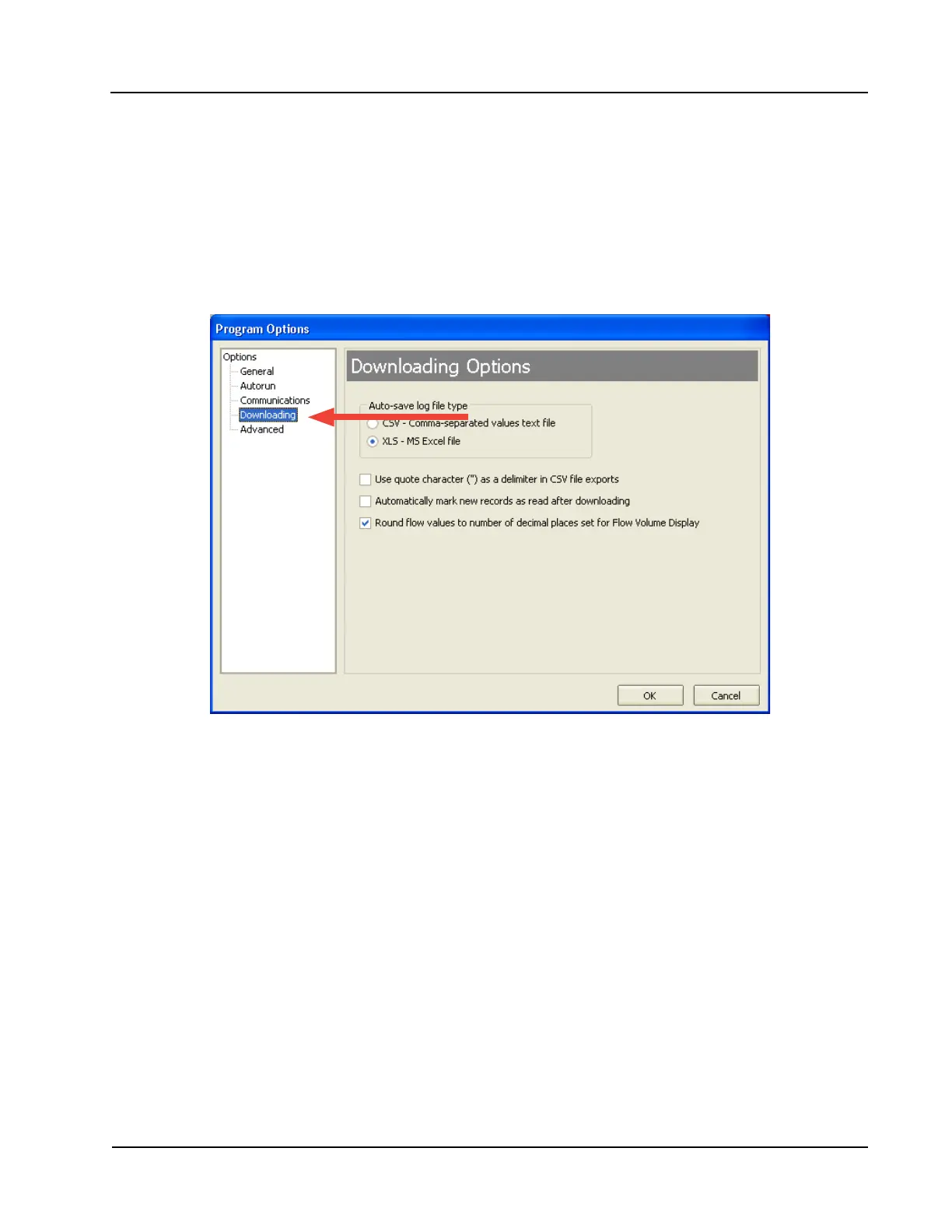
The le format of the auto-save ow log and event log les is user-congurable. Users can congure the
software to download the auto-save ow and event logs as Excel (.xls) les by selecting Options>Program
Options>Downloading from the menu bar (Figure 4.10).
Figure 4.10—Log le type selection













 To Next Page