79
MC-III™ Panel Mount Flow Analyzer Section 5
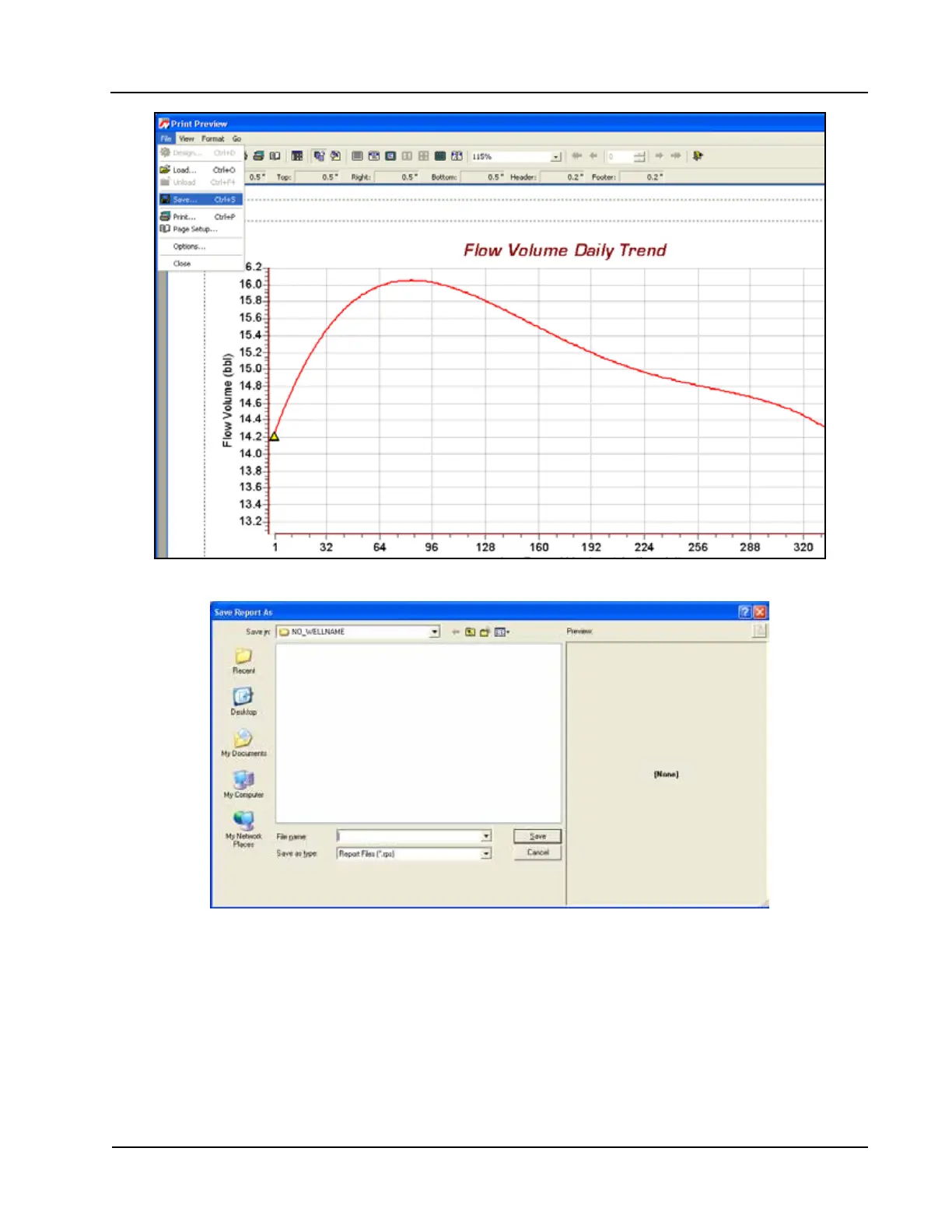
Figure 5.8—Print preview, trend view
Figure 5.9—Save Report As screen
Viewing a Saved Report
To view a saved report, perform the following steps:
1. From the Flow Archive screen, click “Print Table” (or “Print Chart” for trend chart views) in the upper
right corner of the screen.
2. Select File>Load from the task bar at the top of the page (Figure 5.10, page 80). A Load Report win-
dow will open (Figure 5.11, page 80).













 To Next Page