65
MC-III™ Panel Mount Flow Analyzer Section 4
Enabling 4-20 mA Output
By default, the 4-20 mA output option is disabled. To enable this feature, perform the following steps:
1. Check the “Enable” checkbox.
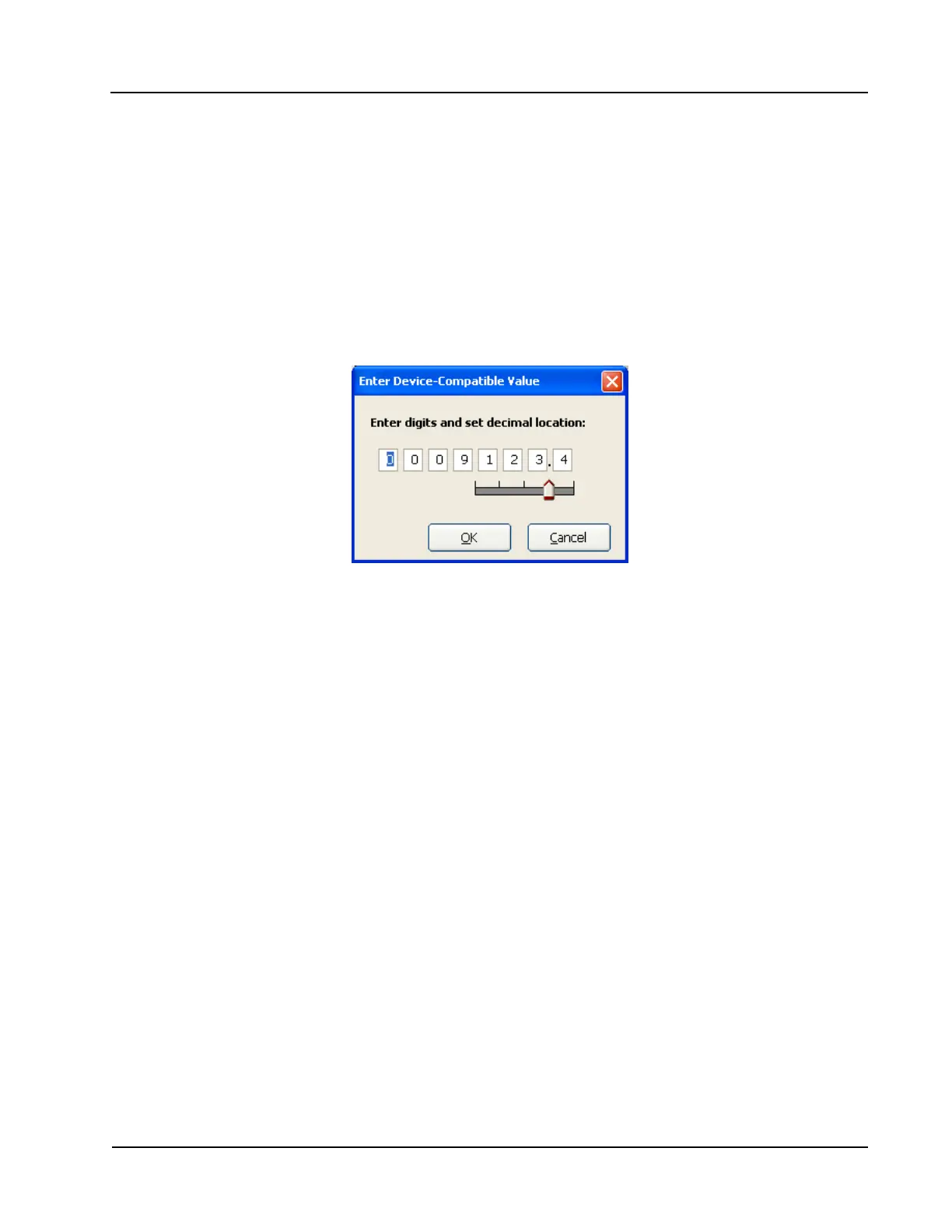
2. Click on the pencil icon next to the Low Flow Rate eld to launch a data-entry window (Figure 4.29) and
enter the “low” or “zero” ow rate value that will produce a 4-mA output. Adjust the decimal position,
if necessary, using the slide bar. A ow rate less than or equal to this minimum setpoint will result in an
output of 4 mA.
3. Click on the pencil icon next to the High Flow Rate eld and enter the “high” or “full-scale” ow rate
value that will produce a 20-mA output. Adjust the decimal position, if necessary, using the slide bar. A
ow rate equal to or greater than this maximum setpoint will result in an output of 20 mA.
Figure 4.29—Data-entry screen for 4-20 mA low and high values
4-20 mA Output Testing
The MC-III software allows users to test the 4-20 mA output by entering an output current value and reading
the live value generated in response.
To use the test mode, press the “Test 4-20 mA Output” button at the bottom of the 4-20 mA Output screen.
The test page will appear (Figure 4.30, page 66), and the 4-20 mA Output option will be temporarily
disabled.
To test the output, enter a value in the Output Current (mA) eld, and press “Set Output.”













 To Next Page