75
MC-III™ Panel Mount Flow Analyzer Section 5
Flow Archive
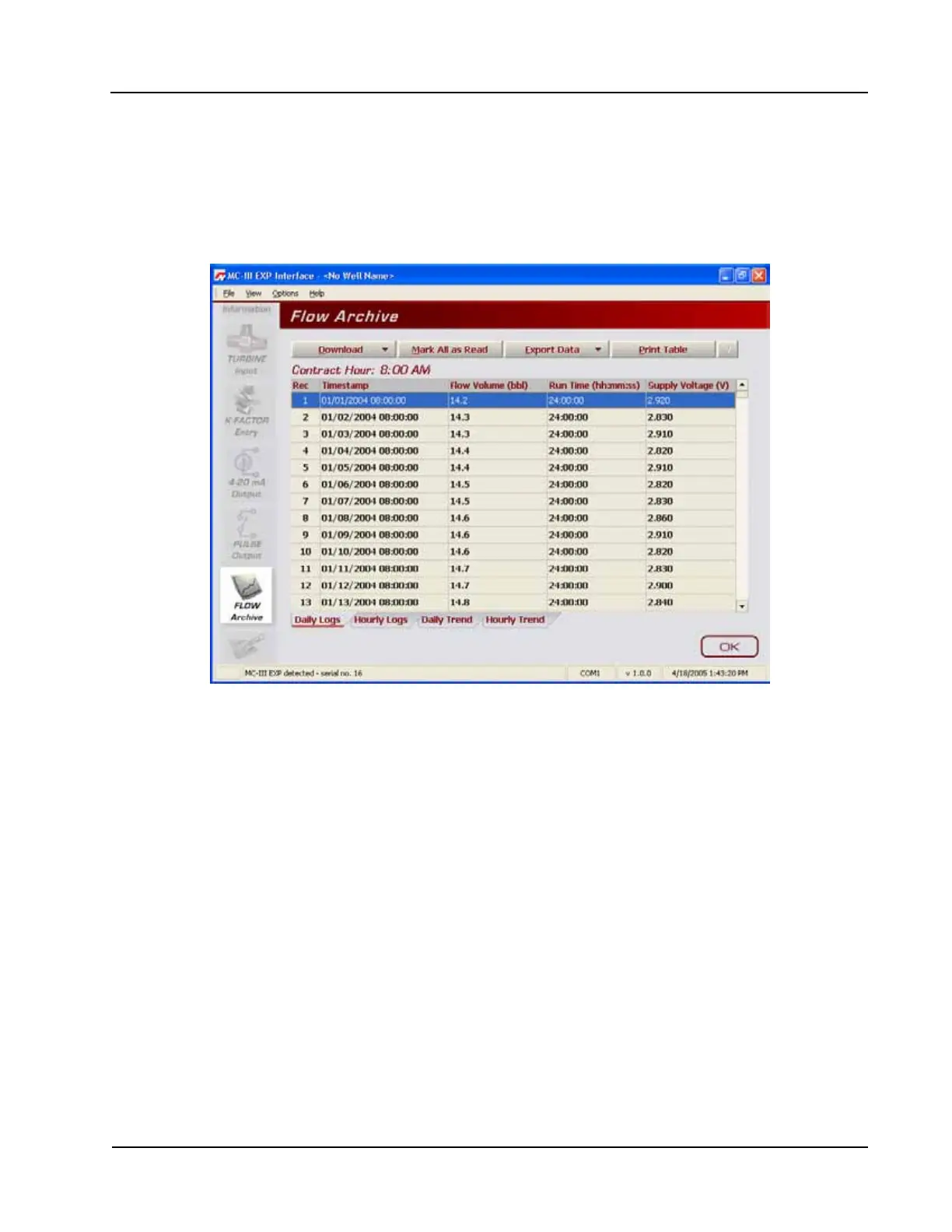
The MC-III Panel Mount automatically saves daily ow logs on the contract hour, and hourly ow logs. The
Flow Archive screen (Figure 5.3) allows users to download, view, and print trend charts, and export daily and
hourly logs. On the Flow Archive screen, users can view up to 384 daily logs and 768 hourly logs in tabular
format (note the Daily Logs and Hourly Logs tabs at the bottom of the screen), or in a trend chart (see Daily
Trend and Hourly Trend tabs).
Figure 5.3—Flow Archive screen
Downloading Flow Logs
To download ow logs, click the “Download” button on the Flow Archive screen, and select either Download
All Flow Logs or Download Only New Flow Logs (Figure 5.4, page 76). (Download Only New Flow Logs
will display only ow logs that have been created since the last download was performed.) Tabular views
of the archive record (Figure 5.5, page 76) include a time stamp showing the exact time each log was
recorded, as well as ow volume, run time, and supply voltage. Trend views (Figure 5.6, page 77) show the
ow volume and time stamp only.













 To Next Page