41
MC-III™ Panel Mount Flow Analyzer Section 4
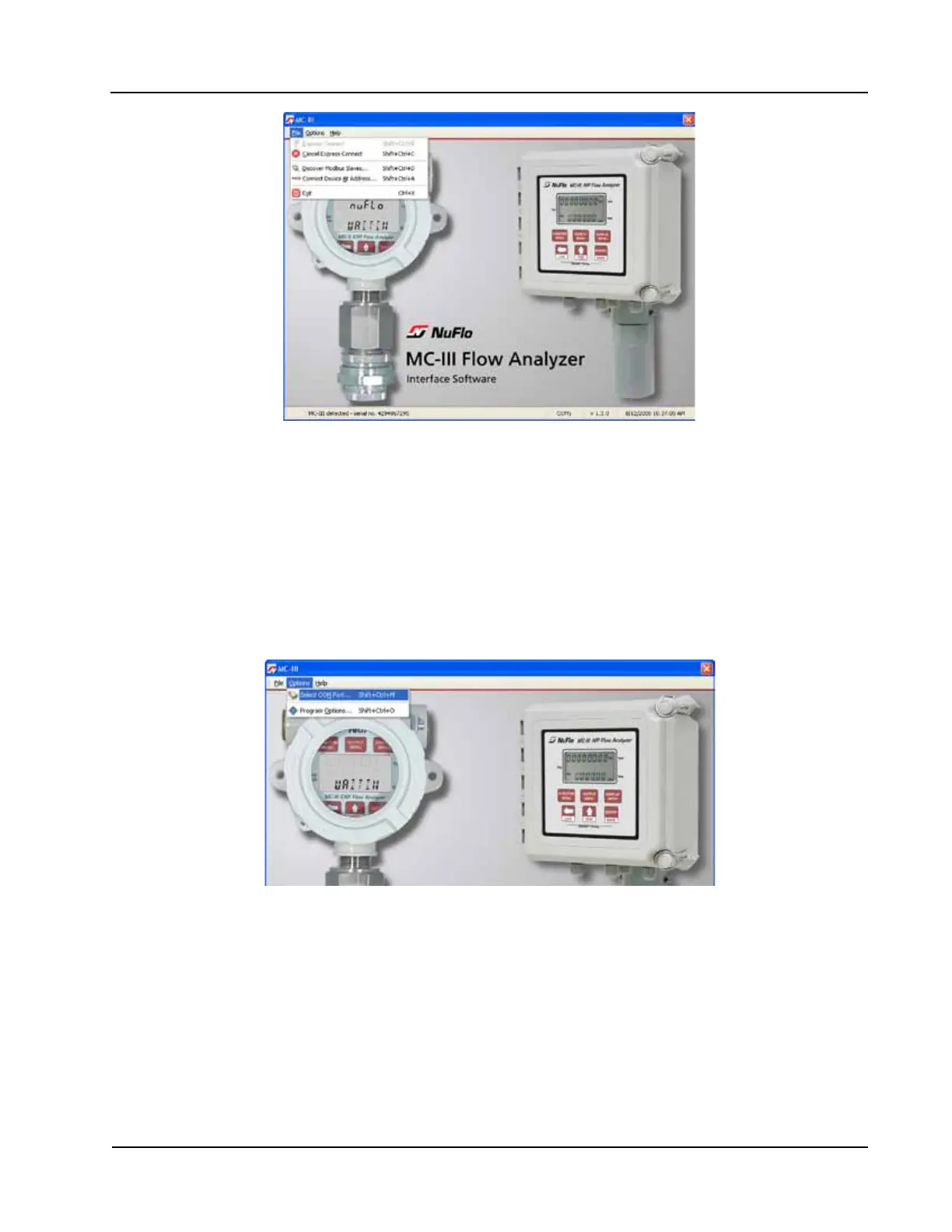
Figure 4.6—Cancel Express Connect option
To reattempt a connection to the device after canceling the “express connect” function, click the LCD on the
Welcome screen again, or choose File>Express Connect from the menu bar.
Changing the Communications Port
The computer will attempt to connect to the MC-III Panel Mount via the port that the user selects the rst
time he connects to the instrument. However, if a network dictates that the computer connect through another
communications port (actual or virtual), the user must specify the appropriate COM port. To change the COM
port setting, click on Options>Select COM Port (Figure 4.7), and select the appropriate COM port from the
list of ports detected.
Figure 4.7—COM port selection menu
Software Connection in Multi-Device Network
In most cases, the automatic launch (or “express connect”) feature is a convenient time-saver. However, if
multiple devices are daisy-chained together in a network, this feature can interfere with the user’s ability to
connect to a specic device. The software allows the user to temporarily disable the “express connect” feature
and query the system for all connected devices. From the resulting list of devices, the user can then connect to
the appropriate slave address.
To select a device from a network of instruments, perform the following:
1. From the Welcome screen, choose File>Cancel Express Connect (Figure 4.6).













 To Next Page