85
MC-III™ Panel Mount Flow Analyzer Section 5
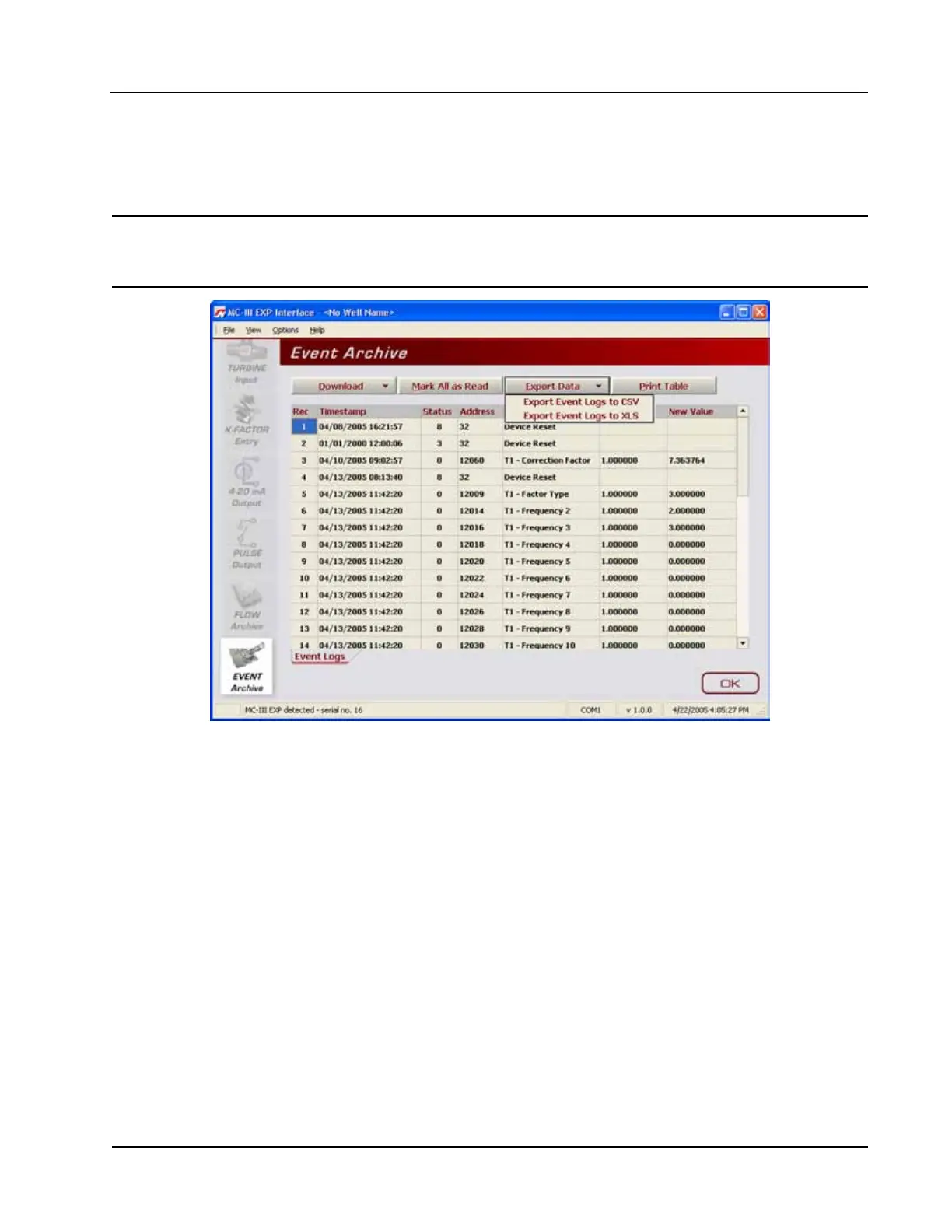
2. When the “Export Event Logs...” window appears, click “Save.” By default, exported logs are saved in
C:\NuFlo log data\MC-III\<WELL NAME>, however the user can specify a new location, if desired. The
“wellname” folder will bear the well name that appears on the Wellsite Information screen. If no well
name is entered on this screen, the folder will be named “NO_WELLNAME.”
Important: Users can also specify the le format to be used for all auto-save logs (.csv or .xls). To
change the auto-save format, follow the procedure described in Downloading Options,
page A-5.
Figure 5.17—Dropdown menu for exporting log data













 To Next Page