164
39
70
112
111
106
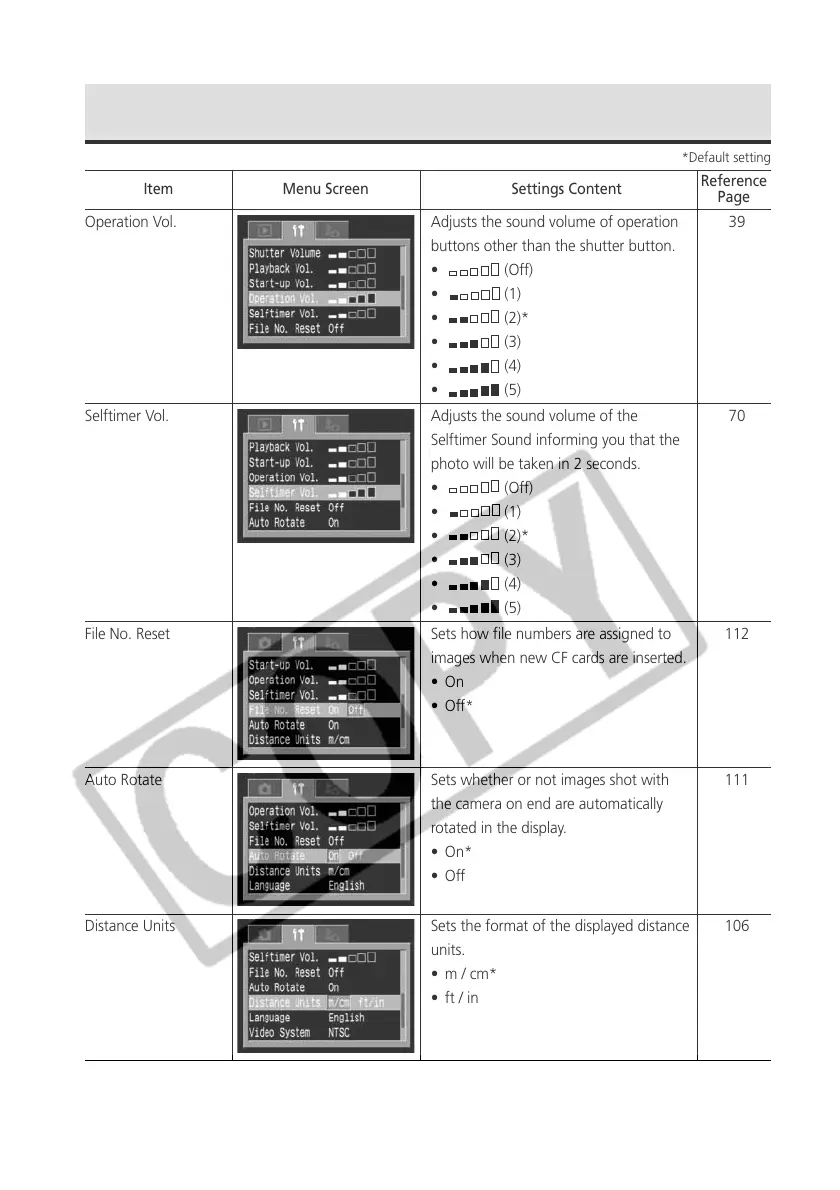
Operation Vol. Adjusts the sound volume of operation
buttons other than the shutter button.
• (Off)
• (1)
• (2)*
• (3)
• (4)
• (5)
Selftimer Vol. Adjusts the sound volume of the
Selftimer Sound informing you that the
photo will be taken in 2 seconds.
• (Off)
• (1)
• (2)*
• (3)
• (4)
• (5)
File No. Reset Sets how file numbers are assigned to
images when new CF cards are inserted.
•On
•Off*
Auto Rotate Sets whether or not images shot with
the camera on end are automatically
rotated in the display.
• On*
•Off
Distance Units Sets the format of the displayed distance
units.
• m / cm*
• ft / in
Set up Menu (continued)
*Default setting
Item Menu Screen Settings Content
Reference
Page



 To Next Page