165
Appendix
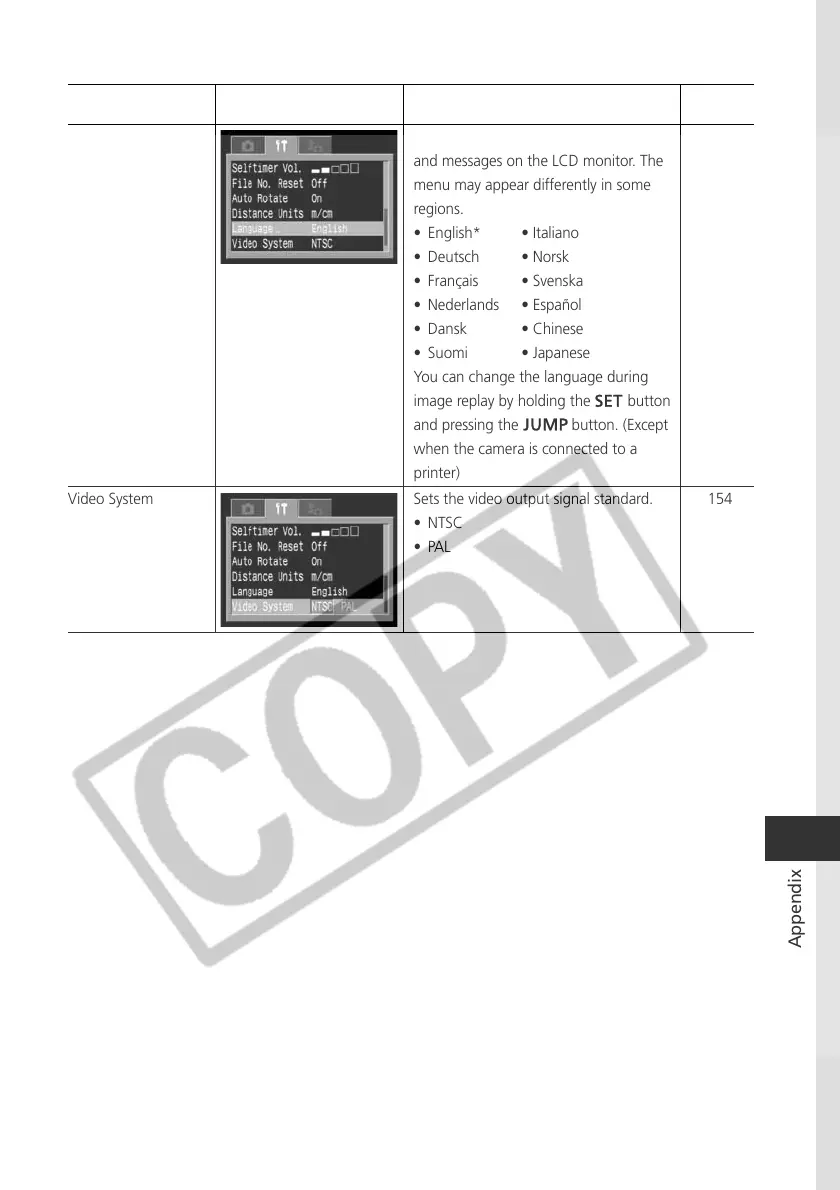
Language Sets the language used in the menus
and messages on the LCD monitor. The
menu may appear differently in some
regions.
• English* • Italiano
• Deutsch • Norsk
• Français • Svenska
• Nederlands • Español
• Dansk • Chinese
• Suomi • Japanese
You can change the language during
image replay by holding the button
and pressing the button. (Except
when the camera is connected to a
printer)
Video System Sets the video output signal standard.
• NTSC
•PAL
Item Menu Screen Settings Content
Reference
Page
26
154



 To Next Page