4
4
4-25
4-25
Parts Replacement and Cleaning Procedure > Clutch Solenoid Motor Fan PCB (DADF) > Removing the Sensor(SR1,SR2,SR3)
Parts Replacement and Cleaning Procedure > Clutch Solenoid Motor Fan PCB (DADF) > Removing the Sensor(SR1,SR2,SR3)
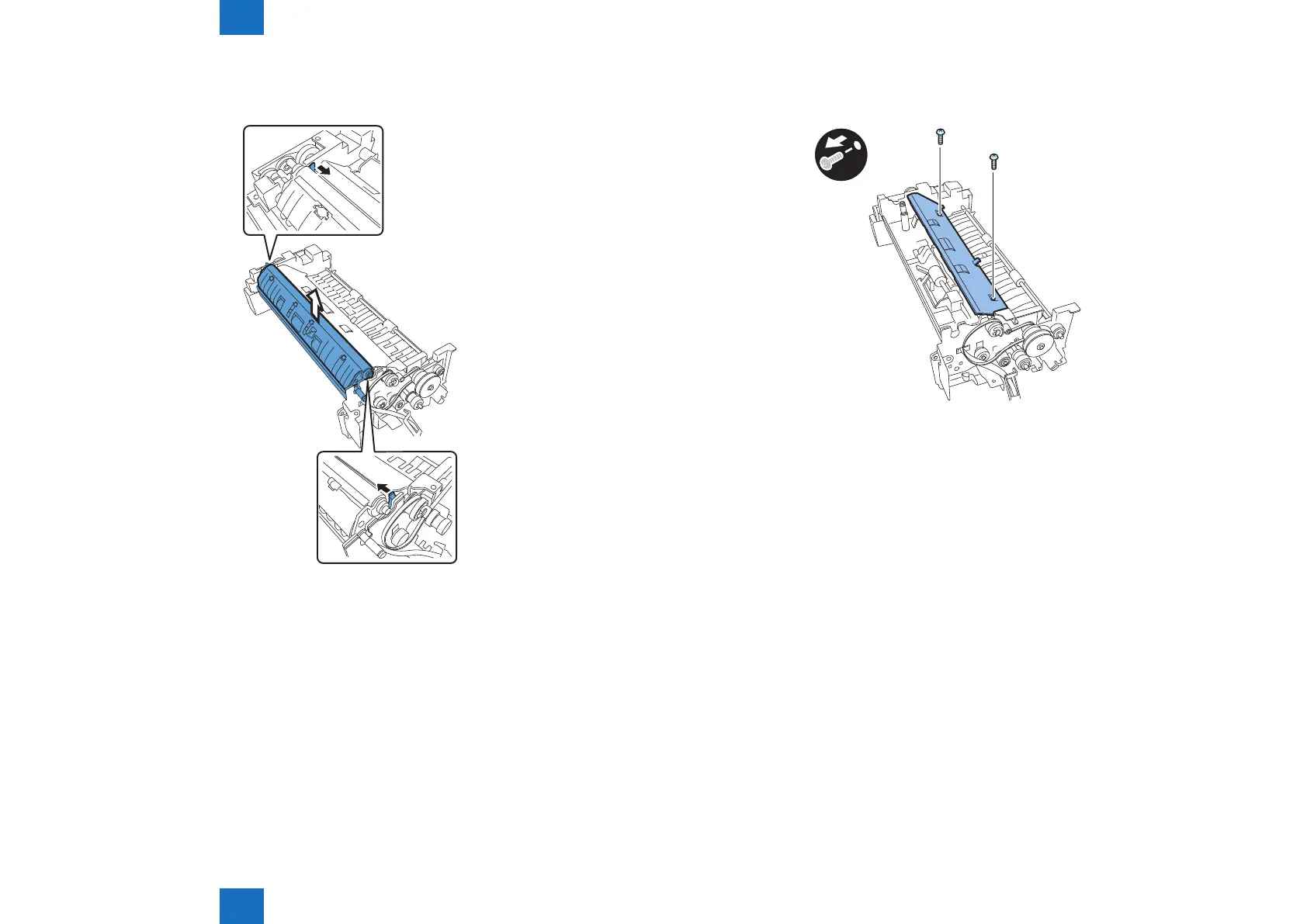
18) While pushing the hook in the direction of the arrow, remove the platen roller unit in the
direction of the arrow.
F-4-56
19) Detach the cover
- Screw 2 pcs.
x2
F-4-57



 To Next Page