6
6
6-6
6-6
Installation > Installation Procedure
Installation > Installation Procedure
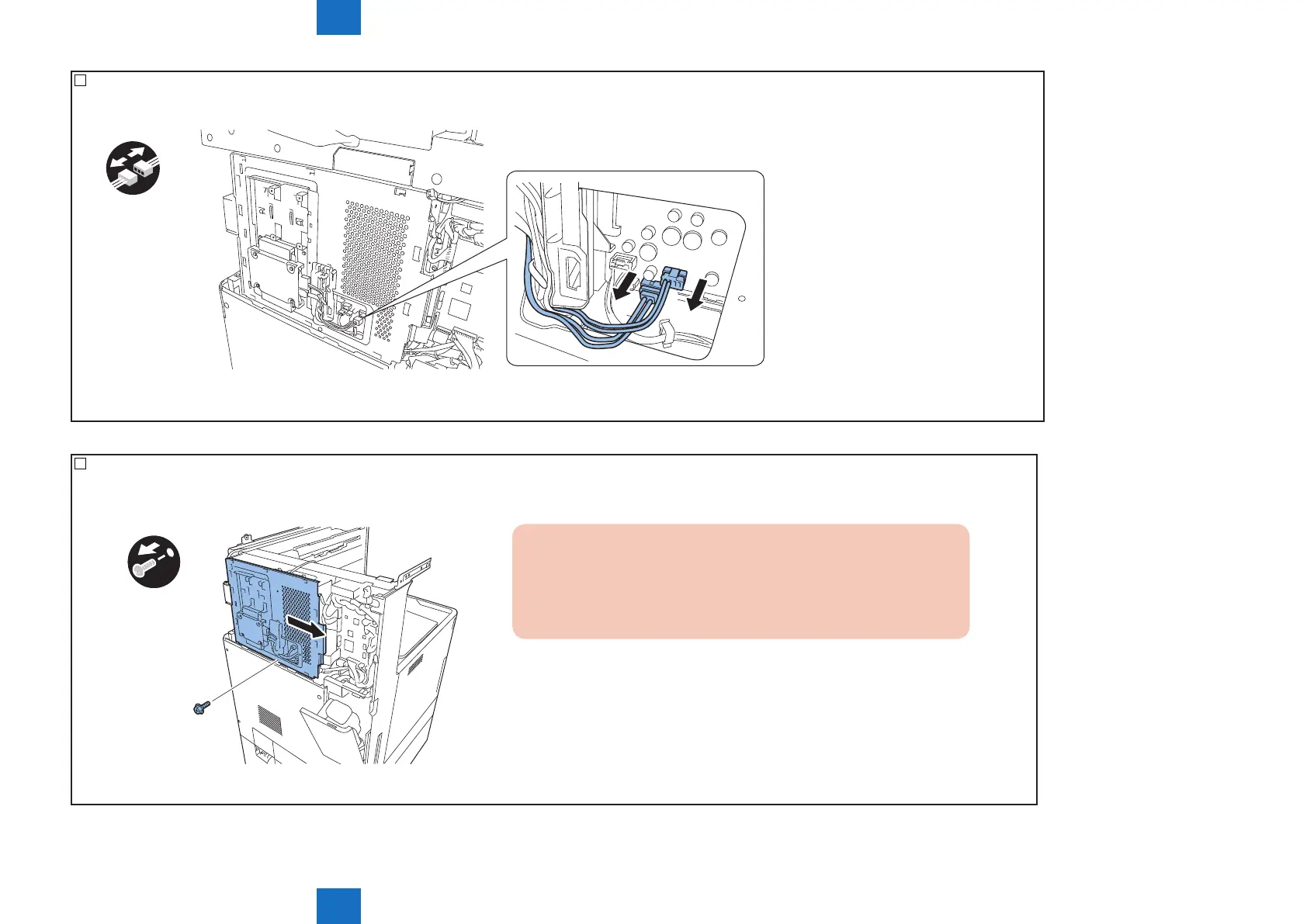
4) For the HDD model, disconnect 2 connectors from the controller PCB.
x2
F-6-5
5) Remove the controller cover by sliding it to the right.
• 1 screw
x1
CAUTION:
The HDD is attached to the controller cover for the HDD model.
Do not cause an impact on it when removing or attaching the controller
cover.
F-6-6



 To Next Page