6
6
6-15
6-15
Installation > Installation Procedure
Installation > Installation Procedure
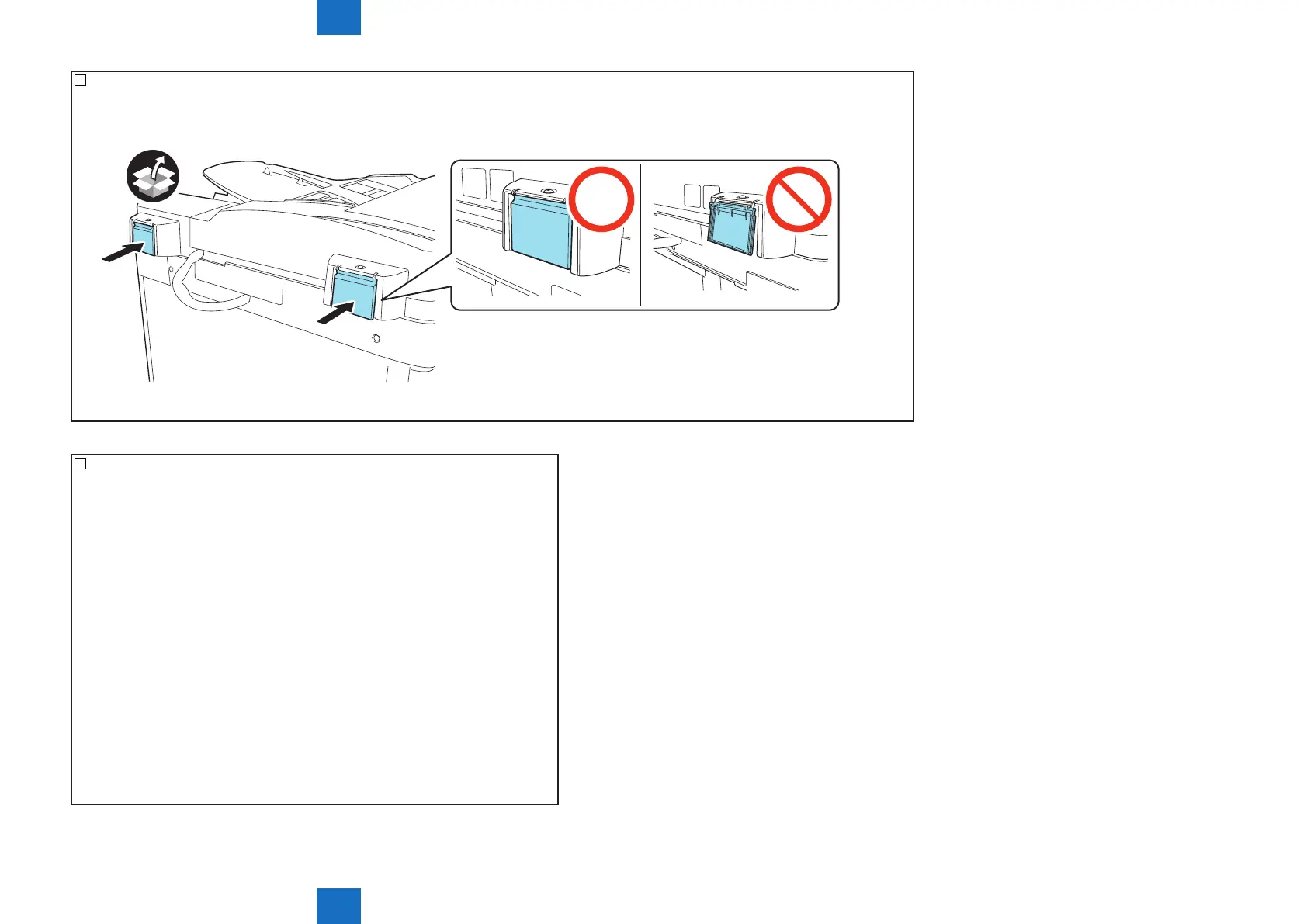
31) <D1 Only>
Attach the 2 hinge covers.
F-6-31
32) Attach the covers of the host machine removed in previous steps.
• Attach the controller cover removed in step 5).
• If disconnecting connectors in step 4), connect it.
• Attach the rear cover of the host machine removed in step 3).
• Attach the rear right upper cover of the host machine removed in step 2).



 To Next Page