• Replace the battery pack if the usable
time after full charge diminishes
substantially at normal temperatures.
About
the
battery
terminal
cover
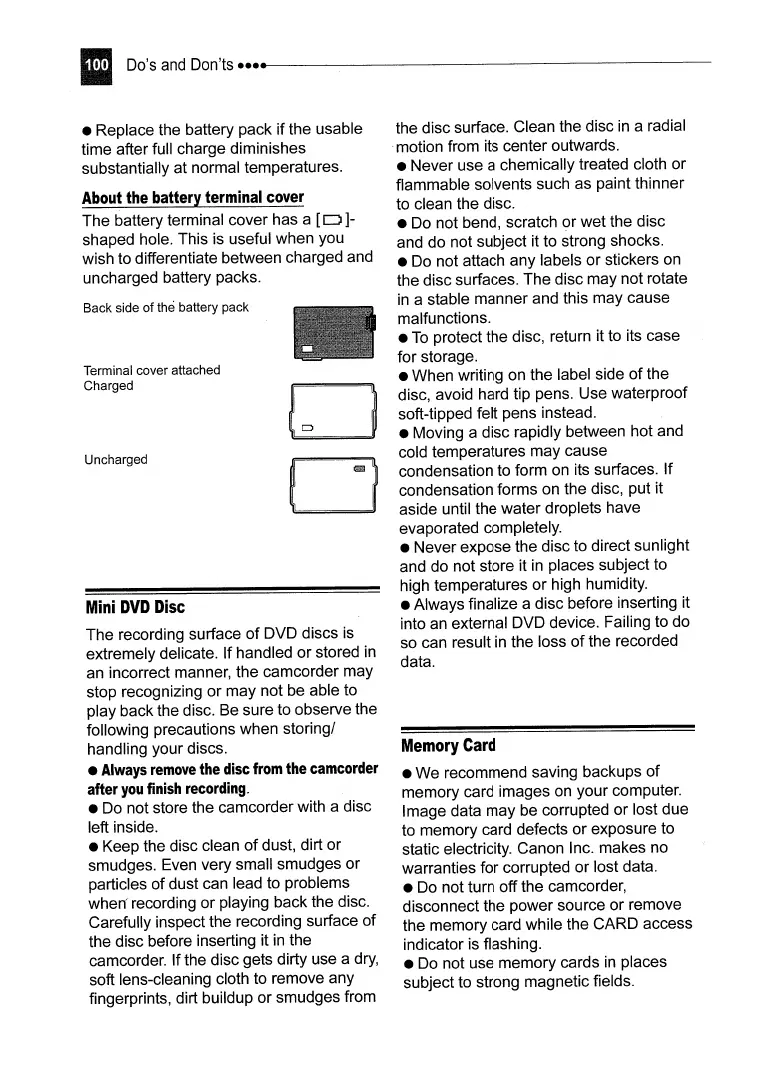
The battery terminal cover has a
[0]-
shaped hole. This is useful when you
wish to differentiate between charged and
uncharged battery packs.
Mini
DVD
Disc
The recording surface
of
DVD discs is
extremely delicate. If handled or stored
in
an incorrect manner, the camcorder may
stop recognizing or may not be able to
play back the disc. Be sure to observe the
following precautions when storing/
handling your discs.
•
Always
remove
the
disc
from
the
camcorder
after
you
finish
recording.
• Do not store the camcorder with a disc
left inside.
• Keep the disc clean
of
dust, dirt or
smudges. Even very small smudges or
particles
of
dust can lead to problems
when
recording or playing back the disc.
Carefully inspect the recording surface
of
the disc before inserting it
in
the
camcorder. If the disc gets dirty use a
dry,
soft lens-cleaning cloth to remove any
fingerprints, dirt buildup or smudges from
Back side
of
the battery pack
Terminal cover attached
Charged
Uncharged
D
o
the disc surface. Clean the disc
in
a radial
.motion from its center outwards.
• Never use a chemically treated cloth or
flammable solvents such as paint thinner
to clean the disc.
• Do not bend, scratch
<?r
wet the disc
and do not subject it to strong shocks.
• Do not attach any labels or stickers on
the disc surfaces. The disc may not rotate
in
a stable manner and this may cause
malfunctions.
•
To
protect the disc, return it to its case
for storage.
• When writing on the label side
of
the
disc, avoid hard tip pens. Use waterproof
soft-tipped felt pens instead.
• Moving a disc rapidly between hot and
cold temperatures may cause
condensation to form on its surfaces. If
condensation forms on the disc, put it
aside until the water droplets have
evaporated completely.
• Never expose the disc to direct sunlight
and do not store it
in
places subject to
high temperatures or high humidity.
• Always finalize a disc before inserting it
into an external DVD device. Failing to do
so can result
in
the loss
of
the recorded
data.
Memory
Card
• We recommend saving backups
of
memory card images on your computer.
Image data may be corrupted or lost due
to memory card defects or exposure to
static electricity. Canon I
nco
makes no
warranties for corrupted or lost data.
• Do not turn off the camcorder,
disconnect the power source or remove
the memory card while the CARD access
indicator is flashing.
• Do not use memory cards
in
places
subject to strong magnetic fields.



 To Next Page