The
Advantages
of
DVDs
RECORDING
With a DVD you just press the recording start/
stop button and the camcorder will find the empty
space
on
the disc
(CO
30). Don't waste time fast
forwarding and rewinding a tape to find from
where to start a new recording.
Never
worry
about
mistakenly
recording
over
a
precious
memory!
JUL.
1,2006
9:20
AM
I
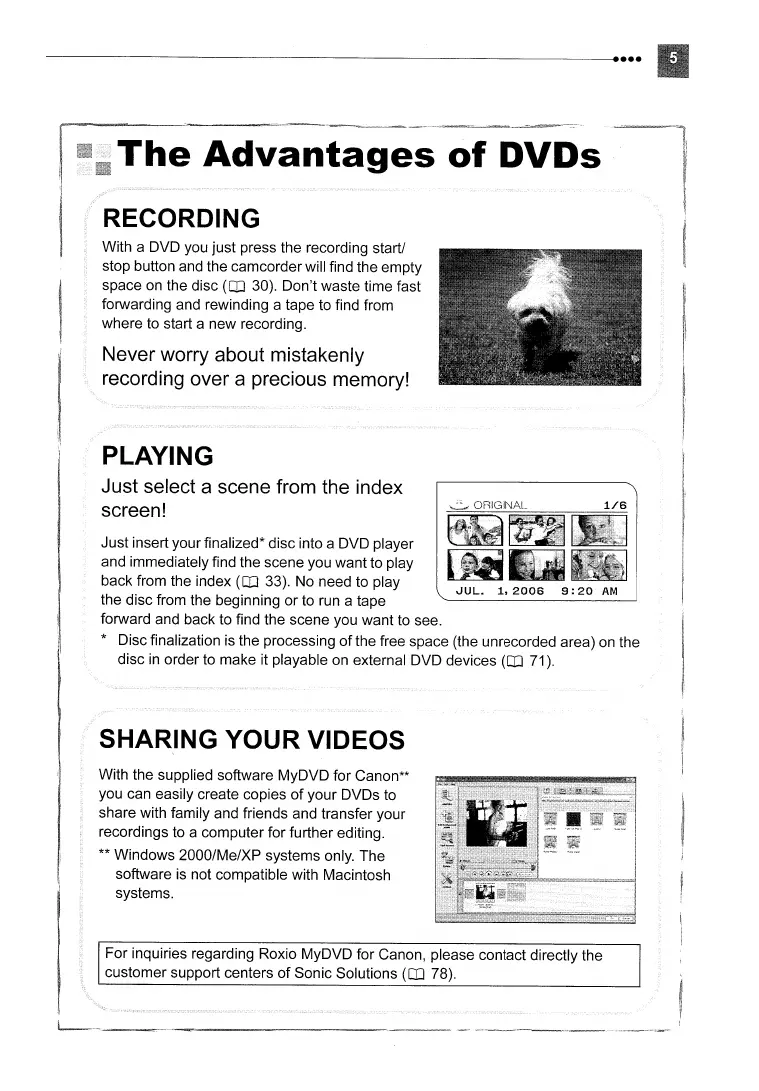
Just insert your finalized* disc into a DVD player
and immediately find the scene you want to play
back from the index
(CO
33). No need to play
the disc from the beginning or to run a tape
forward and back to find the scene you want to see.
* Disc finalization is the processing
of
the free space (the unrecorded area)
on
the
disc
in
order to make it playable
on
external DVD devices
(CO
71).
PLAYING
Just
select
a
scene
from
the
index
screen!
SHARING YOUR VIDEOS
With the supplied software MyDVD for Canon**
you can easily create copies
of
your DVDs to
share with family and friends and transfer your
recordings to a computer for further editing.
** Windows 2000/Me/XP systems only. The
software
is
not compatible with Macintosh
systems.
For inquiries regarding Roxio MyDVD for Canon, please contact directly the
customer support centers
of
Sonic Solutions
(CO
78).



 To Next Page