Trouble?
.......
----------------------------
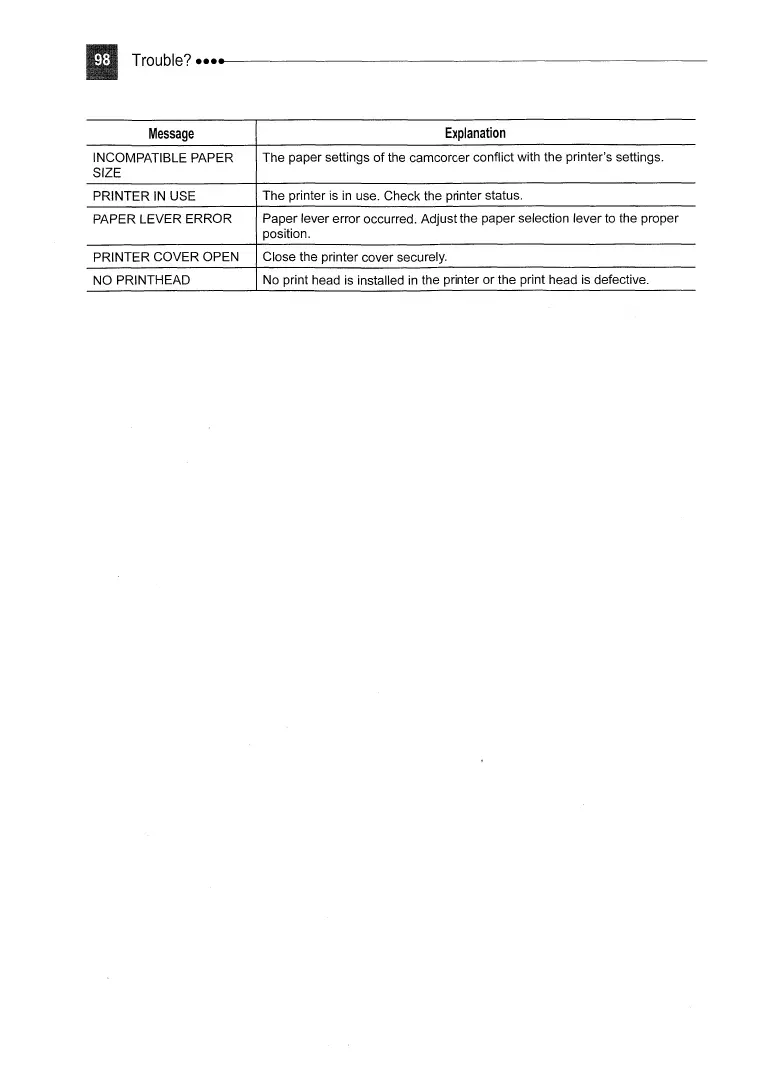
Message
INCOMPATIBLE PAPER
SIZE
PRINTER
IN
USE
PAPER LEVER ERROR
PRINTER COVER OPEN
NO PRINTHEAD
Explanation
The paper settings
of
the camcorder conflict with the printer's settings.
The printer is
in
use. Check the printer status.
Paper lever error occurred. Adjust the paper selection lever to the proper
position.
Close the printer cover securely.
No print head is installed
in
the printer
or
the print head is defective.



 To Next Page