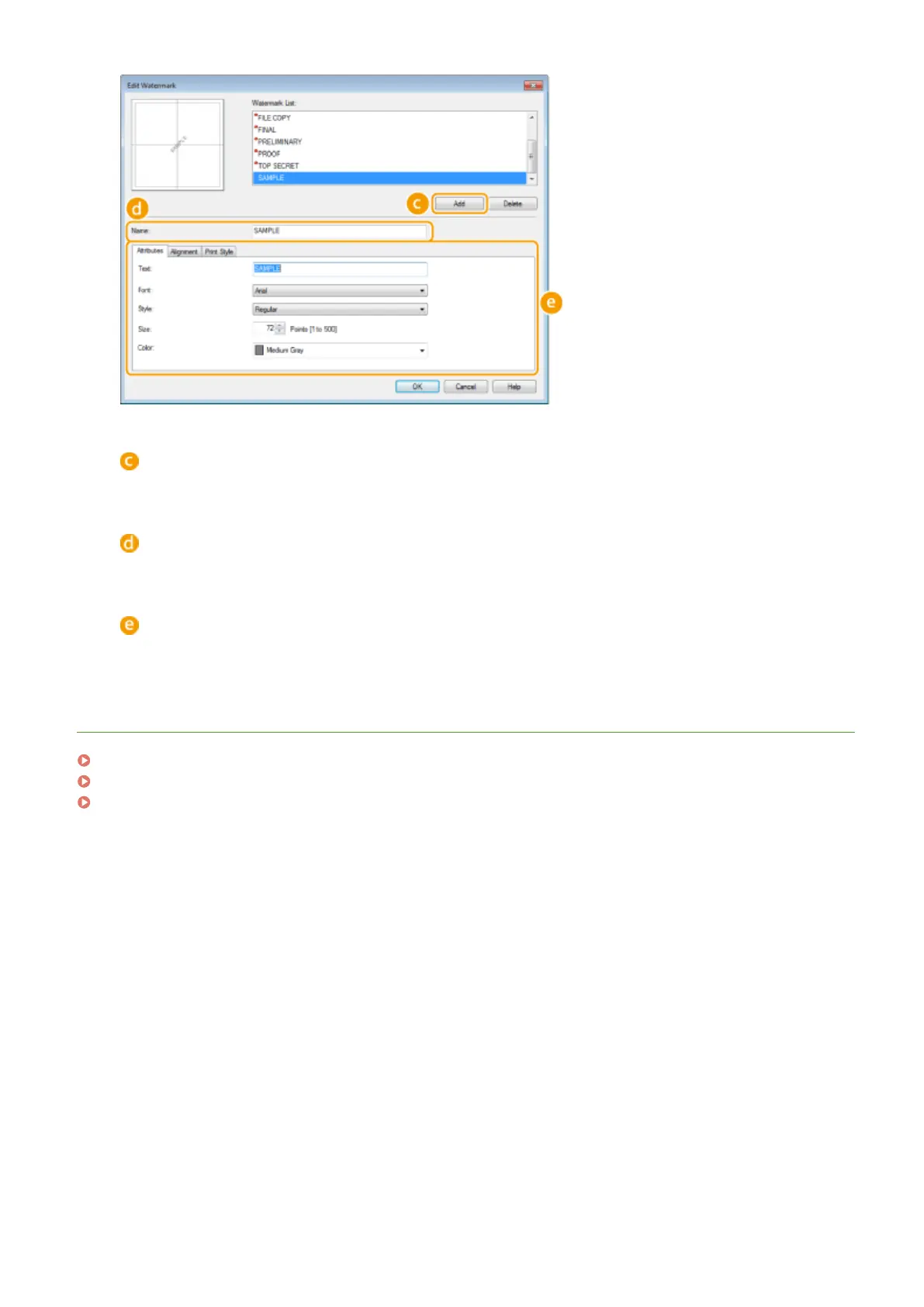
[Add]
Click to create a new watermark. Up to 50 watermarks can be registered.
[Name]
Enter the created watermark name.
[Attributes]/[Alignment]/[Print Style]
Click each tab to specify the text, color, or print position of the watermark. For more information, click [Help]
on the printer driver screen.
LINKS
Printing a Document(P. 80)
Printing Borders(P. 102)
Printing Dates and Page Numbers(P. 103)
Using the Machine as a Printer
106












 To Next Page