Platen Glass
19Y4-06E
Regularly wipe off the dust from the platen glass and the underside of the platen glass cover to prevent smudges to
be printed on documents or printouts.
1
Turn OFF the machine, and unplug the power cord from the AC power outlet.
● When you turn OFF the machine, data that is waiting to be printed is deleted.
2
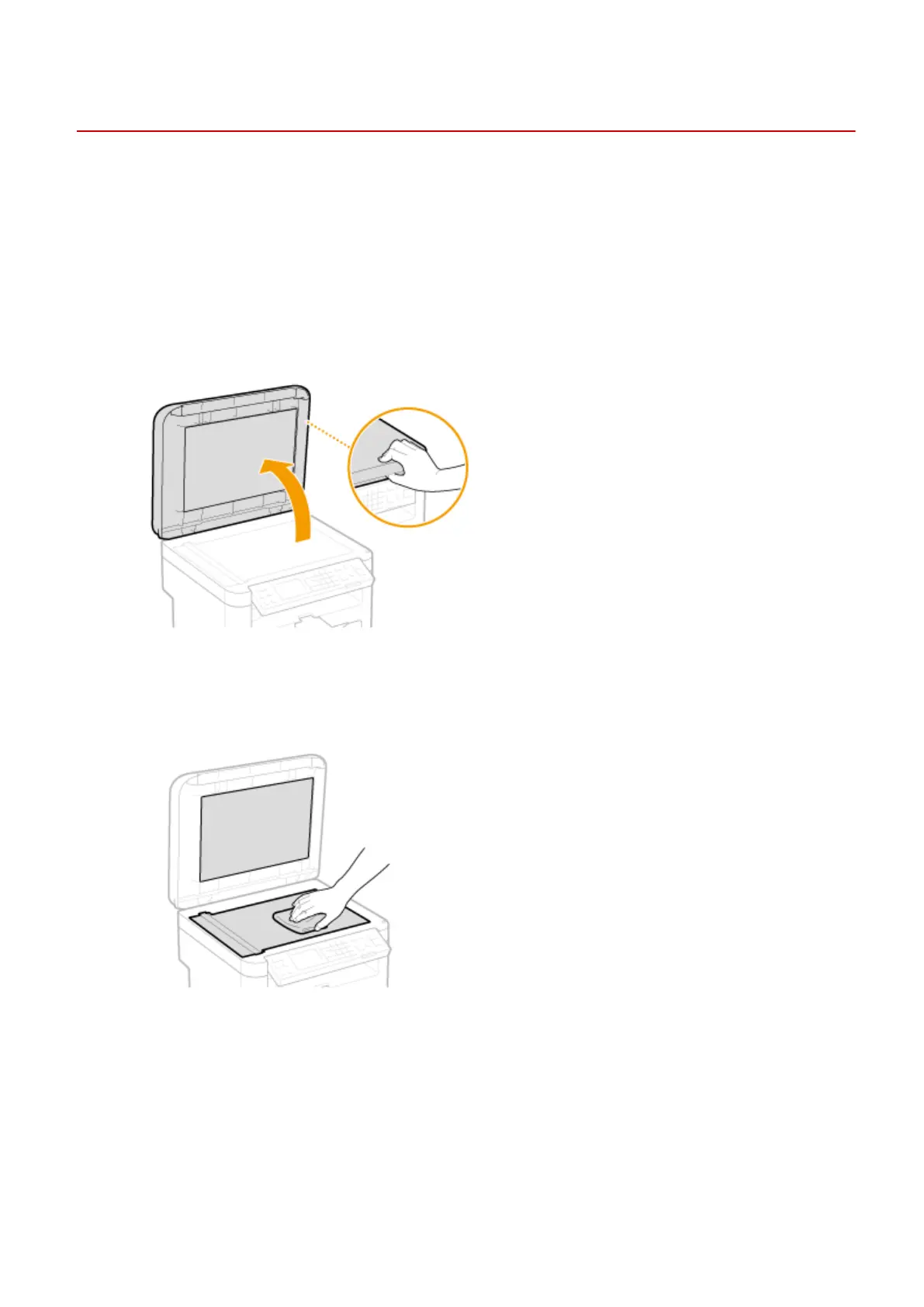
Open the platen glass cover.
3
Clean the platen glass and the underside of the platen glass cover.
● Clean the areas with a cloth dampened with water. Then, wipe the area with a soft, dry cloth.
4
Wait for the cleaned area to dry completely.
5
Gently close the platen glass cover.
6
Reconnect the power cord and turn ON the machine.
Maintenance
371












 To Next Page