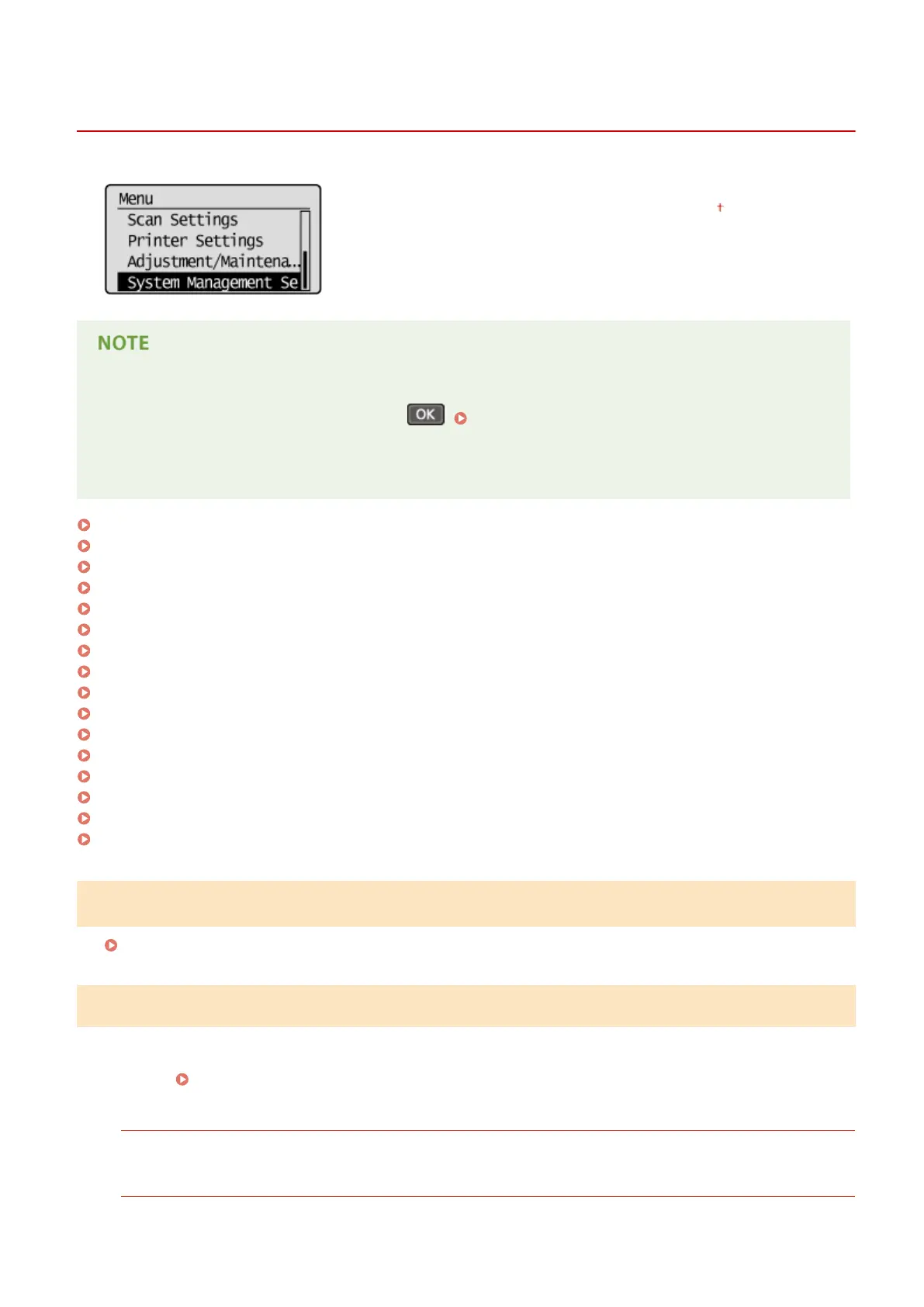
System Management Settings
19Y4-05W
All the settings about System Management Settings are listed with short
descriptions. Default settings are marked with a dagger ( ).
If a screen for entering a PIN is displayed
Enter the PIN with the numeric keys and press . Setting the System Manager PIN(P. 222)
Asterisks (
*
)
● Settings marked with an asterisk (
*
) have different defaults depending on the country or region of purchase.
Network Settings(P. 323)
System Manager Information Settings(P. 323)
Device Information Settings(P. 324)
Security Settings(P. 324)
Select Country/Region(P. 325)
Remote UI Settings(P. 325)
Auto Online for Remote Scan(P. 326)
Use as USB Device(P. 326)
Enable Product Extended Survey Program(P. 327)
Displ. Consmbls. Info (RUI/Toner Status)(P. 327)
Google Cloud Print Settings(P. 327)
PDL Selection (Plug and Play) (P. 328)
Update Firmware(P. 329)
Initialize Eco Report Counter(P. 329)
Initialize Menu(P. 329)
Initialize All Data/Settings(P. 330)
Network Settings
See Network Settings (P. 280) .
System Manager Information Settings
Specify the PIN exclusively for Administrators who have access privileges to <Network Settings> and <System
Management Settings>. You can set the PIN from <System Manager PIN>. You can also register the name of an
Administrator.
Setting the System Manager PIN(P. 222)
System Manager PIN
Enter a number of up to seven digits for the System Manager PIN.
System Manager Name
Enter up to 32 alphanumeric characters for the name of an Administrator.
Setting Menu List
323












 To Next Page