Setting Access Privileges
19Y4-04C
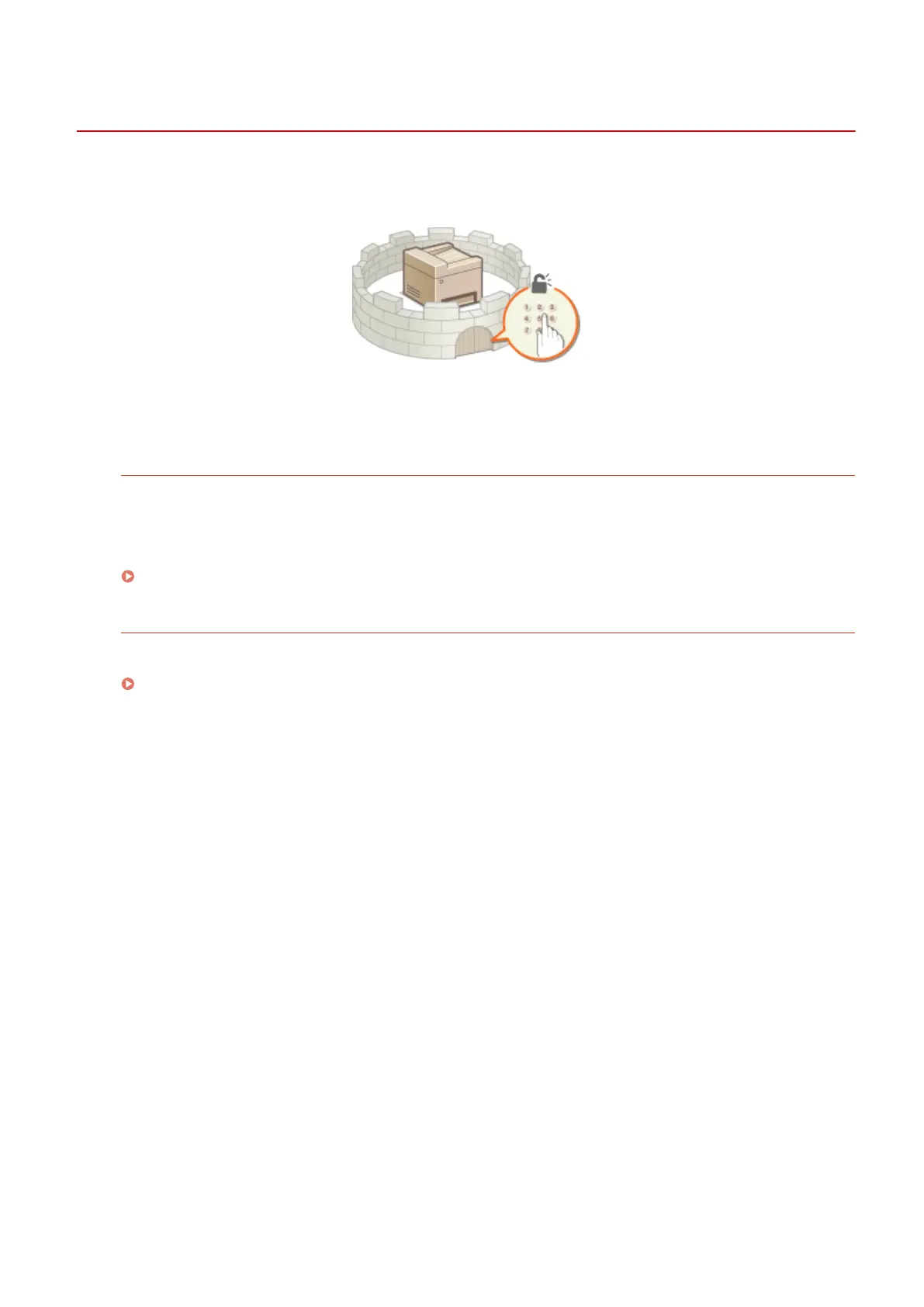
Protect the machine from unauthorized access by only allowing users with access privileges to use the machine. When
privileges are set, the user must enter a PIN to change settings or access the Remote UI.
Access privileges are divided into two types: System Manager Mode and General User Mode. System Manager Mode
has full access privileges, and a System Manager PIN can be set to restrict logon in this mode. And by setting a Remote
UI Access PIN, you can restrict use of the Remote UI in General User Mode and in System Manager Mode without a
System Manager PIN set.
System Manager PIN
System Manager PIN is intended exclusively for Administrators having full access privileges. If you specify this
PIN, you need to log on to the machine using this PIN in order to access <Network Settings> or <System
Management Settings>. Set the System Manager PIN when you need different access privilege levels for
administrators and general users.
Setting the System Manager PIN(P. 222)
Remote UI PIN (Remote UI Access PIN)
This is a PIN for using the Remote UI. Only users who know the PIN can access the Remote UI.
Setting a Remote UI PIN (P. 224)
Security
221












 To Next Page