Exterior
19Y4-06C
Regularly wipe the exterior of the machine, especially around the ventilation slots, to keep the machine in good
condition.
1
Turn OFF the machine, and unplug the power cord from the AC power outlet.
● When you turn OFF the machine, data that is waiting to be printed is deleted.
2
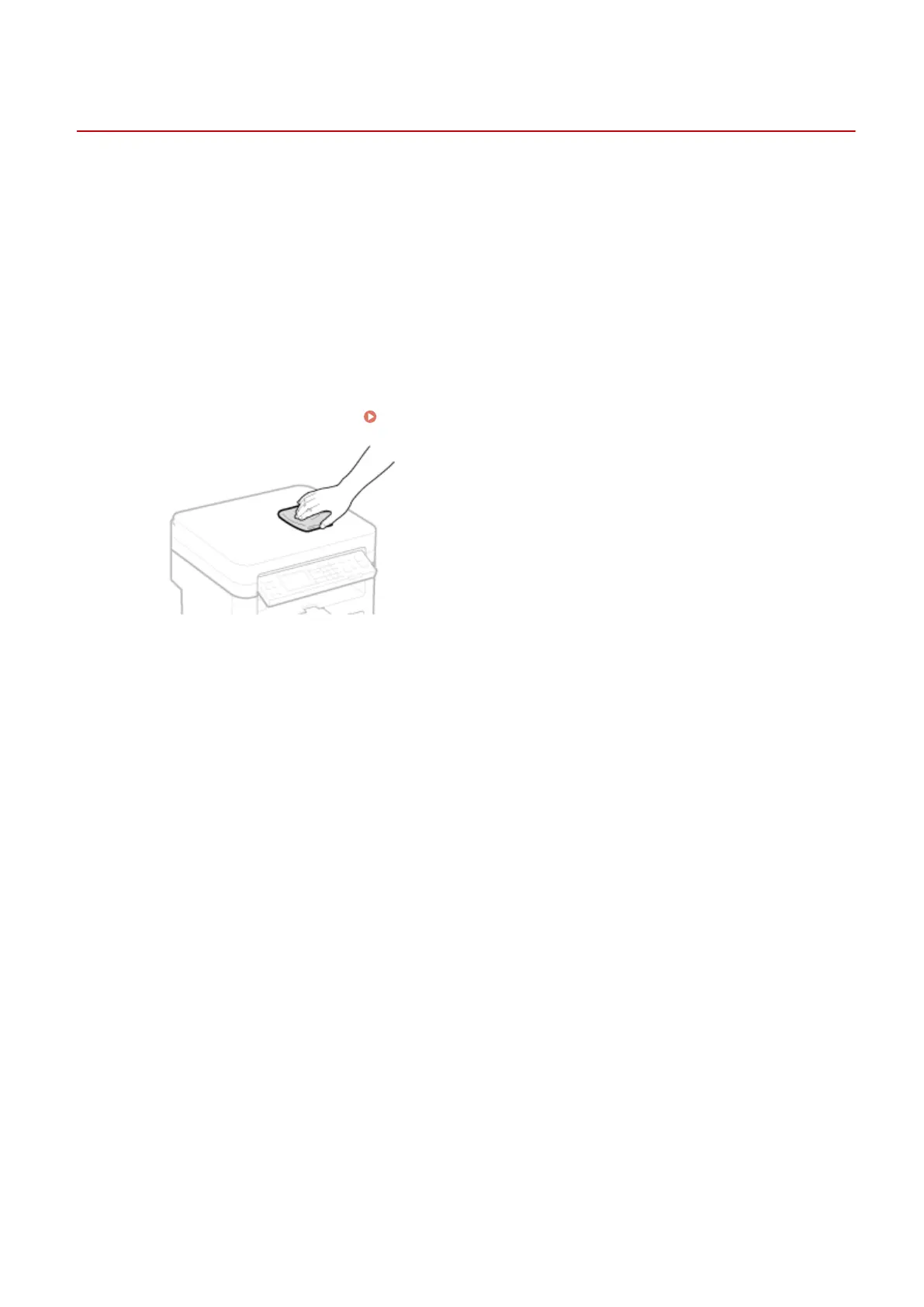
Clean the exterior of the machine and the ventilation slots.
● Use a soft, well-wrung-out cloth dampened with water or a mild detergent diluted with water.
● To locate the ventilation slots, see
Front Side(P. 16) .
3
Wait for the exterior of machine to dry completely.
4
Reconnect the power cord and turn ON the machine.
Maintenance
370












 To Next Page