Selecting Wired LAN or Wireless LAN
19Y4-039
After you decide on wired or wireless LAN to connect the machine to the computer, select wired LAN or wireless LAN
using the operation panel. For how to connect to and specify settings for a wireless LAN/wired LAN, see "Getting
Started" ( Manuals Included with the Machine(P. 414) ). Note that if you change the setting from <Wired LAN> to
<Wireless LAN> or vice versa, you will need to uninstall MF Drivers installed on your computer and then reinstall them.
For more information, see "MF Driver Installation Guide."
1
Press .
2
Use / to select <Network Settings>, and press .
● If a screen for entering a PIN is displayed, enter the PIN with the numeric keys and press . Setting
the System Manager PIN(P. 222)
3
Select <Select Wired/Wireless LAN>, and press .
4
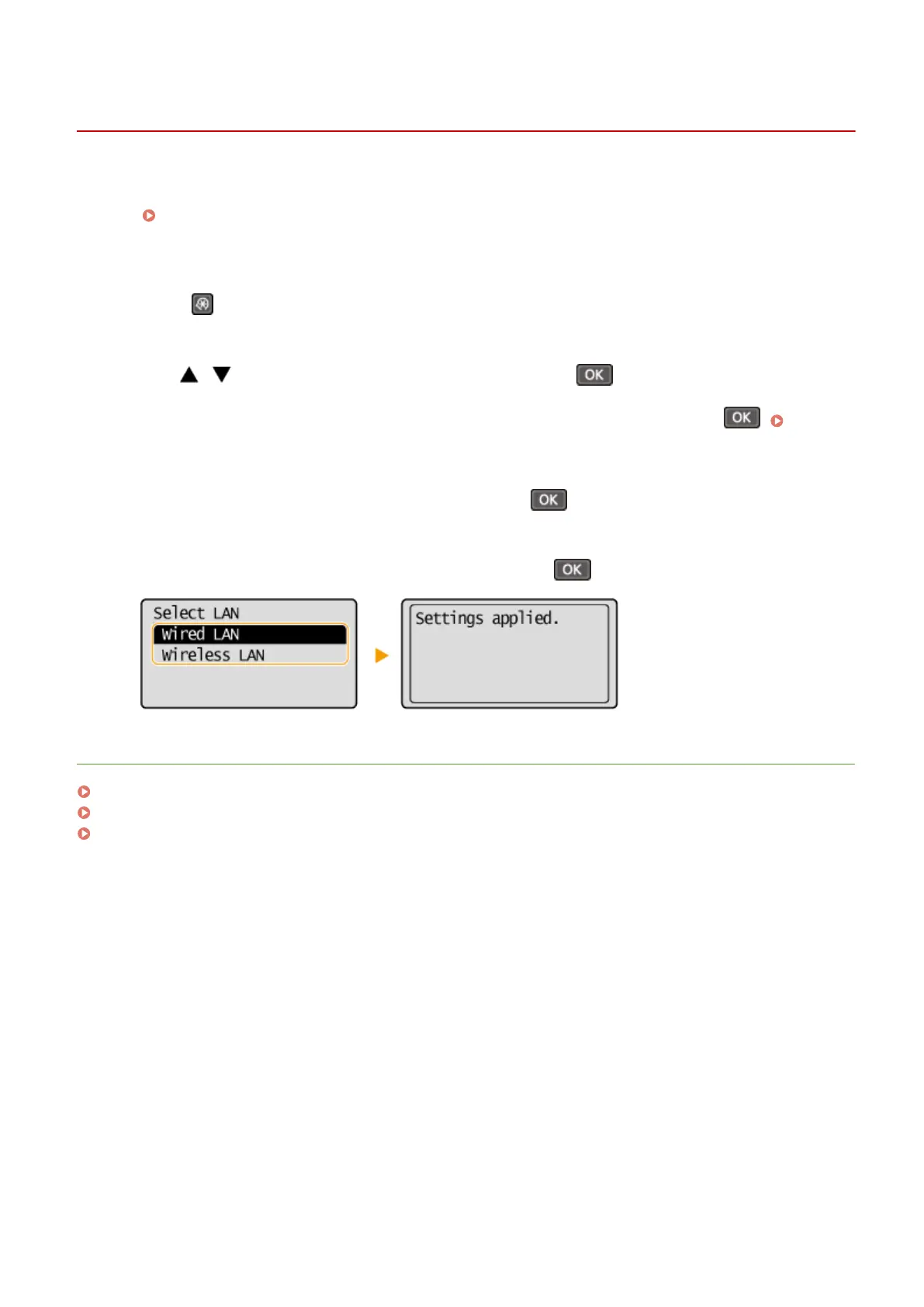
Select <Wired LAN> or <Wireless LAN>, and press .
LINKS
Connecting to a Network(P. 159)
Connecting to a Wired LAN(P. 162)
Connecting to a Wireless LAN(P. 163)
Network
161












 To Next Page