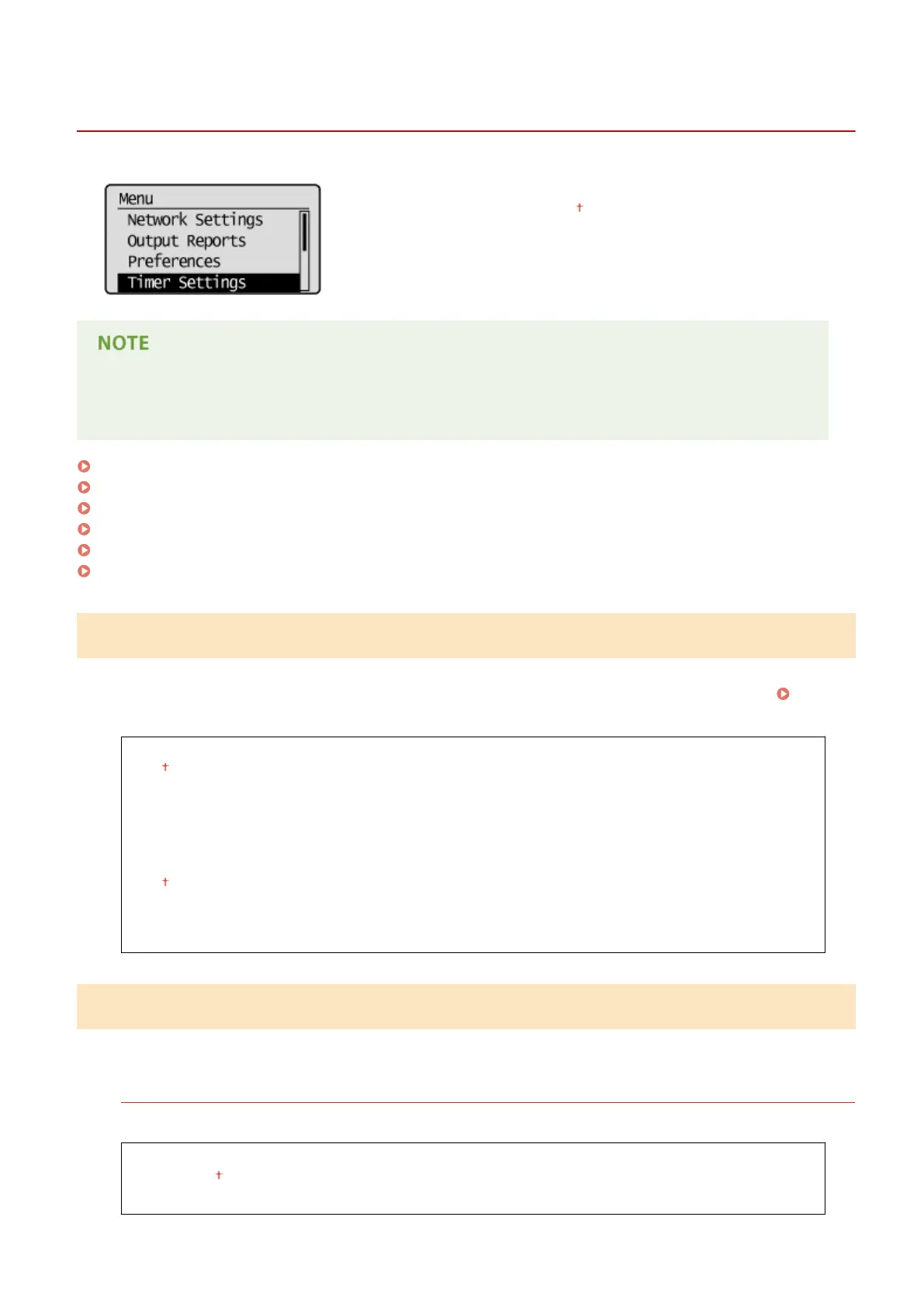
Timer Settings
19Y4-05J
All the settings about the timer are listed with short descriptions. Default
settings are marked with a dagger ( ).
Asterisks (
*
)
Settings marked with an asterisk (
*
) have different defaults depending on the country or region of purchase.
Quiet Mode Time(P. 297)
Date/Time Settings(P. 297)
Auto Sleep Time(P. 299)
Auto Reset Time(P. 299)
Function After Auto Reset(P. 300)
Auto Oine Time(P. 300)
Quiet Mode Time
You can reduce the operation sound of the machine when you want it to run more quietly (quiet mode). Set a time for
the machine to enter quiet mode automatically. You can also set the machine to always run in quiet mode. Entering
Quiet Mode(P. 51)
Start Time
Off
On
Start time setting to enter quiet mode
End Time
Off
On
Stop time setting to exit quiet mode
Date/Time Settings
Specify date and time settings, including the date format and the 12- or 24-hour clock display setting.
Date Format
*
Select the date format (order of year, month, and day).
YYYY MM/DD
MM/DD/YYYY
DD/MM YYYY
Setting Menu List
297












 To Next Page