Setting IPv6 Addresses
19Y4-03S
The IPv6 addresses of the machine can be congured via the Remote UI. Before
setting IPv6 addresses, check the IPv4 address settings ( Viewing IPv4
Settings(P. 187) ). You need to set the correct IPv4 settings to use IPv6 addresses.
Note that the scan function that uses the scanner driver or MF Scan Utility is not
available in an IPv6 environment. The machine can use up to nine of the following
IPv6 addresses:
Type Maximum
number
available
Description
Link-local address 1 An address that is only valid within a subnet or link and cannot be used to
communicate with devices beyond a router. A link-local address is automatically set
when the IPv6 function of the machine is enabled.
Manual address 1 An address that is entered manually. When using this address, specify the prex
length and default router address.
Stateless address 6 An address that is generated automatically using the MAC address of the machine
and the network prex that is advertised by the router. Stateless addresses are
discarded when the machine is restarted (or turned ON).
Stateful address 1 An address obtained from a DHCP server using DHCPv6.
1
Start the Remote UI and log on in System Manager Mode. Starting Remote
UI(P. 266)
2
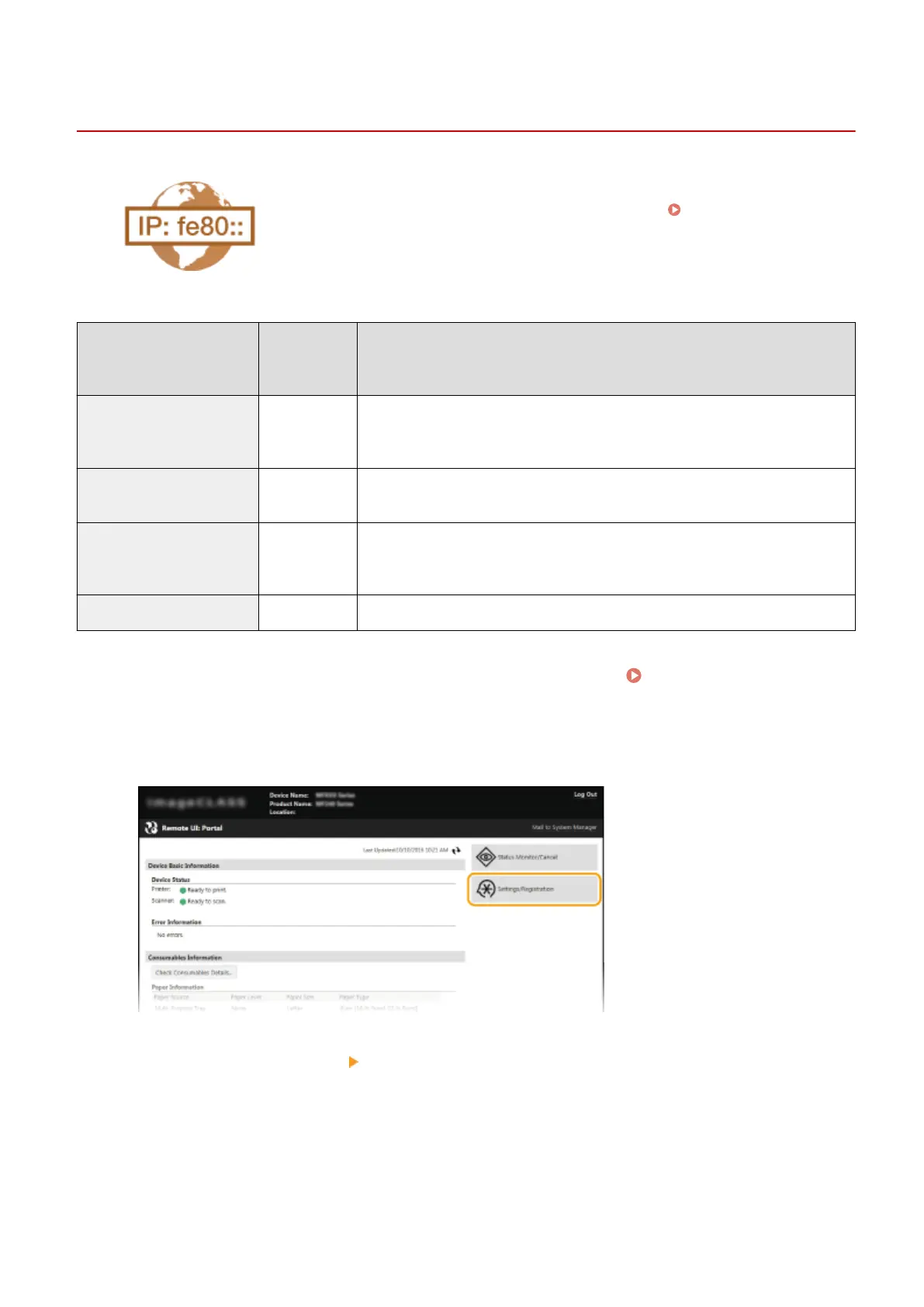
Click [Settings/Registration].
3
Click [Network Settings] [TCP/IP Settings].
Network
184












 To Next Page