Basic Operations
19Y4-006
This chapter describes basic operations, such as how to use the operation panel or how to load the paper and
documents, that are frequently performed to use the functions of the machine.
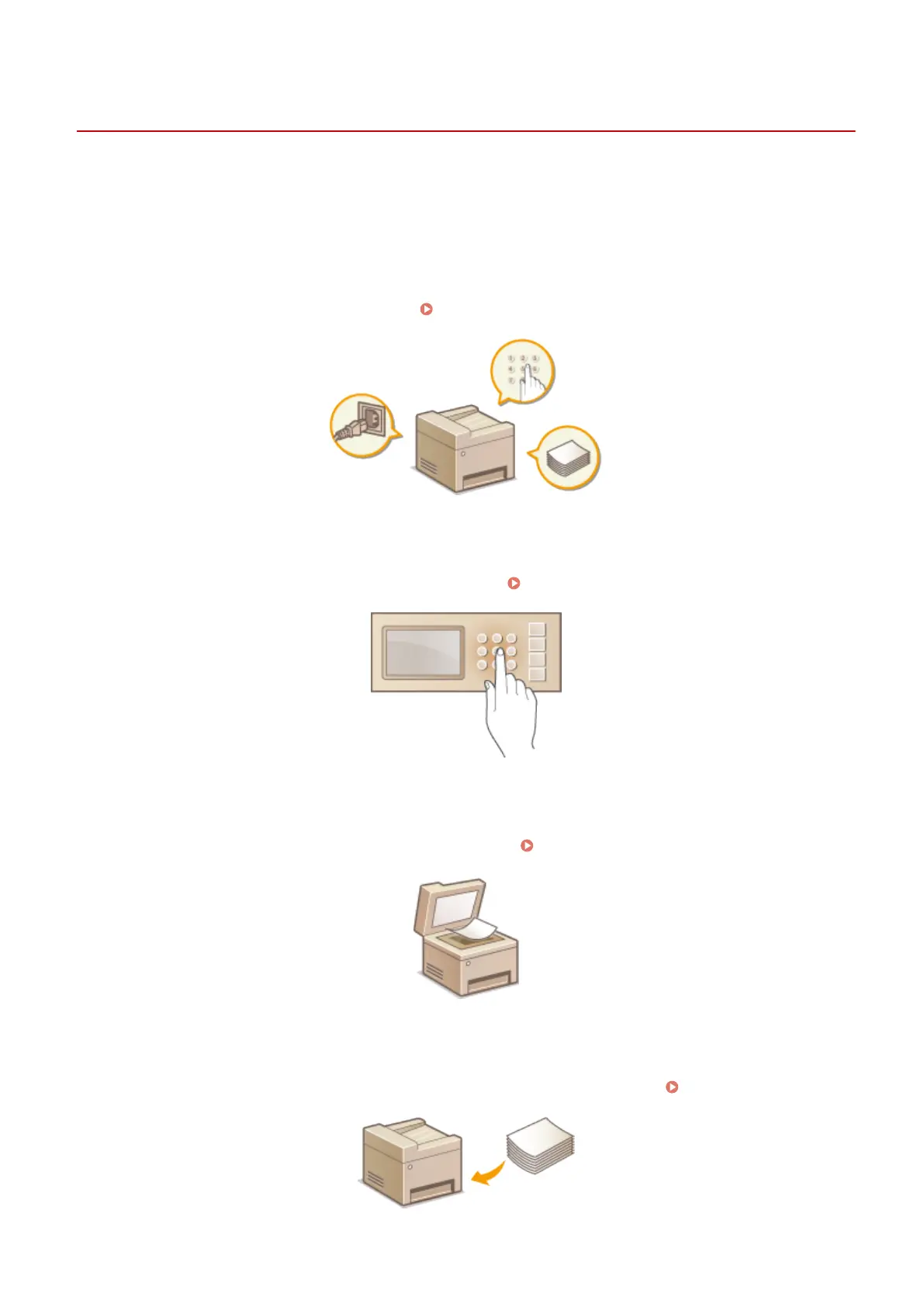
◼ Parts and Their Functions
This section describes the exterior and interior parts of the machine and their functions, as well as how to use the keys
on the operation panel and how to view the display.
Parts and Their Functions(P. 15)
◼
Using the Operation Panel
This section describes how to toggle the display and select items. Using the Operation Panel(P. 29)
◼
Placing Documents
This section describes how to place documents on the platen glass. Placing Documents(P. 34)
◼ Loading Paper
This section describes how to load the paper into the paper drawer and manual feed slot. Loading Paper(P. 36)
Basic Operations
13












 To Next Page