Adjusting Density
19Y4-019
You can adjust the density of the copy if the text or images in a document are too
light or dark. You can also automatically set an optimal density for a document.
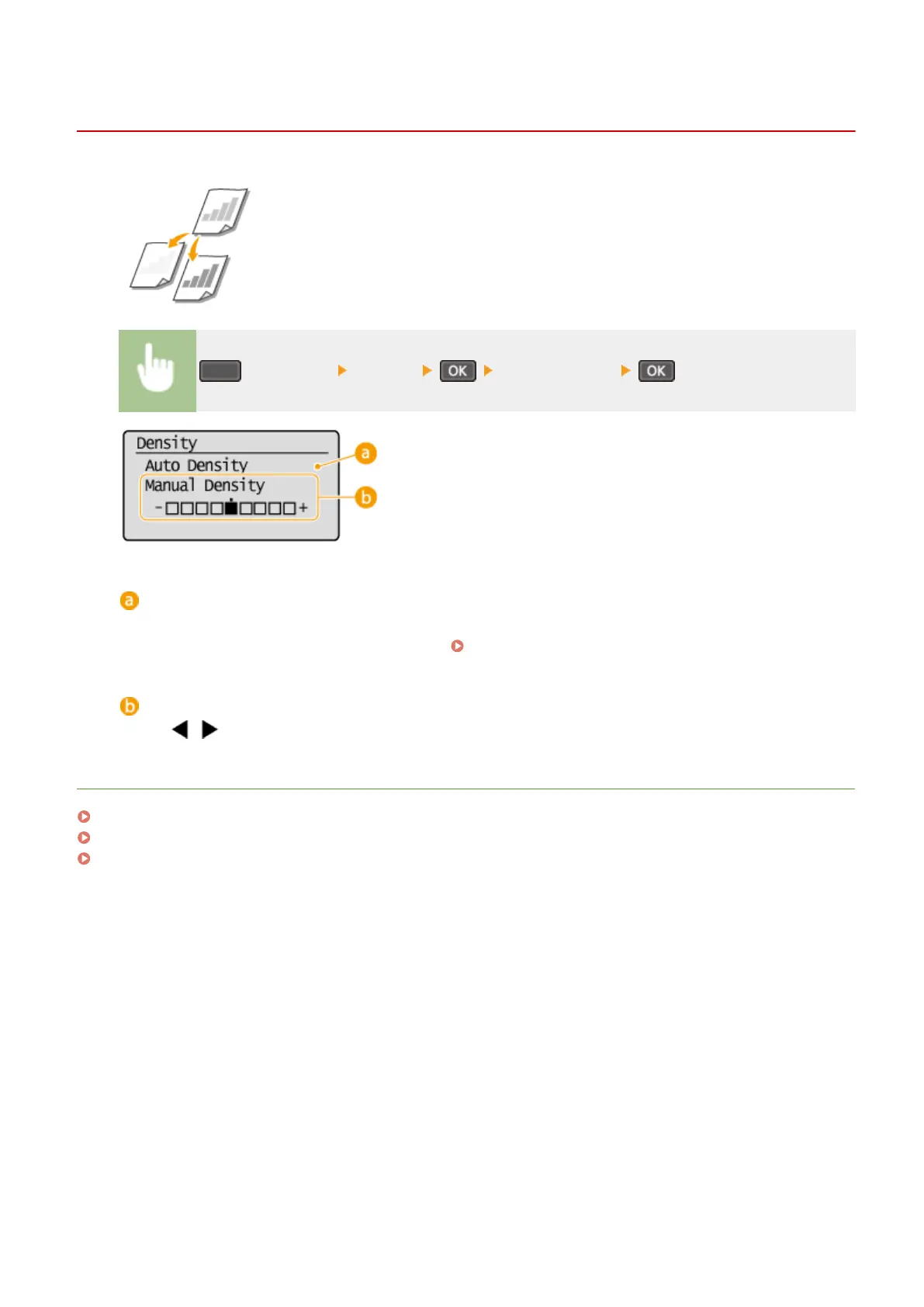
(COPY/SCAN) <Density> Adjust the density
<Auto Density>
An optimal density for the document is automatically set.
<Original Type> is automatically set to <Text>. (
Selecting Document Type(P. 64) )
<Manual Density>
Use / to adjust the density.
LINKS
Basic Copy Operations(P. 58)
Adjusting Sharpness(P. 66)
Correct Density(P. 305)
Copying
65












 To Next Page