Adjusting Sharpness
19Y4-01A
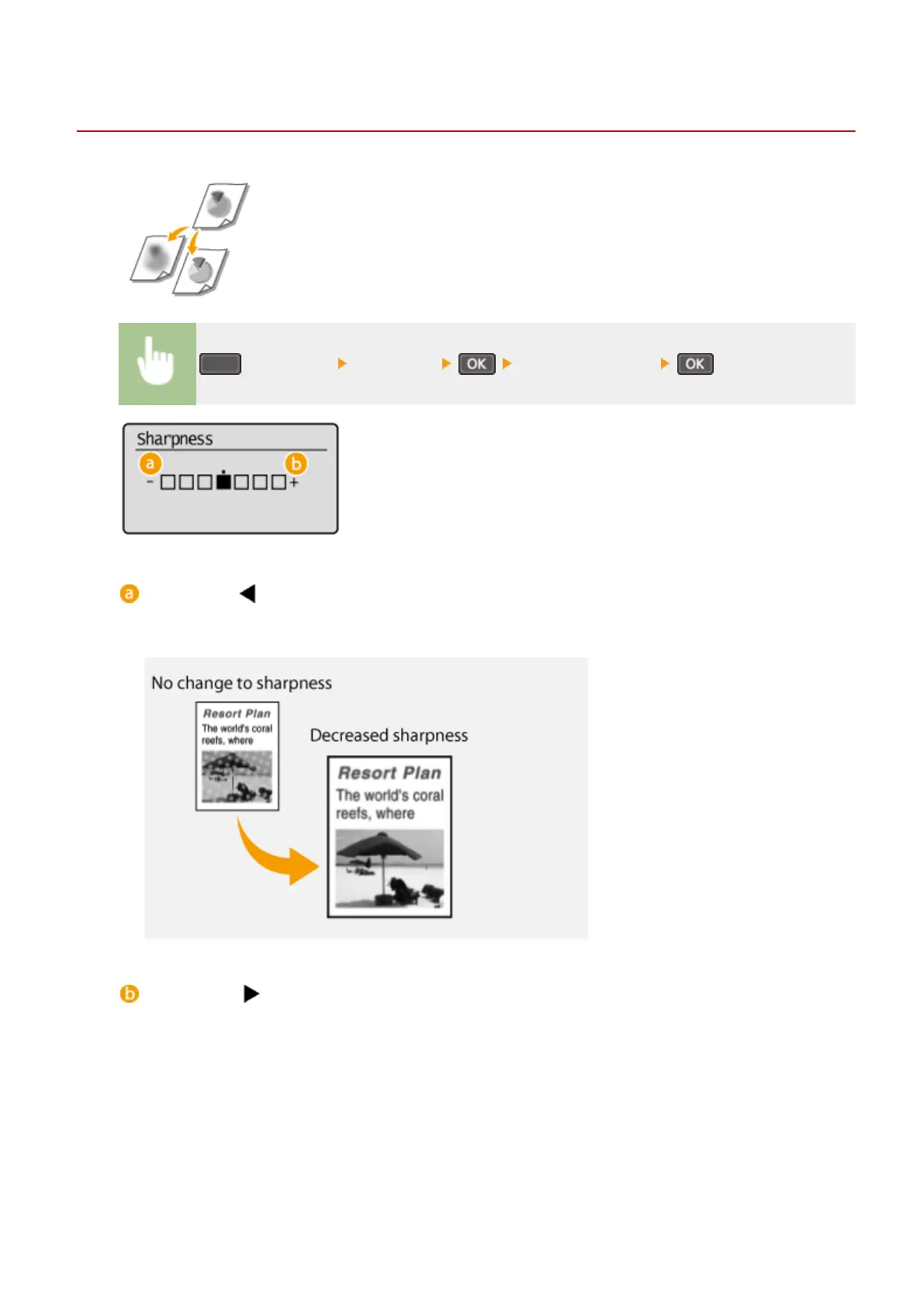
You can adjust sharpness of the copied image. Increase the sharpness to sharpen
blurred text and lines, or decrease the sharpness to improve the appearance of
magazine photos.
(COPY/SCAN) <Sharpness> Adjust the sharpness
<->: Press
Decreases the sharpness, resulting in a softer image.
Example: If you want to improve the appearance of magazine photos
<+>: Press
Increases the image sharpness.
Example: If you want to sharpen text and lines written in pencil
Copying
66












 To Next Page