Fixing Assembly
19Y4-06H
Dirt may adhere to the xing units inside the machine and cause black streaks to appear on printouts. To clean the
xing unit, perform the following procedure. Note that you cannot clean the xing unit when the machine has
documents waiting to be printed. To clean the xing unit, you need paper larger than plain A4 or Letter size paper. Set
the paper in the manual feed slot before performing the following procedure.
● Cleaning consumes the toner cartridge. Make sure that there is sucient toner cartridge remaining
beforehand.
● It takes approximately 90 seconds to clean the xing assembly.
Checking Toner cartridge Level(P. 376)
Loading Paper in the Manual Feed Slot(P. 41)
1
Press .
2
Use / to select <Adjustment/Maintenance>, and press .
3
Select <Clean Fixing Assembly>, and press .
4
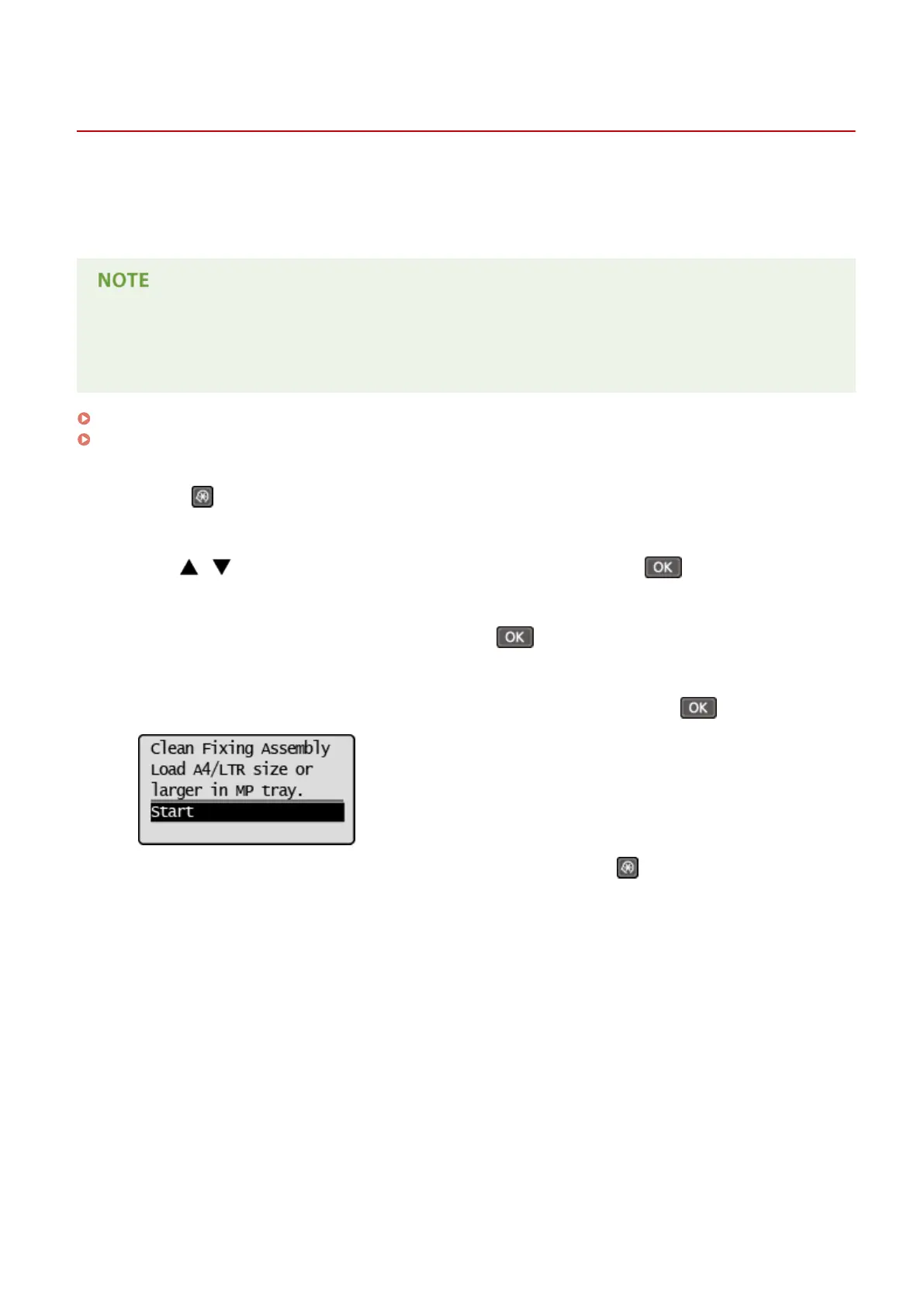
Load paper (A4/LTR or larger) in the manual feed slot, and press .
● After cleaning is completed and the message <Finished.> appears, press to return to the copy mode
screen.
Maintenance
372












 To Next Page