Initializing All Data/Settings
19Y4-070
To make changes to registered data and settings all at once such as when changing the installation location of the
machine, you can delete registered data and initialize all settings ( Setting Menu List(P. 278) ) together at the same
time. You are required to restart the machine after initializing all data/settings.
If a screen for entering a PIN is displayed, enter the PIN with the numeric keys and press . Setting the
System Manager PIN(P. 222)
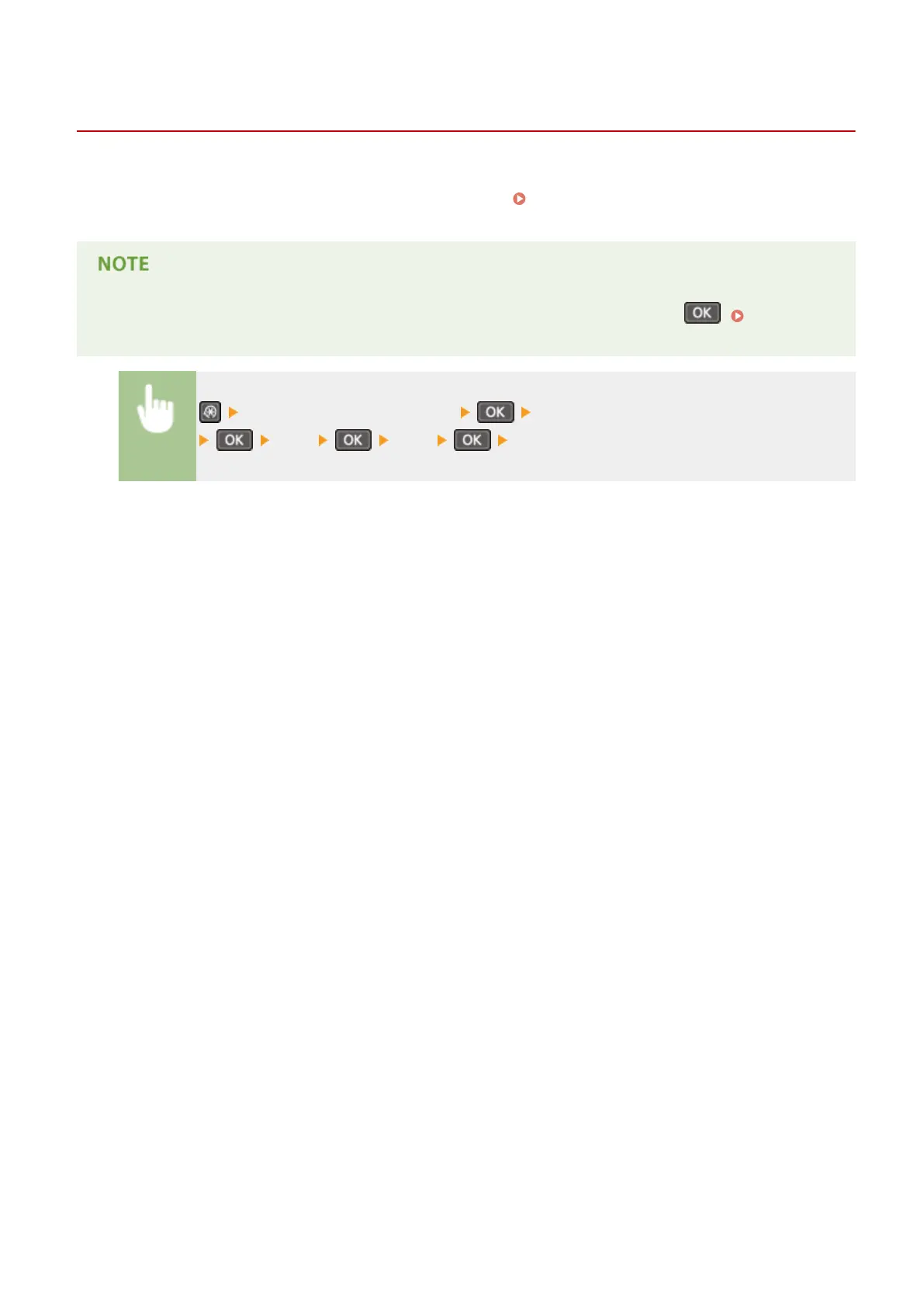
<System Management Settings> <Initialize All Data/Settings>
<Yes> <Yes> Restart the machine.
Maintenance
389












 To Next Page