Network
19Y4-037
The machine has been designed for exibility of use across a variety of environments, and it includes advanced
technologies in addition to basic network features. Do not worry if you are not a network expert, because the machine
has also been designed for convenience and ease of use. Relax and proceed with the network setup one step at a time.
◼
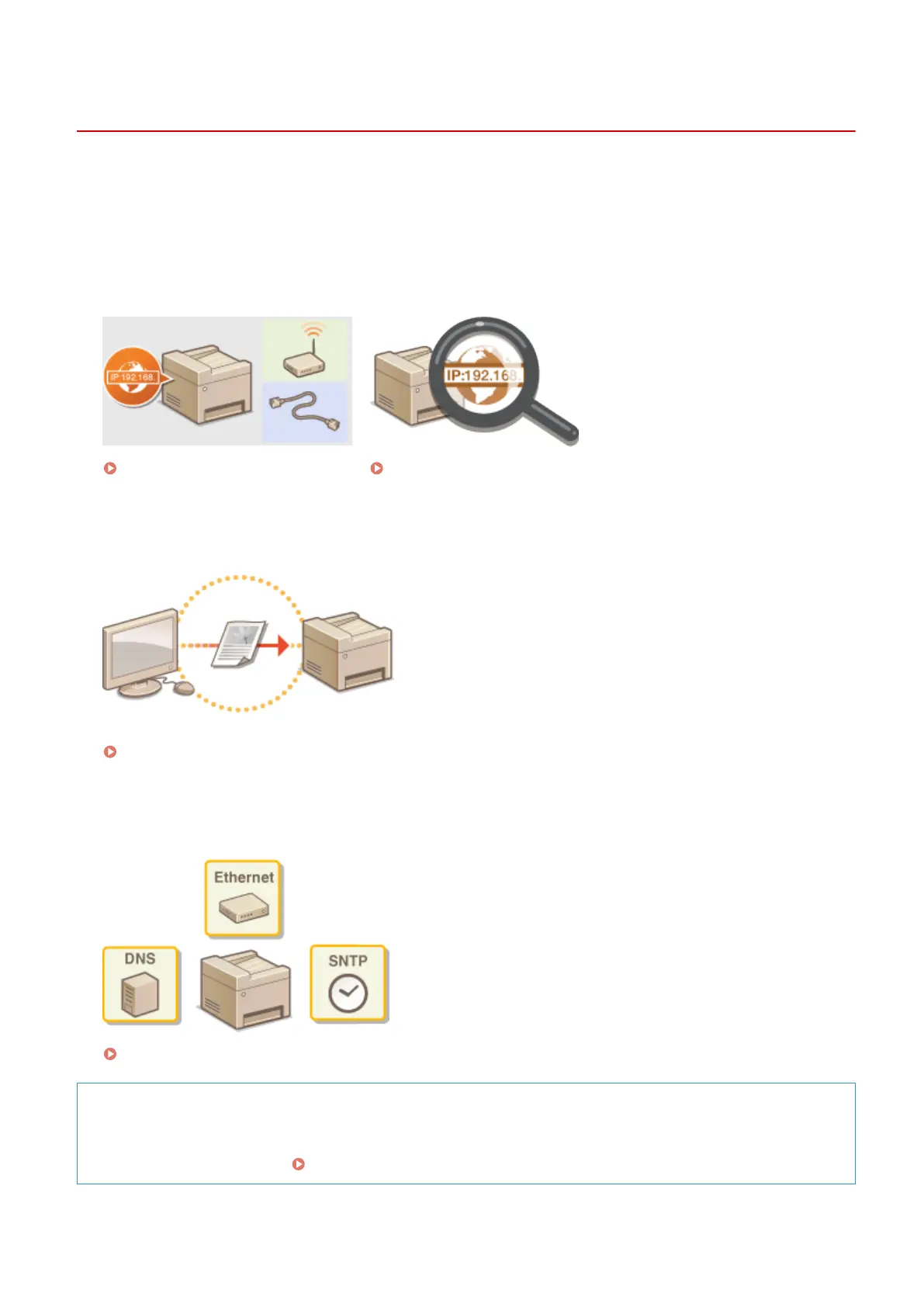
Connecting to a Computer/Viewing the Machine's Network Settings
Connecting to a Network(P. 159) Viewing Network Settings(P. 187)
◼
Conguring or Preparing for Print/Scan Functions
Conguring the Machine for Printing from a Computer(P. 190)
◼
Customizing the Machine for More Convenient Network Experience
Conguring the Machine for Your Network Environment(P. 200)
Direct Connection to a mobile device
● You can directly communicate with the machine from your mobile device without the need to congure
dicult network settings. Make Direct Connection (Access Point Mode)(P. 137)
Network
158












 To Next Page