Using the Machine as a Scanner
19Y4-02H
You can scan original documents by using the operation panel of the machine or an application on a computer.
Whichever way you use, the scanned documents are converted into electronic le formats such as PDFs. Use the scan
function to convert large-volume paper documents into les so that you can organize them easily.
● To use this machine as a scanner, you must complete preparations in advance, including installation of
software to a computer. For more information, see "MF Driver Installation Guide." To connect the machine to
your computer via a network, you must register the machine to the installed software. Preparing to Use
the Machine as a Scanner (P. 122)
● If you are a Mac OS user, see the User's Guide for ScanGear MF for installing the software and for using scan
functions.
● Depending on the operating system and the version of the scanner driver or applications you are using, the
screens in this manual may differ from your screens.
◼
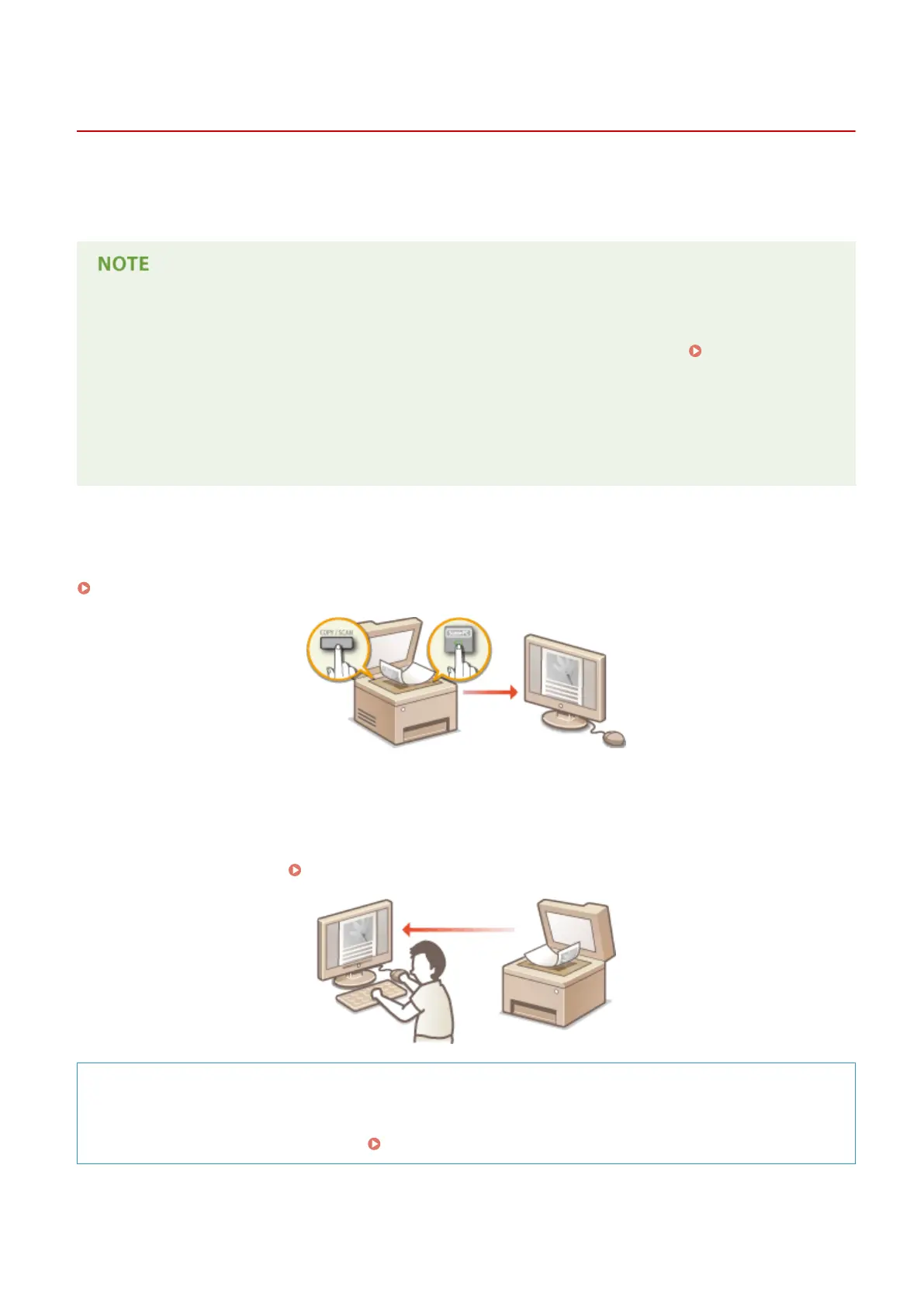
Scanning from the Machine
You can scan and save documents to your computer by using the operation panel of the machine.
Scanning from the Machine(P. 123)
◼
Scanning from a Computer
You can scan documents placed on the machine from a computer. The scanned documents are saved to the computer.
You can scan using MF Scan Utility (included with the machine), or with other applications such as an image-processing
or word-processing application.
Scanning from a Computer(P. 130)
Scanning from Mobile Devices
● Linking mobile devices such as smartphones or tablets to this machine provides a quick and easy way to
scan documents set on this machine. Can Be Used Conveniently with a Mobile Device (P. 135)
Using the Machine as a Scanner
121












 To Next Page