Setting the System Manager PIN
19Y4-04E
Set a System Manager PIN that is intended exclusively for Administrators. You can access <Network Settings>, <System
Management Settings>, etc. only when the PIN has been entered correctly. It is recommended that only
Administrators know the PIN.
1
Press .
2
Use / to select <System Management Settings>, and press .
3
Select <System Manager Information Settings> <System Manager PIN>.
4
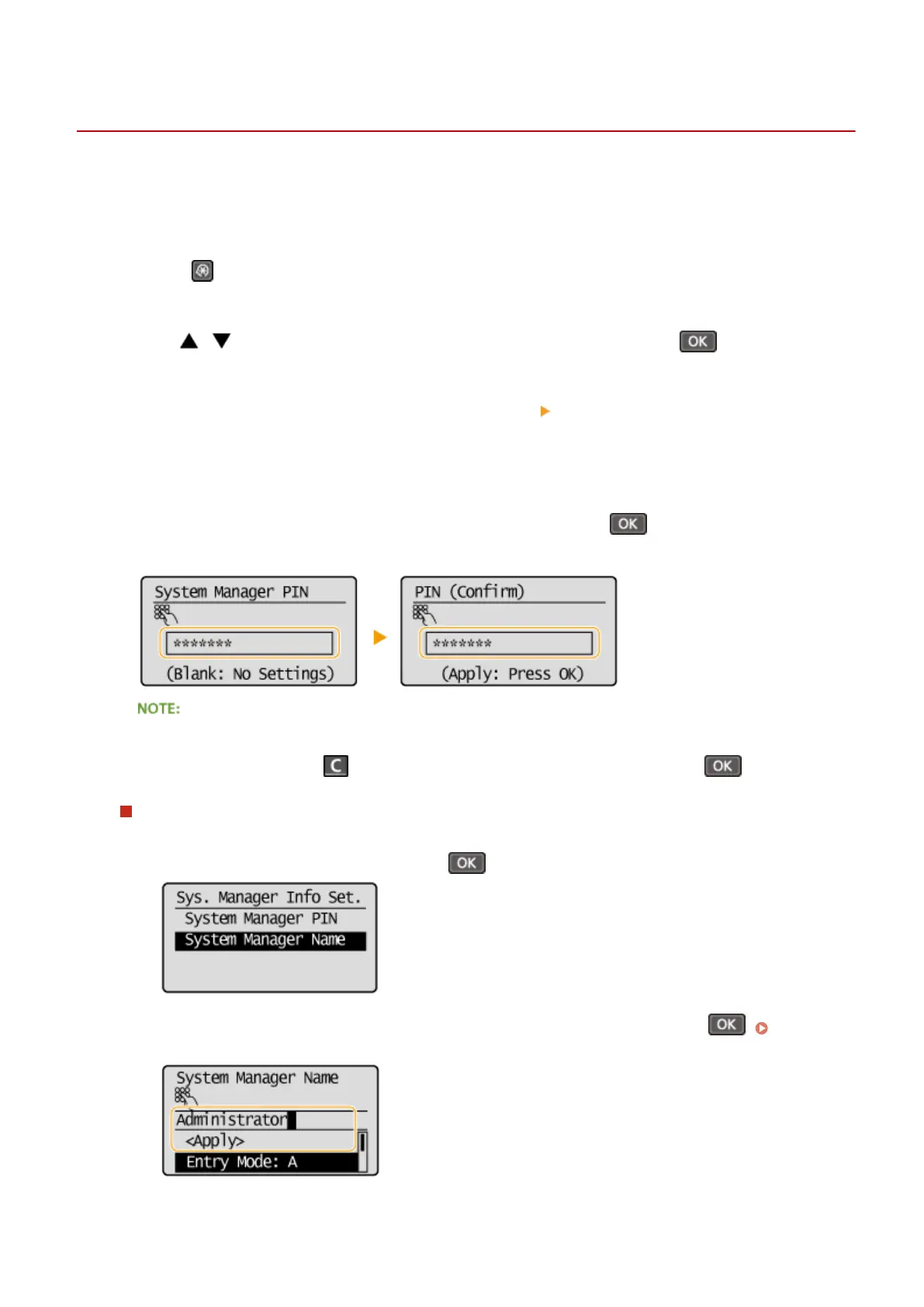
Specify the System Manager PIN.
● Enter a number of up to seven digits using the numeric keys, and press .
● When <PIN (Conrm)> is displayed, enter the PIN once again to conrm.
● You cannot set a PIN that consists only of zeros, such as "00" or "0000000".
● To disable the PIN, press to erase the PIN (leave the text box blank), and press .
Setting the System Manager Name
1
Select <System Manager Name>, and press .
2
Enter up to 32 characters for the System Manager Name, select <Apply>, and press . Entering
Text(P. 31)
Security
222












 To Next Page