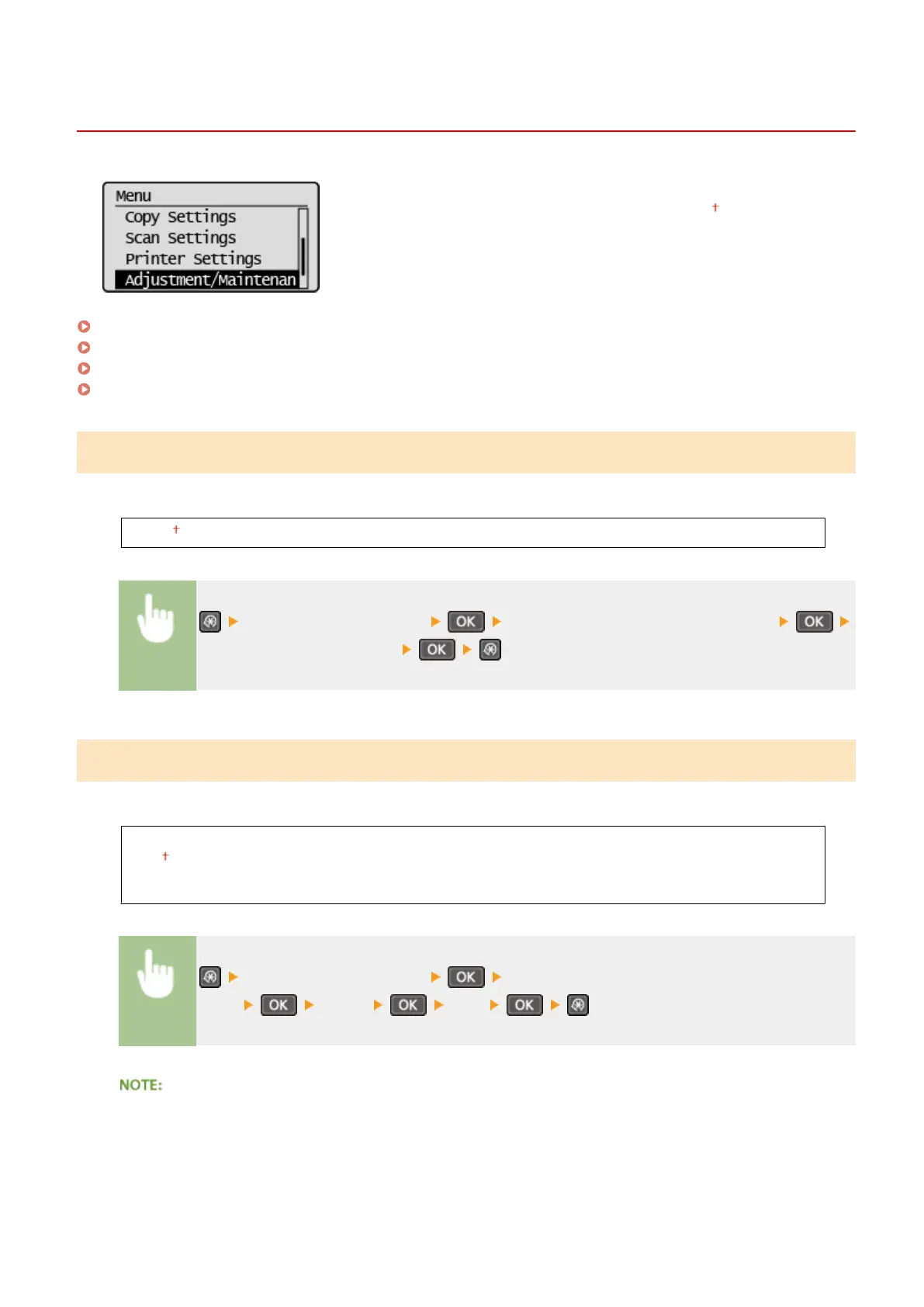
Adjustment/Maintenance
19Y4-05U
All the settings about adjustment and maintenance are listed with short
descriptions. Default settings are marked with a dagger ( ).
Displ. Timing for Cartridge Prep. Notif.(P. 317)
Toner Save(P. 317)
Special Processing(P. 318)
Clean Fixing Assembly (P. 322)
Displ. Timing for Cartridge Prep. Notif.
Set the display timing for the message notifying you that the amount remaining in the toner cartridges is low.
1 to 10 to 99 (%)
<Adjustment/Maintenance> <Displ. Timing for Cartridge Prep. Notif.>
Enter the toner cartridge level
Toner Save
Select whether to reduce toner consumption when copying.
Copy
Off
On
<Adjustment/Maintenance> <Toner
Save> <Copy> <On>
When set to <On>
Fine lines and portions with lighter print density may become blurred.
Setting Menu List
317












 To Next Page