Special Processing
If the print results on special types of paper are not satisfactory, the following settings may improve the quality of the
printouts.
Special Printing Mode U
If toner appears splattered around text and patterns in a printout, select <On>.
Off
On
<Adjustment/Maintenance> <Special Processing> <Special Printing
Mode U> <On>
When set to <On>
Print quality can be affected by the type of paper (especially lightweight paper) and the printing environment
(especially high humidity).
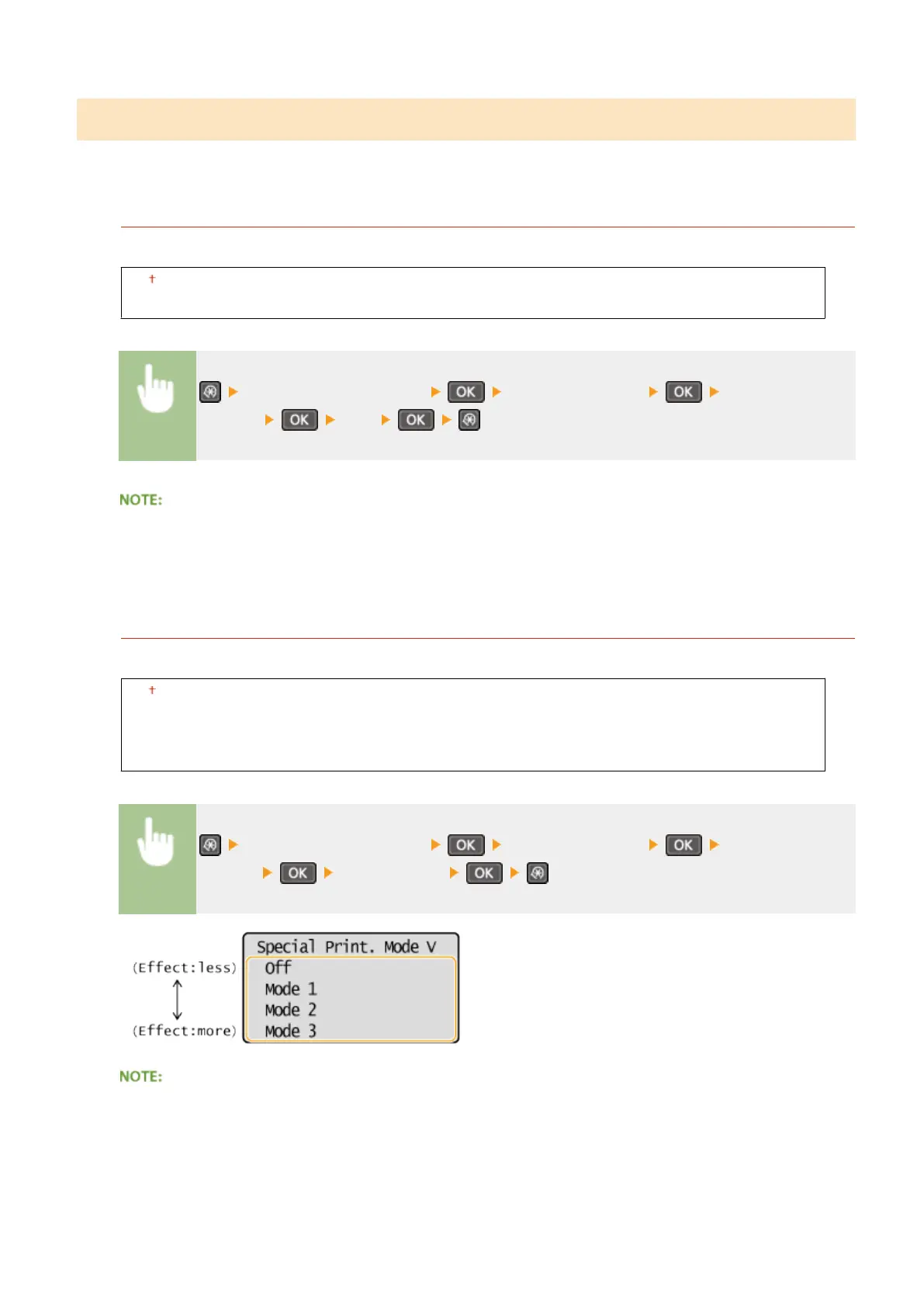
Special Printing Mode V
Adjust this setting if the print paper curls or wrinkles.
Off
Mode 1
Mode 2
Mode 3
<Adjustment/Maintenance> <Special Processing> <Special Printing
Mode V> Select the mode
To enable the setting
This setting is enabled in the following conditions.
● The paper size is set to <B5>, <A5>, <STMT>, or <EXEC>
Setting Menu List
318












 To Next Page