● <Paper Type> is set to <Plain (16 lb Bond-23 lb Bond)>, <Plain L (16 lb Bond-23 lb Bond)>, <Recycled (16 lb
Bond-23 lb Bond)>, <Color (16 lb Bond-23 lb Bond)>, or <Envelope>
After the setting is enabled
Print speed is slower.
Special Printing Mode X
Adjust this setting if streaks adhere to the print paper.
Off
Mode 1
Mode 2
Mode 3
Mode 4
<Adjustment/Maintenance> <Special Processing> <Special Printing
Mode X> Select the mode
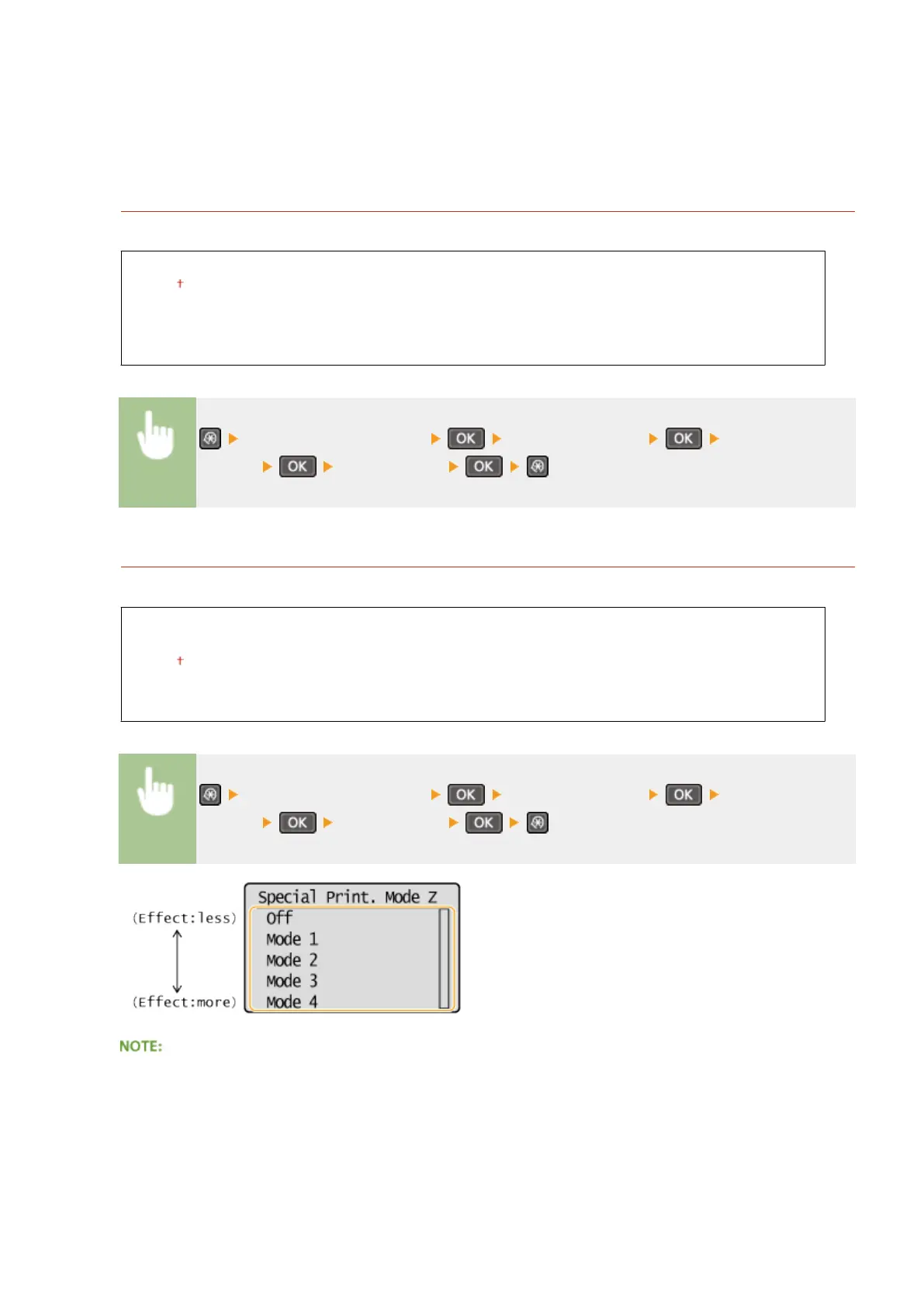
Special Printing Mode Z
Adjust this setting if streaks adhere to the print paper output when copying.
Off
Mode 1
Mode 2
Mode 3
Mode 4
<Adjustment/Maintenance> <Special Processing> <Special Printing
Mode Z> Select the mode
After the setting is changed
By specifying <Off> or <Mode 1>, streaks may adhere to the print paper. By specifying <Mode 3> or <Mode 4>,
outlines may be blurred or images may appear somewhat grainy. The print density becomes lighter as the
setting progresses from <Off> to <Mode 4>.
After printing from a smartphone or tablet
Setting Menu List
319












 To Next Page