Conguring Print Settings to Your Needs
19Y4-02C
You can register combinations of settings as "Proles" to suit your different printing needs. Also, you can register the
settings that you frequently use as the default setting. Once the default setting is set, the registered settings are
automatically displayed on the printer driver screen, and you can skip the operations to specify the print settings and
print immediately.
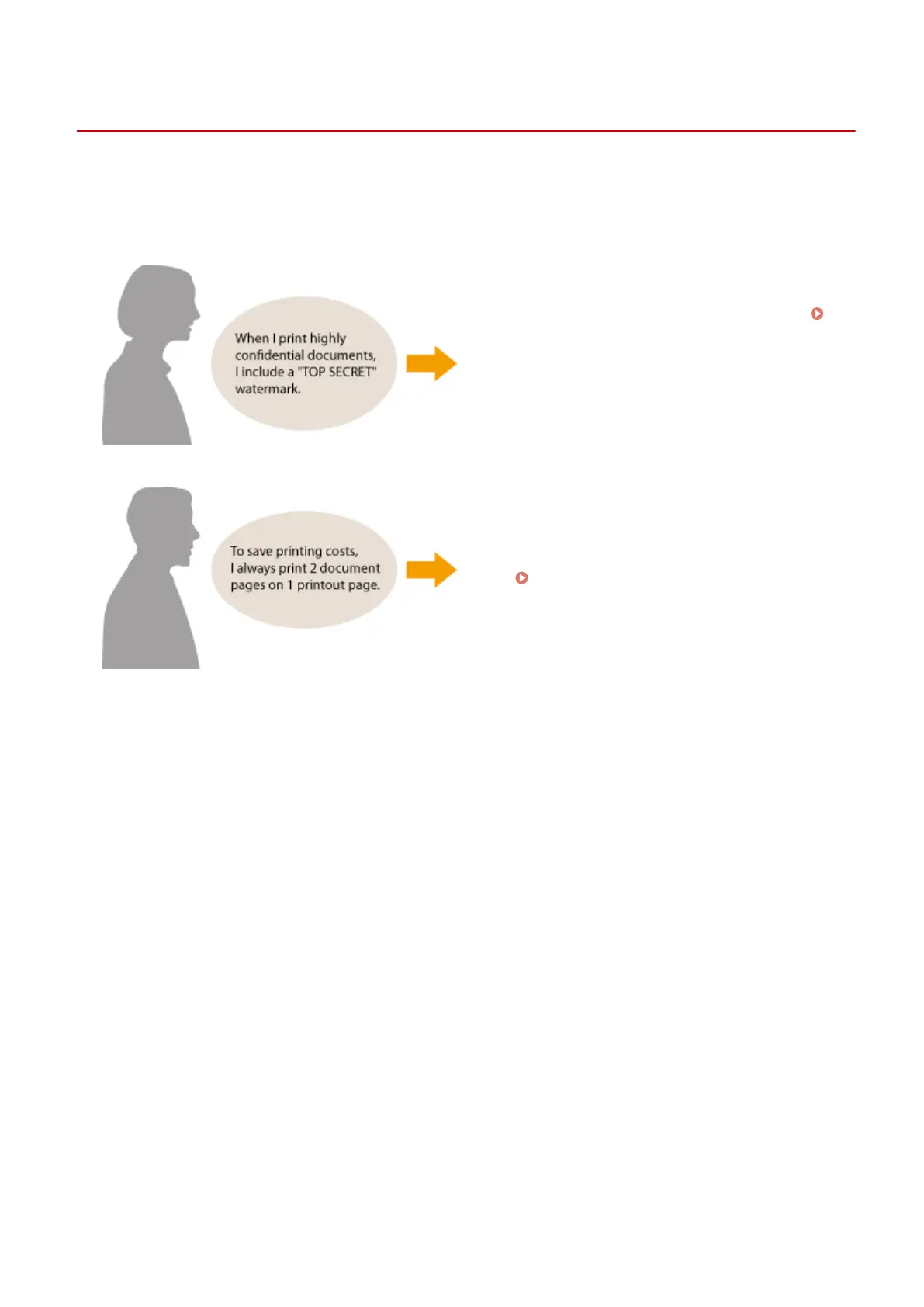
Specify "TOP SECRET" for a watermark and register it as a
"Prole." Just select this "Prole" when you need it.
Registering Combinations of Frequently Used Print
Settings(P. 116)
Specify [2 on 1] as the user default in the printer driver.
The next and following print jobs will be performed so
that each two pages are shrinked and printed on one
page. Changing Default Settings(P. 118)
Using the Machine as a Printer
115












 To Next Page