Paper Is Fed Incorrectly
19Y4-067
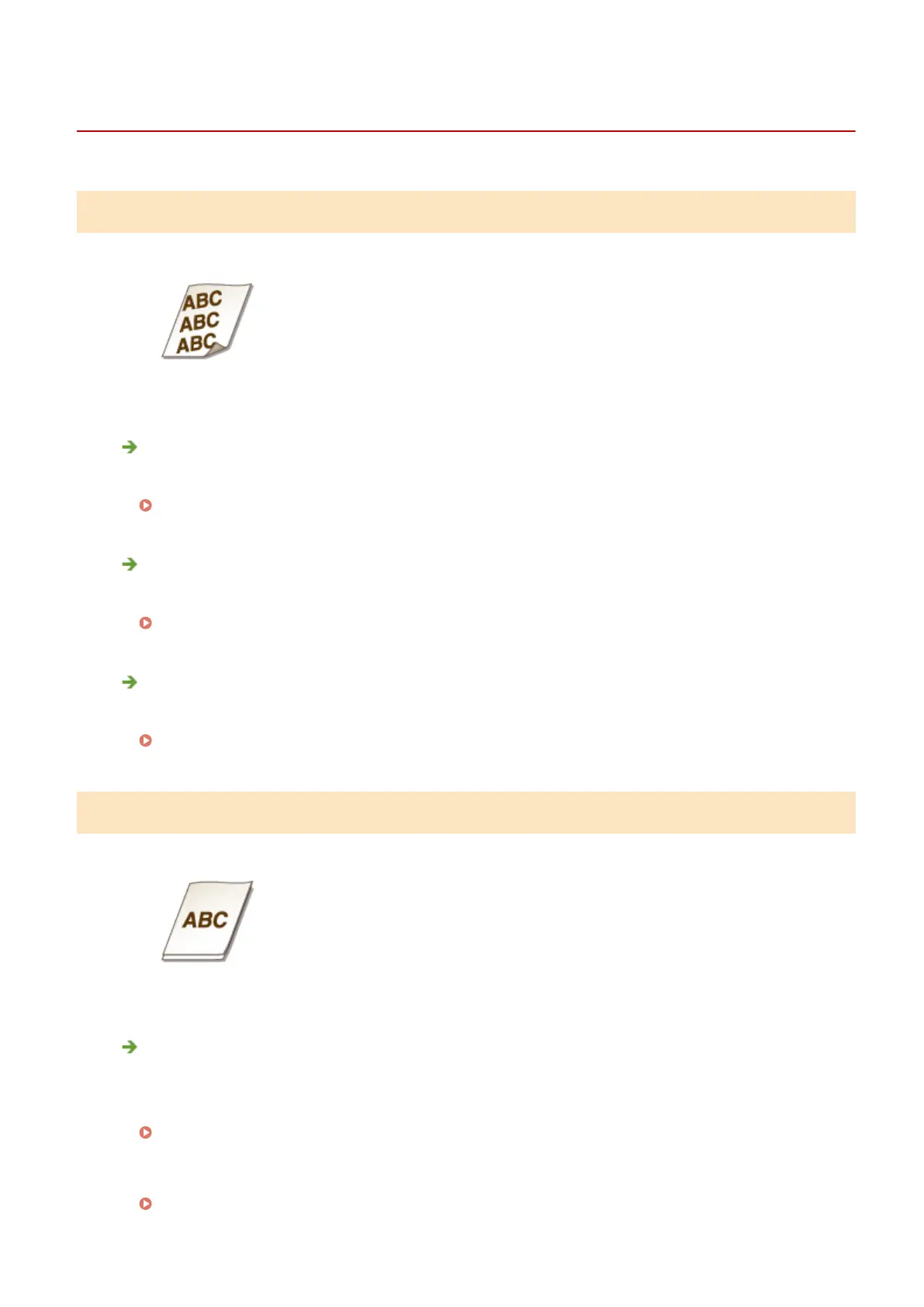
Printouts Are Skewed
Do the paper guides align with the edges of the paper?
● If the paper guides are too loose or too tight, the printouts are skewed.
Loading Paper(P. 36)
Is the paper source the manual feed slot?
● Load the paper into the paper drawer.
Loading Paper in the Paper Drawer(P. 38)
Are you printing on curled envelopes?
● Uncurl the envelopes, and print again.
Loading Envelopes(P. 43)
Paper Is Not Fed/Two or More Sheets Are Fed Together
Is paper loaded correctly?
● Fan the paper stack thoroughly so that paper is not stuck together.
● Check whether paper is loaded correctly.
Loading Paper(P. 36)
● Check whether the number of sheets of paper loaded is appropriate and whether the appropriate paper is
used.
Paper(P. 408)
Troubleshooting
364












 To Next Page