● To connect to an IEEE 802.1X network, see Conguring IEEE 802.1X
Authentication(P. 245)
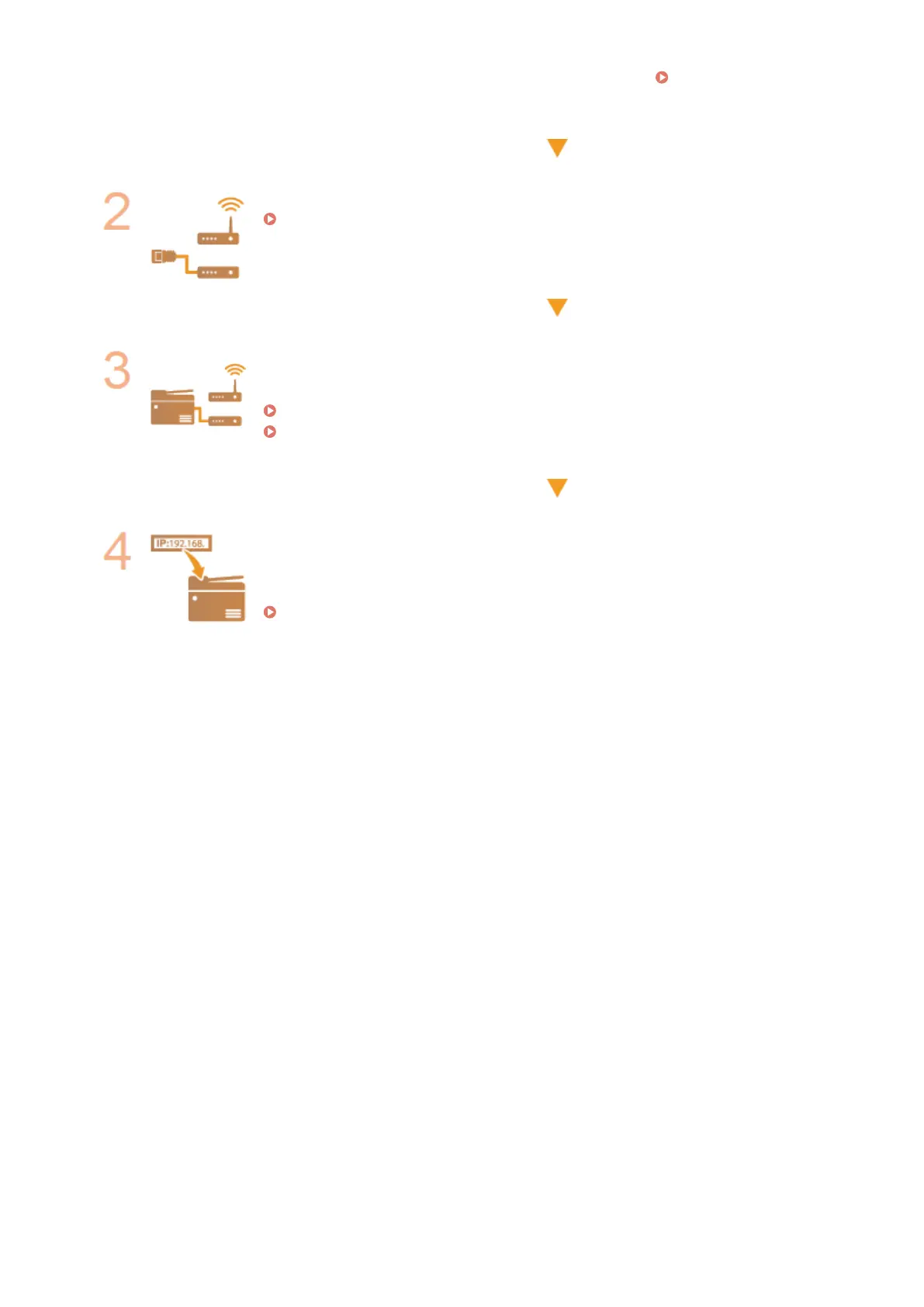
Select wired or wireless LAN.
Selecting Wired LAN or Wireless LAN(P. 161)
Connect to a wired or wireless LAN.
● Proceed to the section that corresponds to the setting you selected in step 2.
Connecting to a Wired LAN(P. 162)
Connecting to a Wireless LAN(P. 163)
Set the IP address as necessary.
● This step is required when you want to assign a specic IP address to the machine or
change the dynamic IP addressing protocol from the default DHCP.
Setting IP Addresses(P. 180)
Network
160












 To Next Page