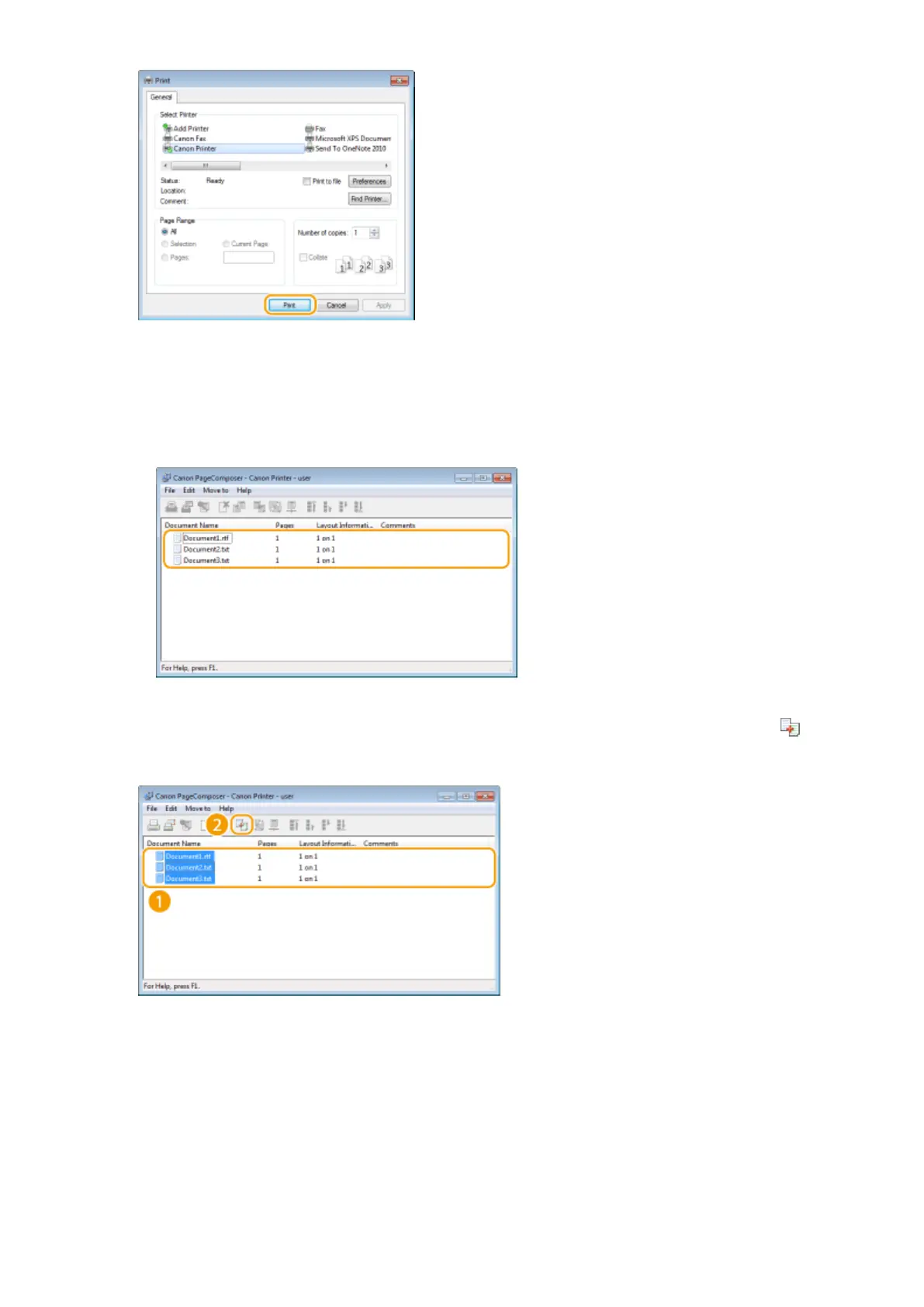
➠ The Canon PageComposer starts. Printing does not start in this step.
5
Repeat steps 1 to 4 for the documents you want to combine.
➠ The documents are added to the Canon PageComposer.
6
From the [Document Name] list, select the documents to combine, and click .
● To select multiple documents, click the documents while holding down [SHIFT] key or [CTRL] key.
7
Change the settings as necessary, and click [Combine].
● The documents selected in step 6 are combined.
Using the Machine as a Printer
112












 To Next Page