5
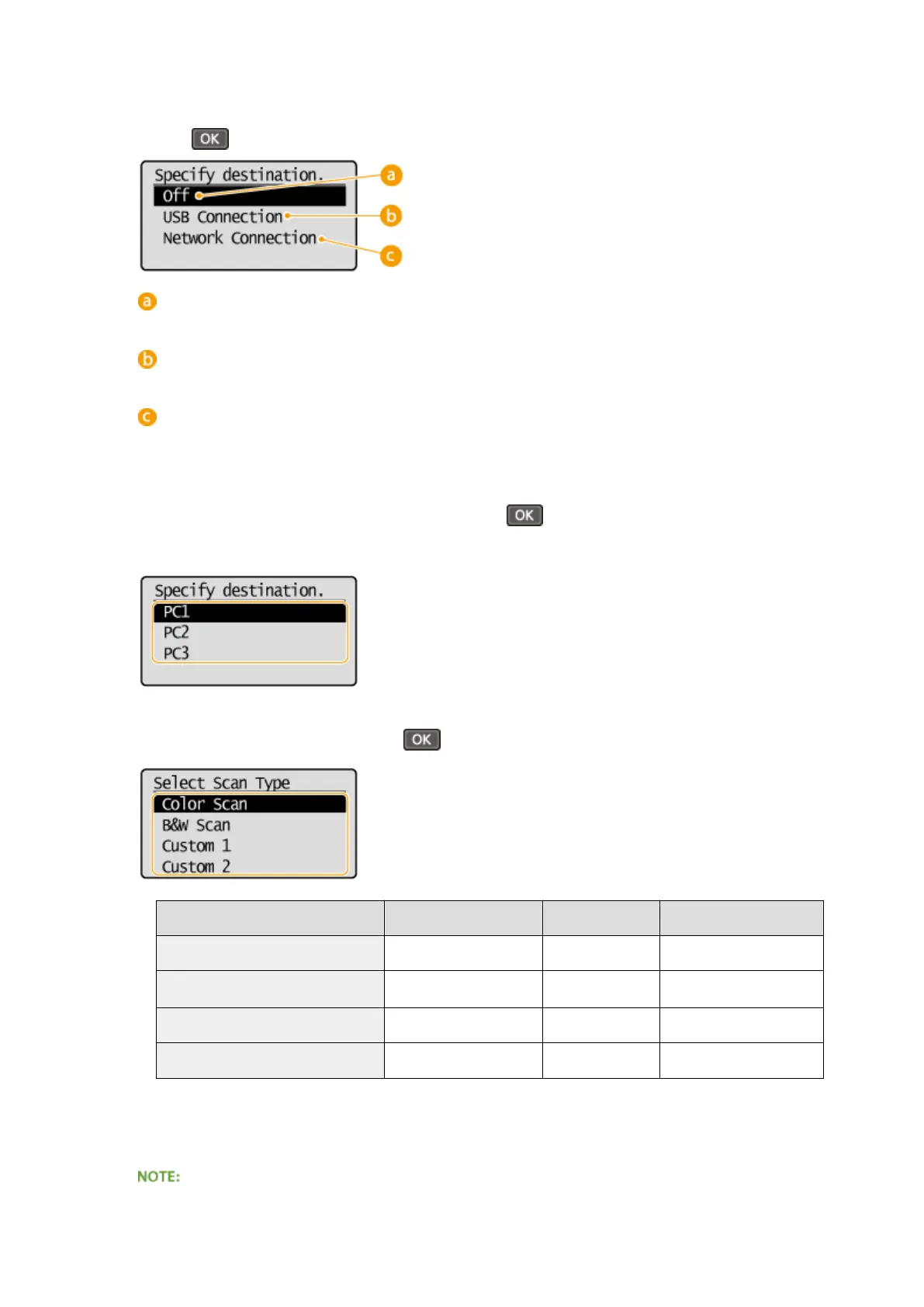
Select the type of connection that is used between the machine and computer, and
press
.
<Off>
Select this setting to erase registered settings.
<USB Connection>
Select this setting if the machine and computer are connected via USB.
<Network Connection>
Select this setting if the machine and computer are connected via a network.
6
Select the destination computer, and press .
● This screen is not displayed if you select <USB Connection> in step 5.
7
Select the scan type, and press .
Scan type Color Resolution File format
<Color Scan> Color 300 dpi JPEG (Exif)
<B&W Scan>
Black and white
*1
300 dpi
PDF (searchable
*2
)
<Custom 1> Color 300 dpi JPEG (Exif)
<Custom 2> Color 300 dpi JPEG (Exif)
*1
Documents are scanned in black and white only, with no intermediate shades of gray.
*2
A PDF format where characters on the document are scanned as text data and the text can be searched using a computer.
To change settings
Using the Machine as a Scanner
127












 To Next Page