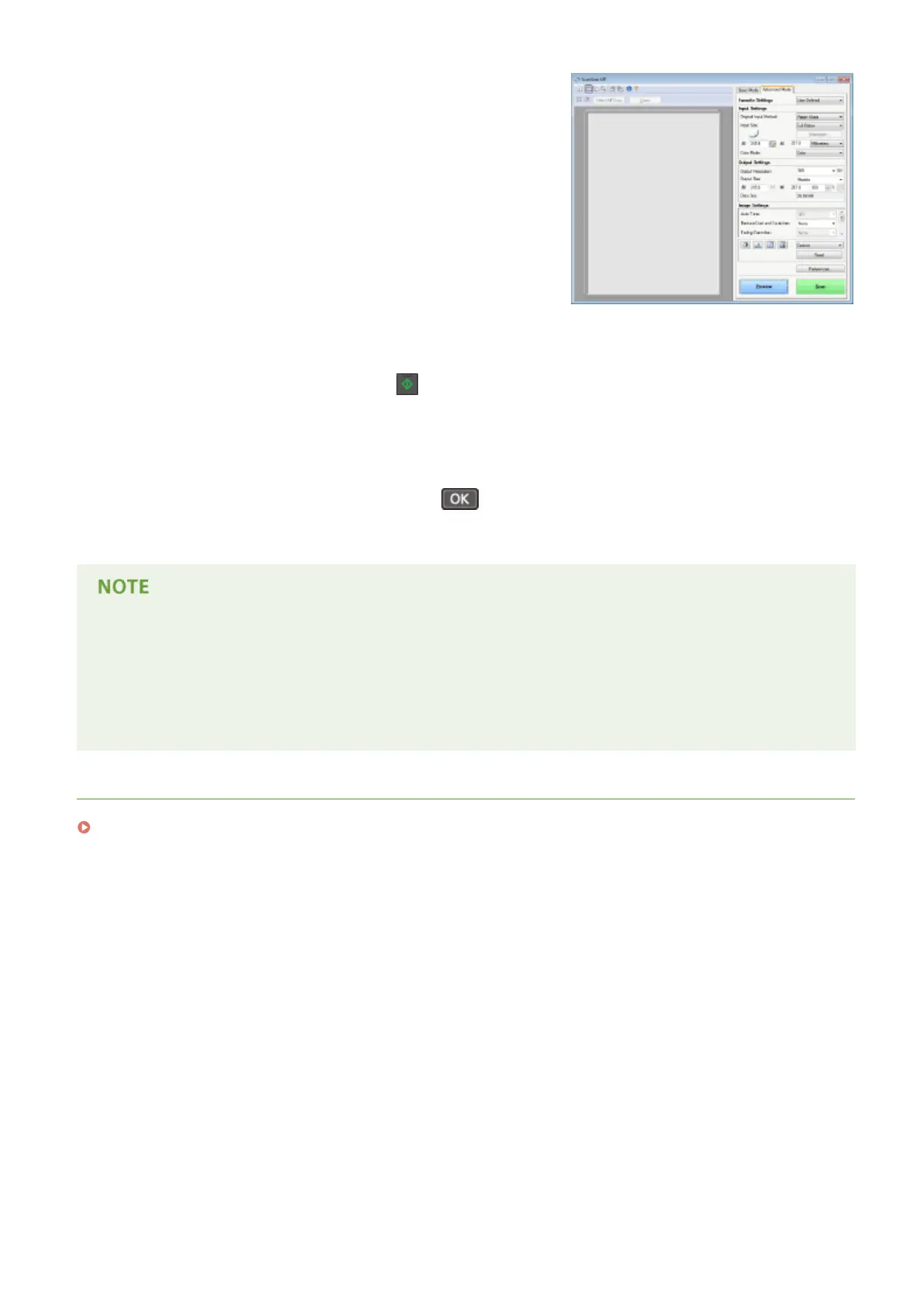
You cannot scan while the ScanGear MF is displayed. Close the
screen before scanning.
3
If there are additional pages of documents to be scanned, place the next document
on the platen glass, and press
.
● Repeat this step until you nish scanning all of the pages.
● When there is only one page to be scanned, proceed to the next step.
4
Select <Finish Scanning>, and press .
● The save destination folder is displayed on the computer.
About the save destination folder
● By default, the scanned data is saved to the [My Documents] folder. A subfolder named with the scanning
date is created, and the data is saved to that folder.
● You can change the save destination from MF Scan Utility. For more information, click [Instructions] on MF
Scan Utility.
LINKS
Scanning from the Machine(P. 123)
Using the Machine as a Scanner
129












 To Next Page