Direct Connection Settings
Congure settings for Direct Connection. After conguring settings, you can connect to the machine directly and
wirelessly from a mobile device even without an access point or wireless LAN router.
Use Direct Connection
Select whether to use Direct Connection. You can select <Direct Connection Only> or <Wireless LAN/Direct Conn.
(Auto Switch)> when <Use Direct Connection> is set to <On> while the Wirelss LAN connection is enabled.
Make Direct Connection (Access Point Mode)(P. 137)
Off
On
Direct Connection Only
Wireless LAN/Direct Conn. (Auto Switch)
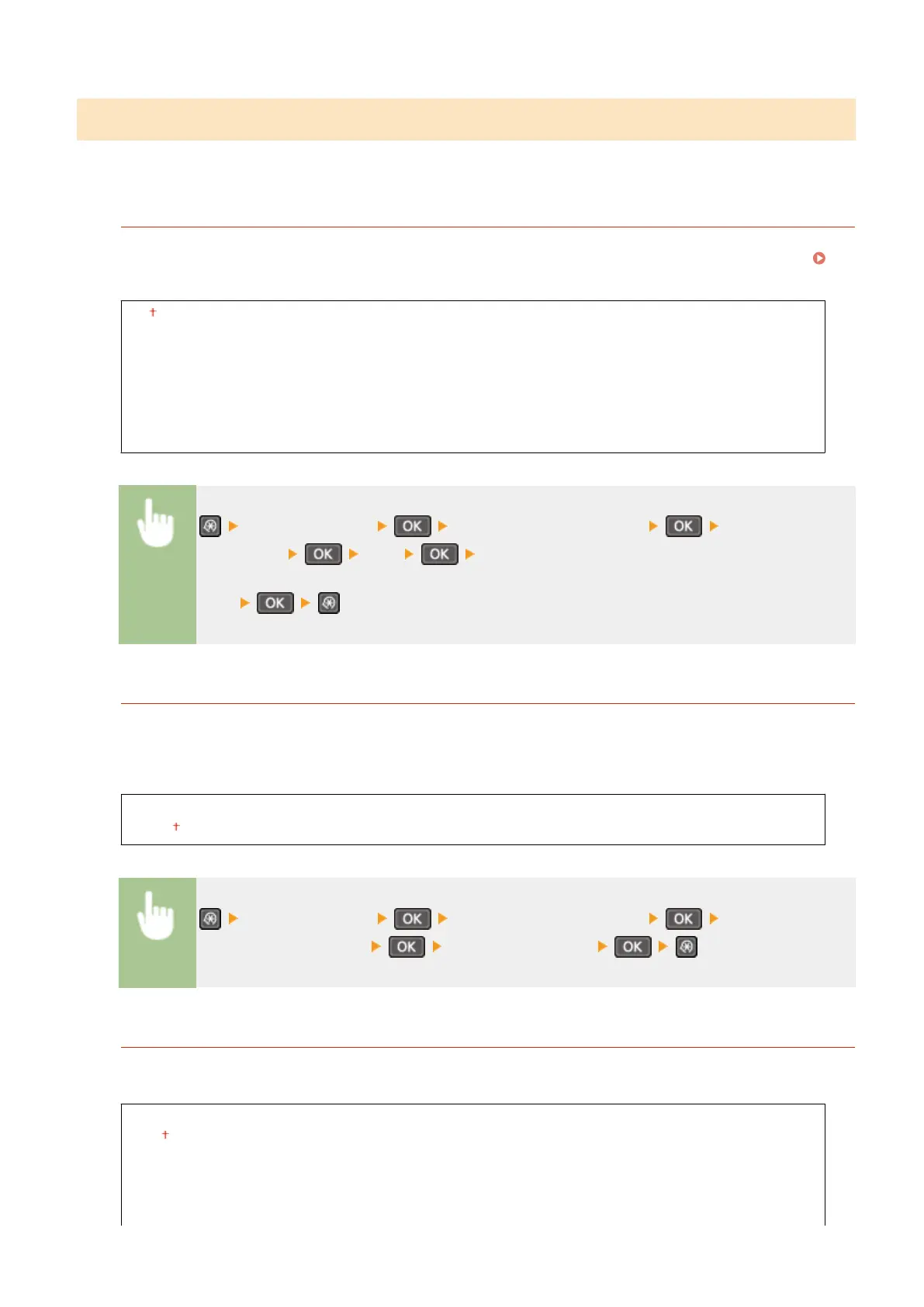
<Network Settings> <Direct Connection Settings> <Use Direct
Connection> <On> Select <Direct Connection Only> or <Wireless LAN/Direct
Conn. (Auto Switch)> when <Wireless LAN> is selected in <Select Wired/Wireless
LAN>
Time Until Direct Connection Termination
Set the time that the machine exits Direct Connection mode automatically. Can be set when <Use Direct
Connection> is <On>. Once the time set in <Time Until Direct Connection Termination> is reached,
communication between the machine and a mobile device is discontinued. Before starting a large print job, you
should set a long delay time or set the delay time to <0> (Off).
0 (Off)
1 to 10 to 60 (min.)
<Network Settings> <Direct Connection Settings> <Time Until Direct
Connection Termination> Set time to disconnect
Access Point Mode Settings
To make detailed settings, such as authentication and encryption, enter an SSID and network key to congure
settings. Can be set when <Use Direct Connection> is <On>.
Use Custom SSID
Off
On
SSID (1-20 Characters)
Setting Menu List
282












 To Next Page